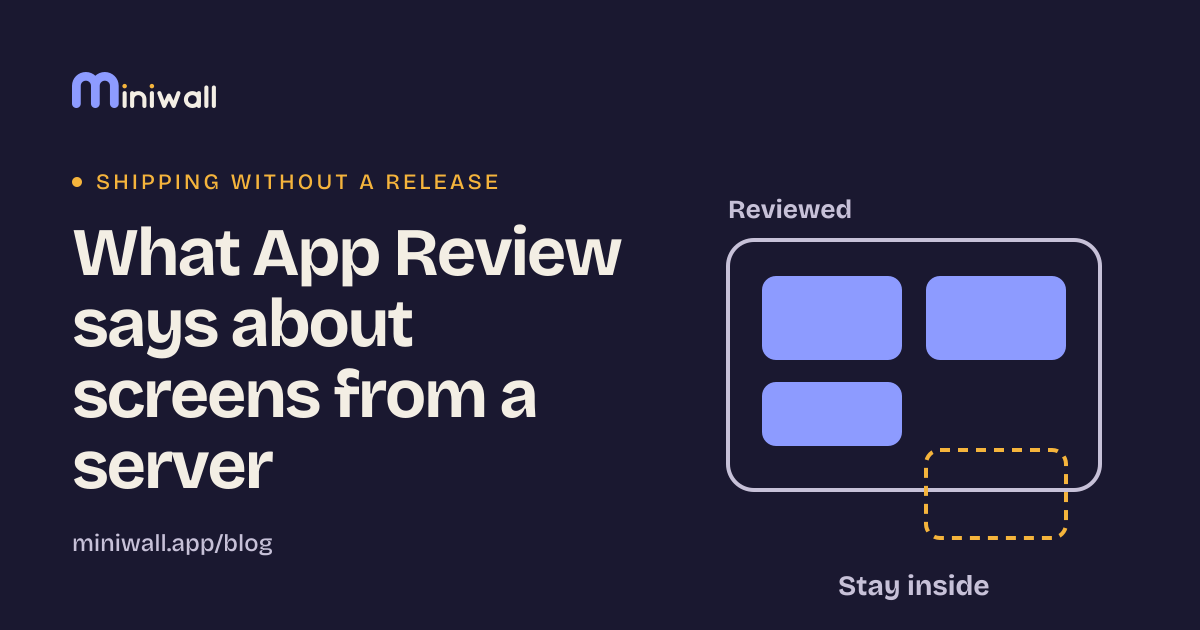
What App Review says about screens from a server
Apple's rules name downloaded code and hidden features, not server-drawn screens. What the text says, what to tell reviewers, and what we'd never do.
Apple's rules name downloaded code and hidden features, not server-drawn screens. What the text says, what to tell reviewers, and what we'd never do.
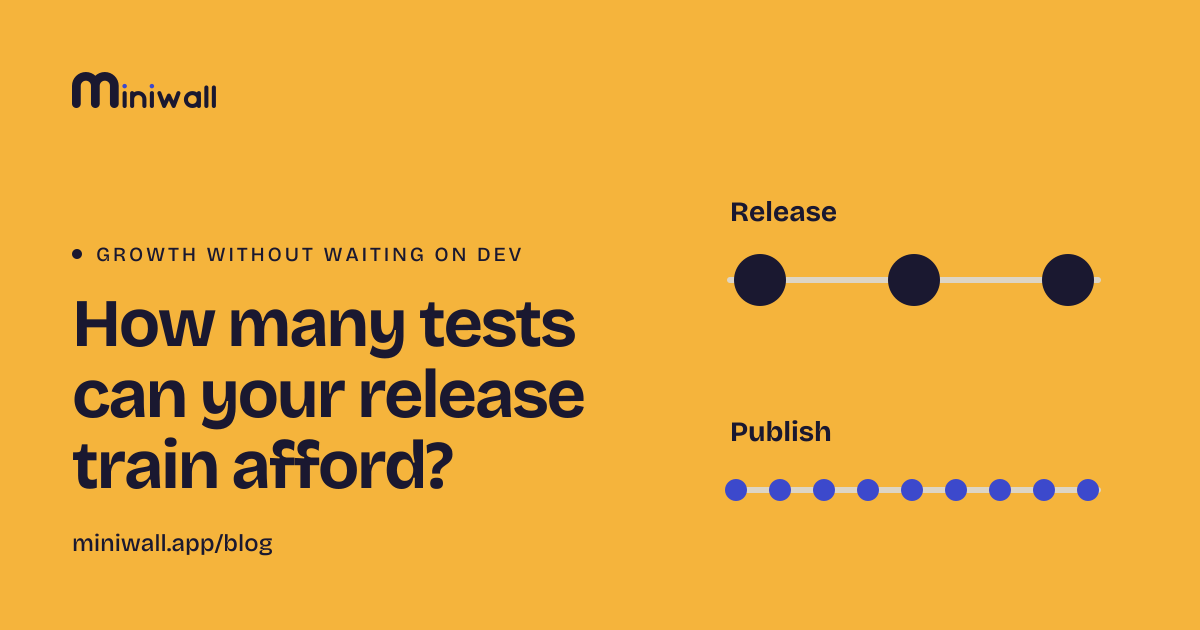
A test takes several changes, and each change waits for a release. Count how many tests your calendar allows, and which ones to move off the train.
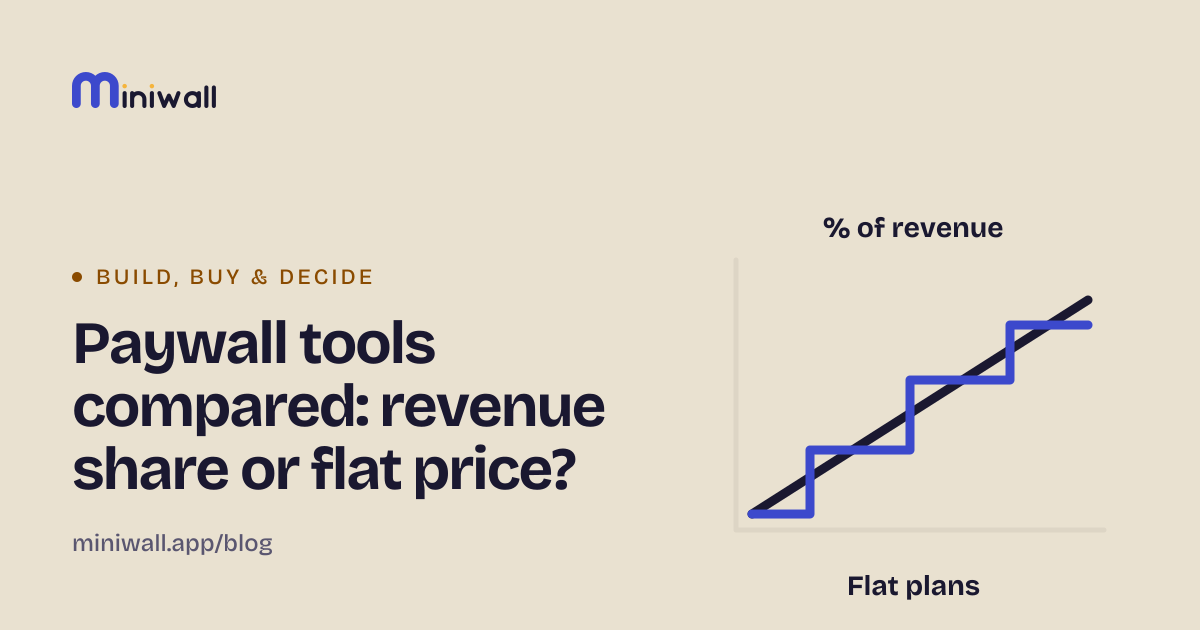
Superwall, RevenueCat, Adapty and Miniwall charge in different ways. What each model does to your bill, what each tool is for, and when not to pick ours.
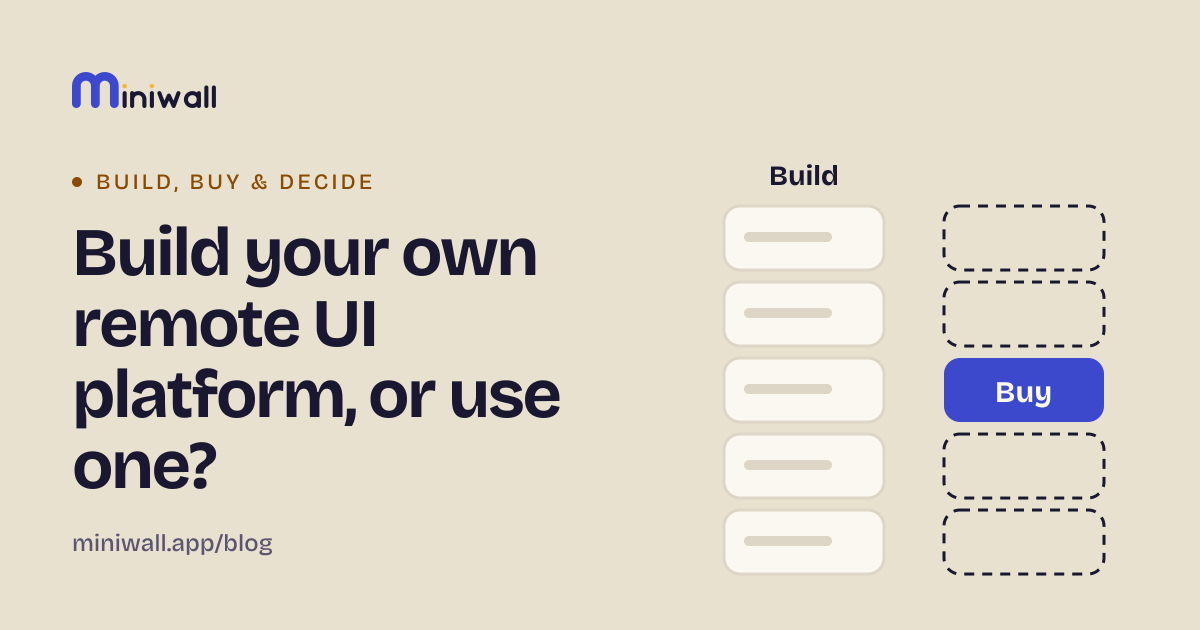
What an in-house remote UI platform really includes, what you rent when you buy one, and the questions to ask either way. Written by a vendor.
Changes that skip the release need their own rules. Tier the changes, decide who approves each, plan the way back, and rehearse it.
Waiting for a release costs more than the days on the calendar. A way to price the wait with your own numbers, and which changes are worth moving.
Moving screens out of the release is a bet. Four measures to check it, a way to read them honestly, and the signs that it isn't working.
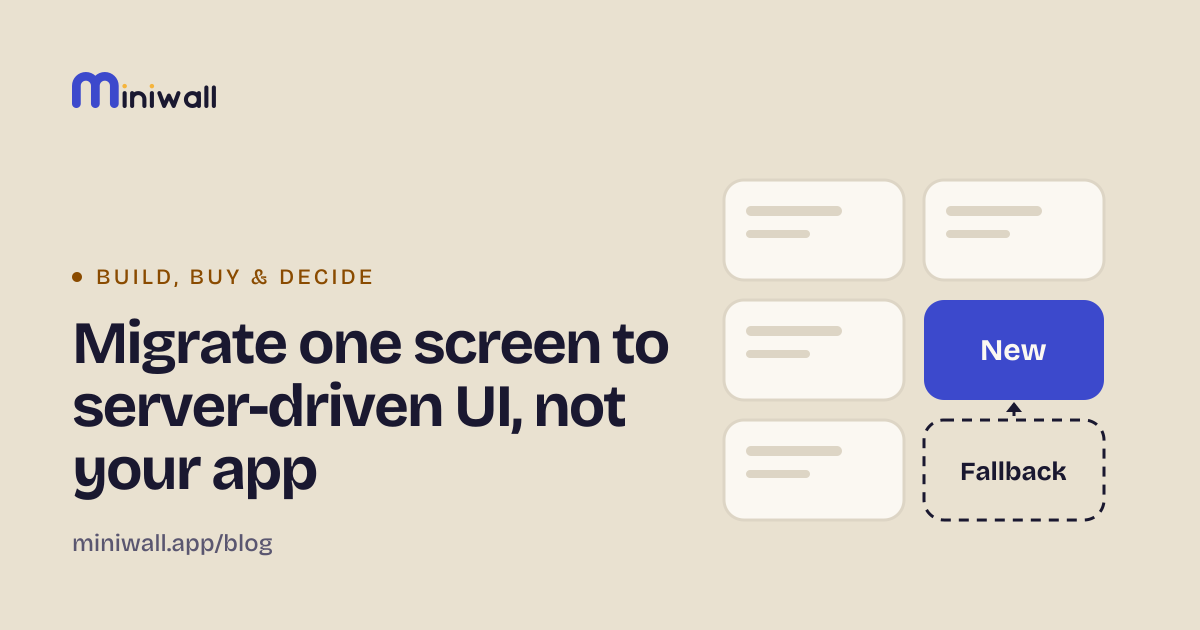
A low-risk way to start: move one screen that changes often, ask for it by name, and keep the old native screen as the way out.
A screen your server describes is input your app didn't write. Seven checks for links, text, fonts, size and keys, plus questions for a security review.
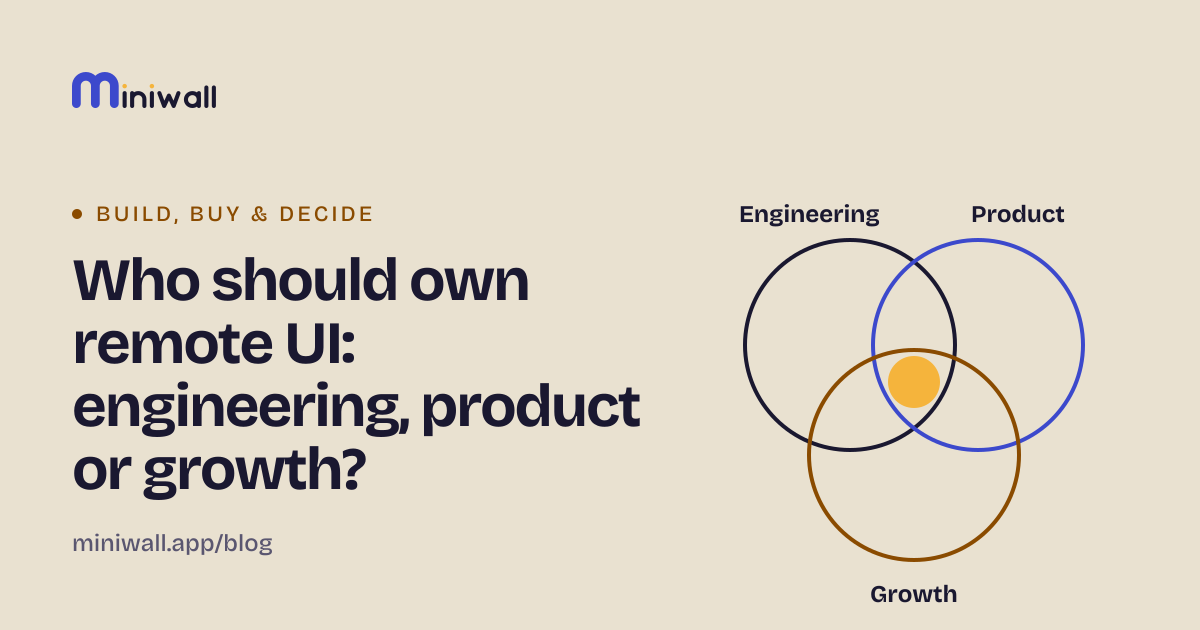
Owning remote UI is four decisions, not one. A way to split them between engineering, product and growth, and what goes wrong when nobody does.
A failed payment isn't a cancellation. What a screen can do about it (one calm notice, a link to your billing page), and what it can't.
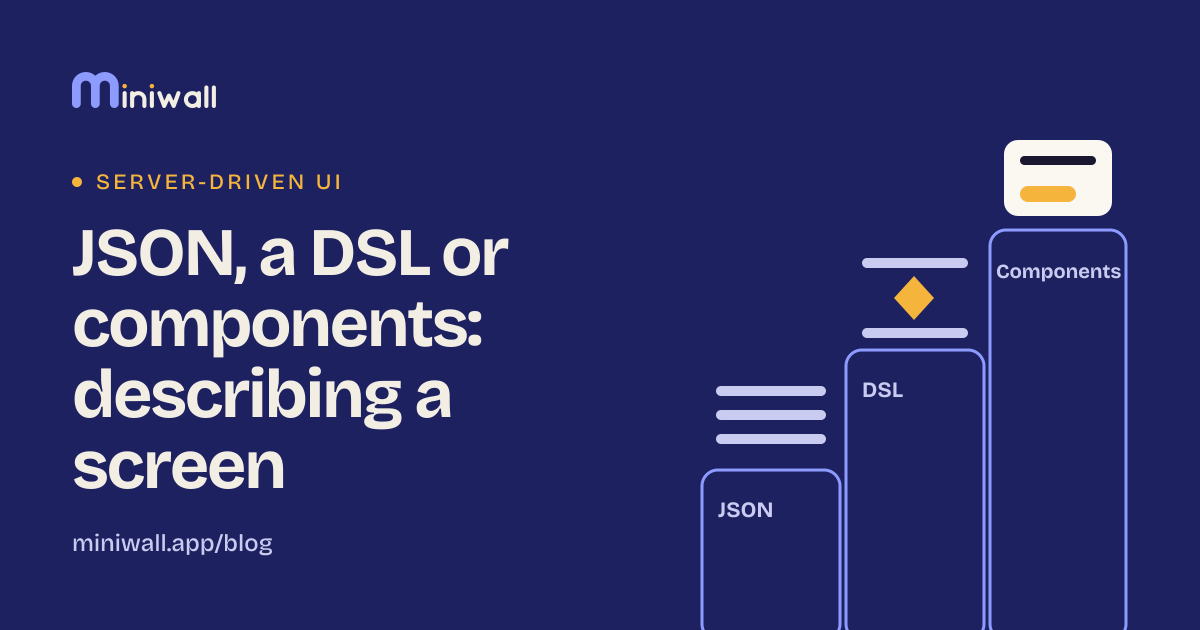
Three ways to describe a screen from a server: plain JSON, a small language with logic, or fixed components. What each costs and when each wins.
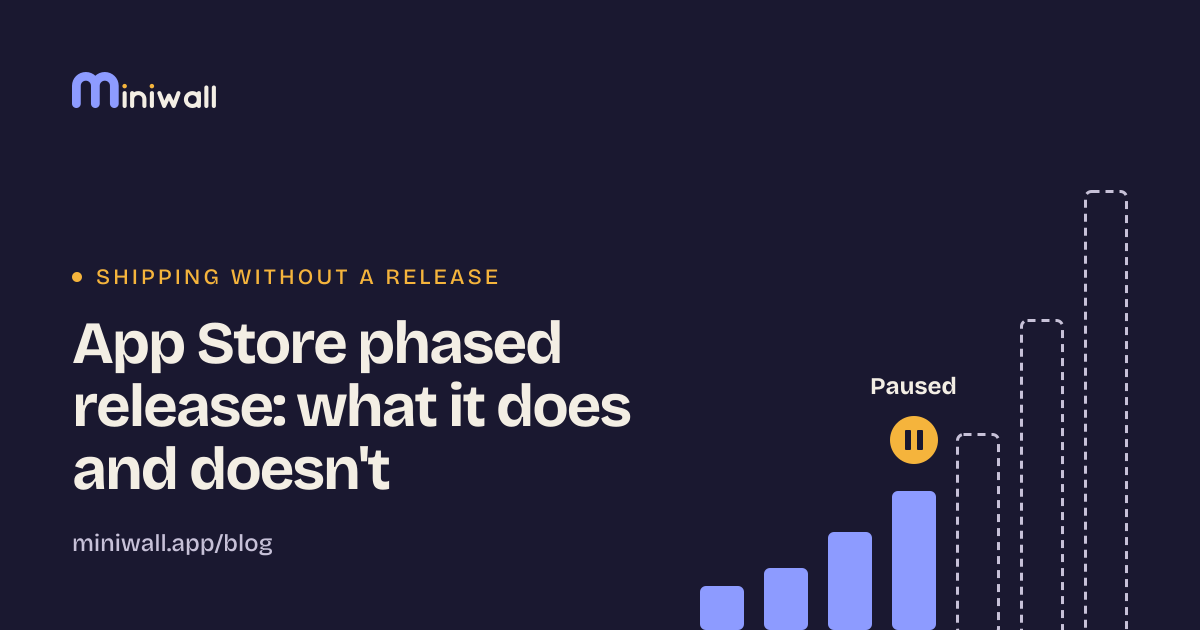
Apple's phased release spreads an update over seven days and can be paused. It can't recall installs, cover the web, or change shipped content.
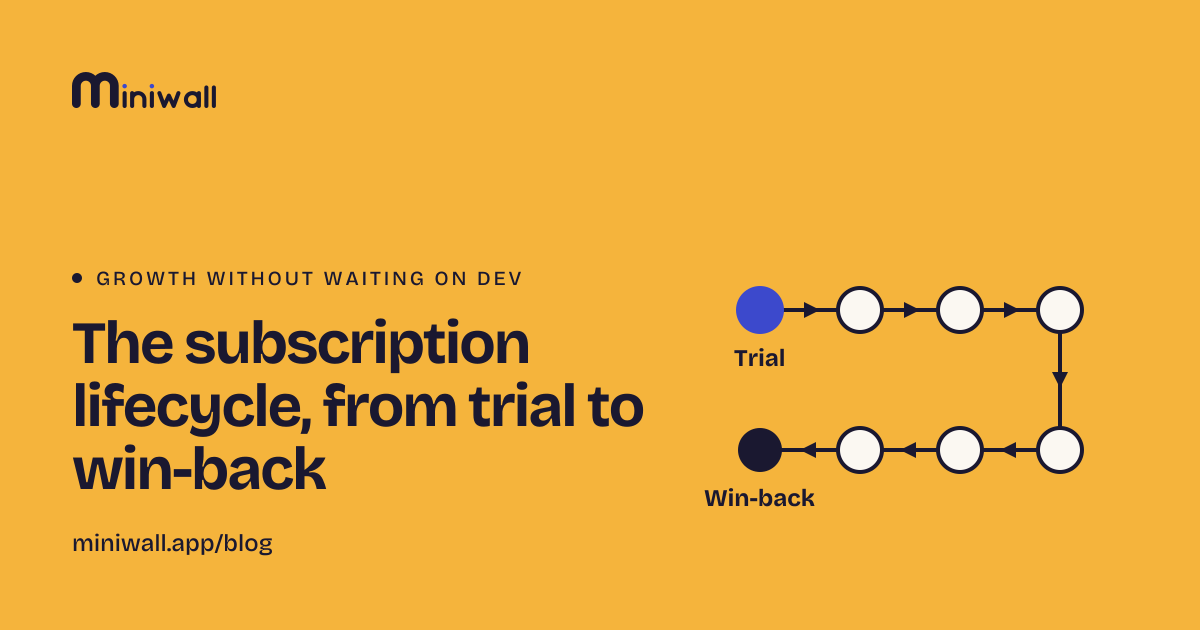
Eight stages from first paywall to win-back: what the user is deciding, which screen fits, which to skip, and where a small team should start.
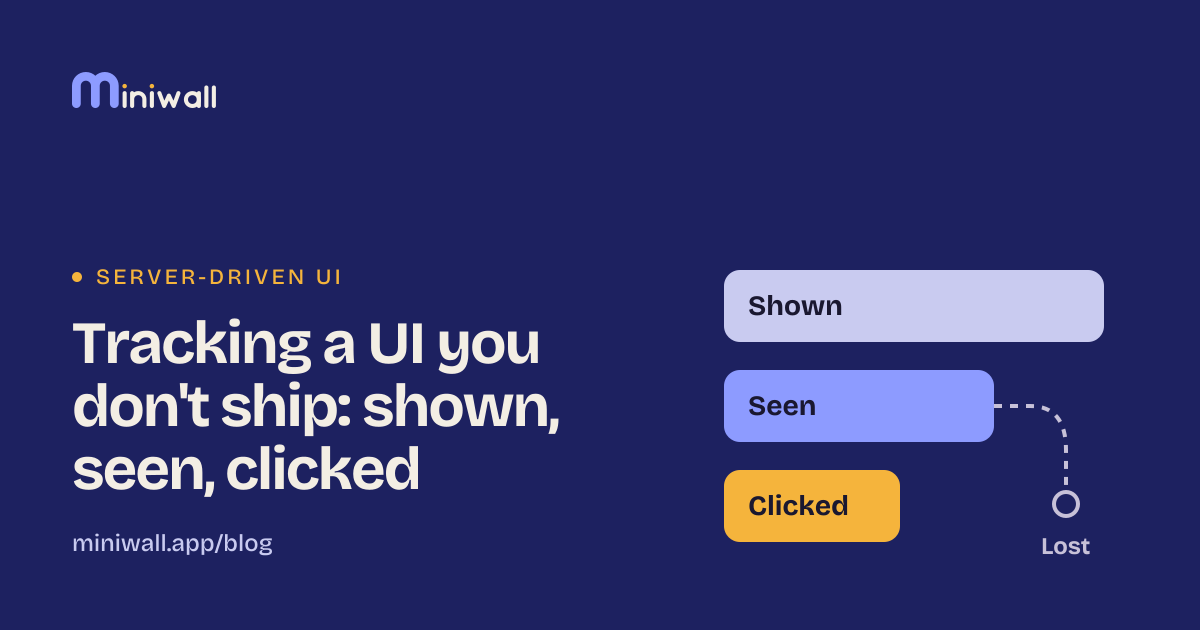
When a server draws the screen, your app can't assume what was shown. How shown, seen and clicked differ, and where events get lost.
Five cases where server-driven UI costs more than it saves: rare changes, heavy interaction, hot paths, version-exact flows, no owner. A test for each.
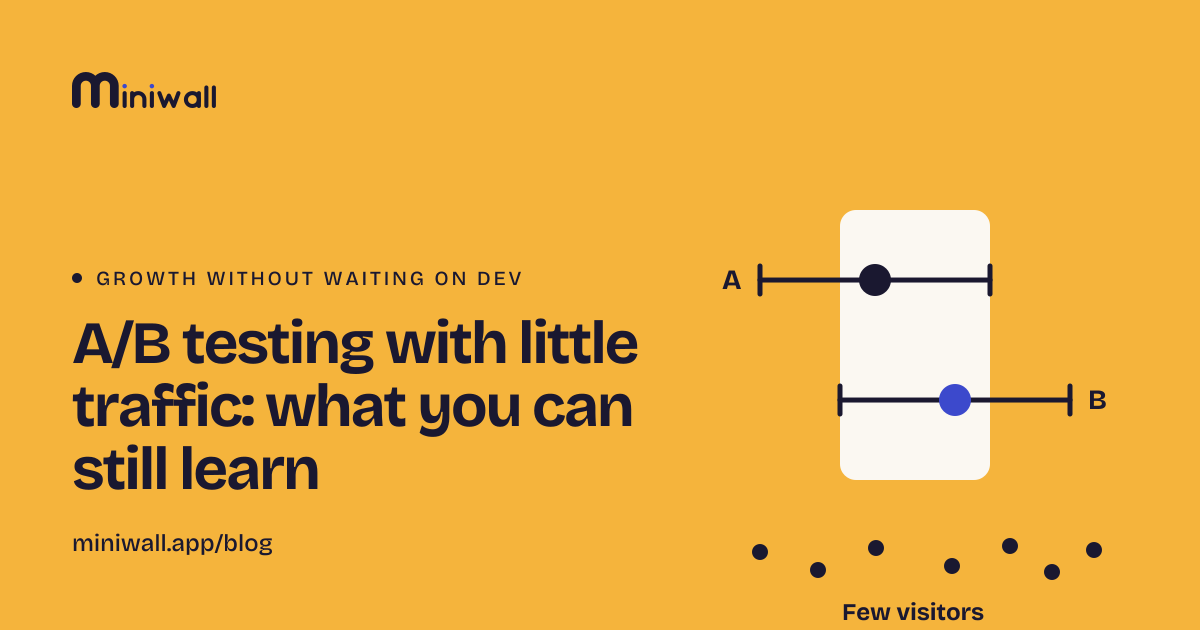
With a few thousand visitors a month, most tests can't see small wins. How to size a test before you start, read the interval, and what to do instead.
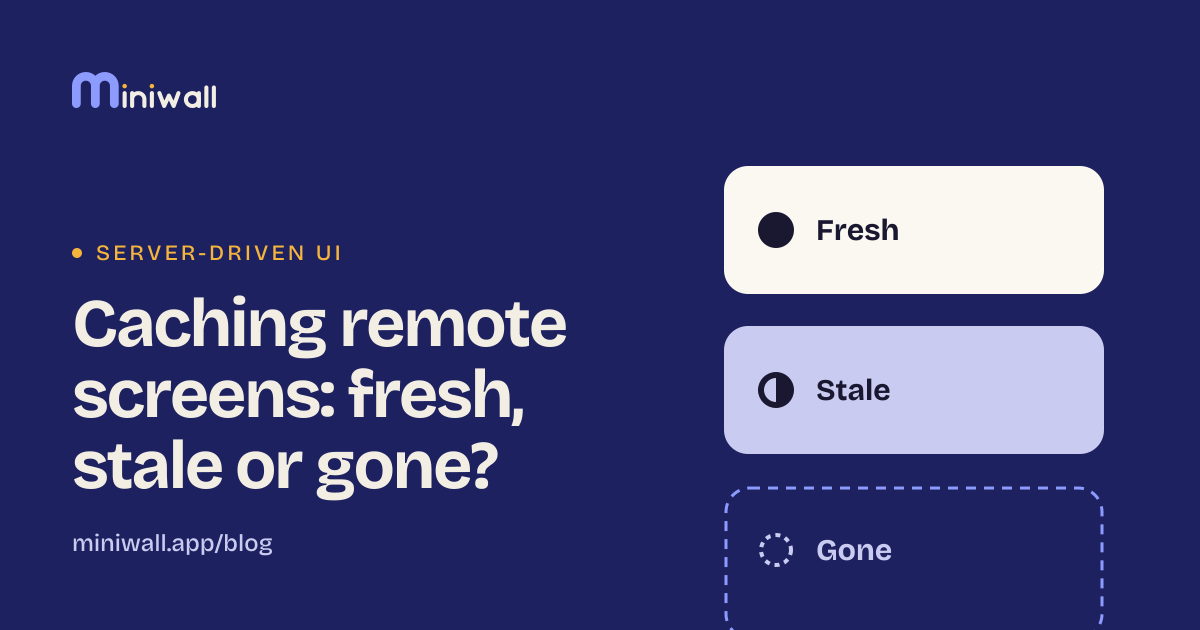
A screen you downloaded is fresh, stale but usable, or gone. How to show it fast, refresh it behind the scenes, and what to do when the network fails.
Copy, offers and banners change often, but each change rides a release train. What the wait costs, three ways to cut it, and when to leave it alone.
One question, a few fixed reasons, room to explain. What to ask people who cancel, what to skip, and how to avoid trapping them.
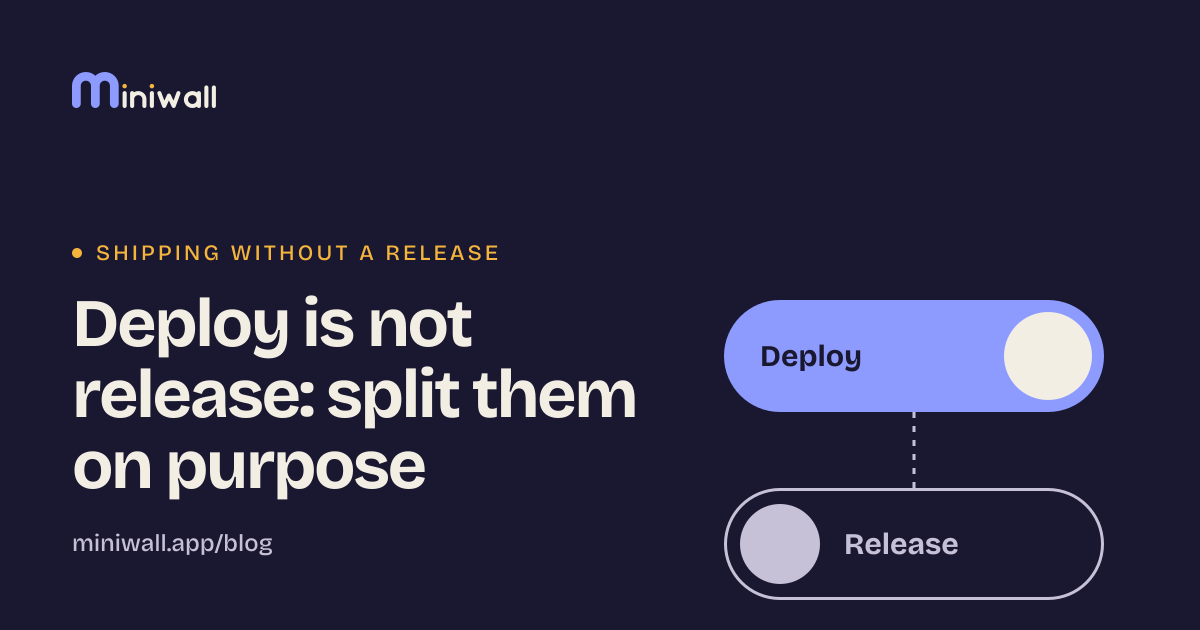
Merging code and showing it to users are two decisions. How splitting them lowers risk, and what it costs in flags to clean up later.
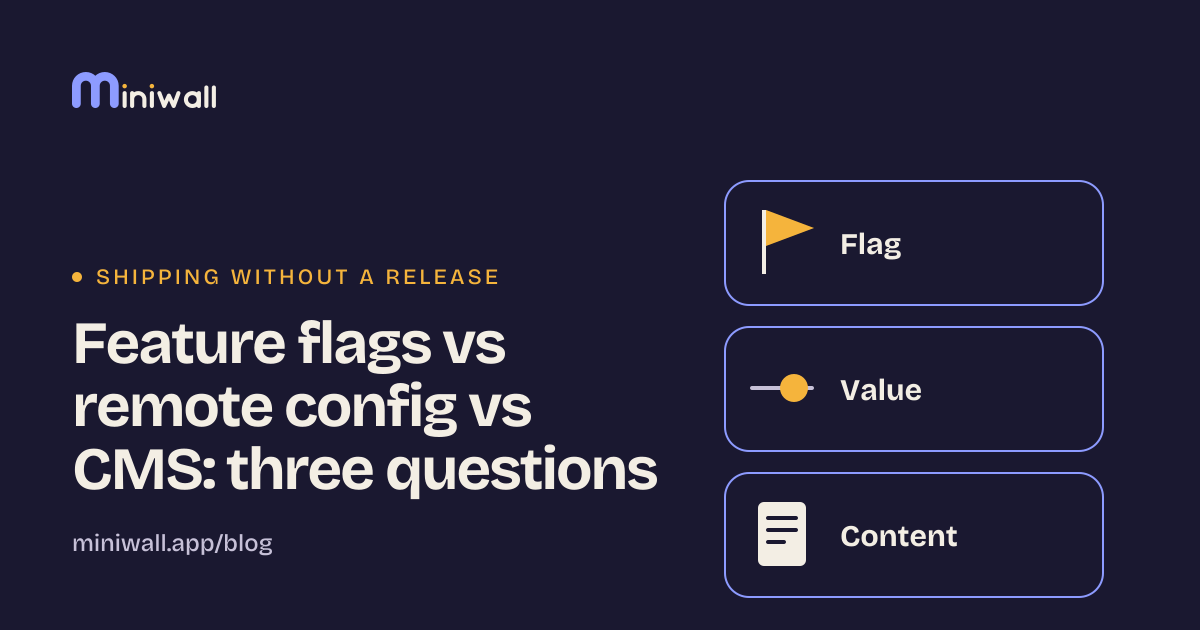
A flag decides who sees what, remote config sets a value, a CMS holds content other people edit. How to tell them apart, and how each gets misused.
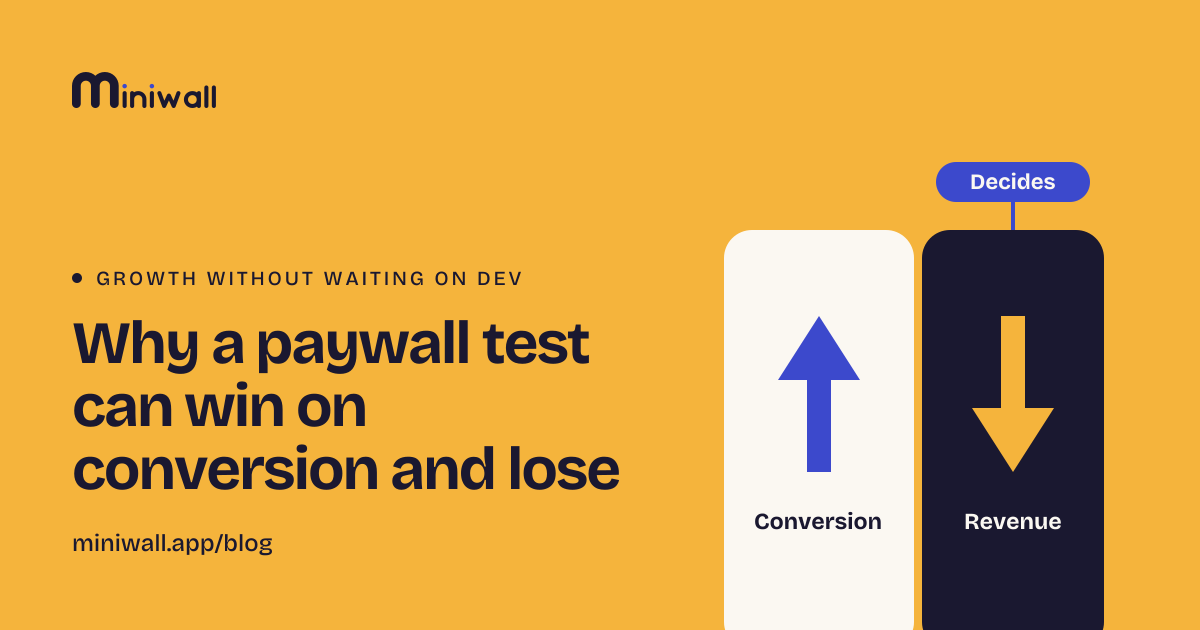
A cheaper price can lift paywall conversion and still lose revenue. Pick one deciding metric, add guardrails, and decide how long to wait for renewals.
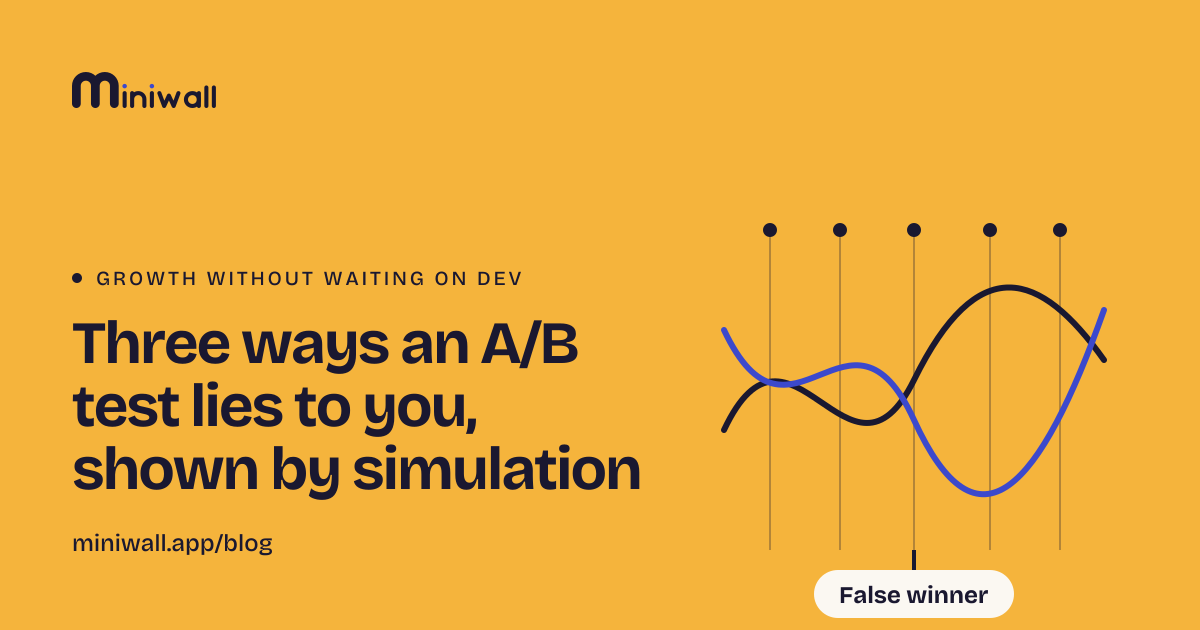
We ran identical versions against each other. Looking daily gave a false winner 27% of the time. Code included, with ways to avoid it.
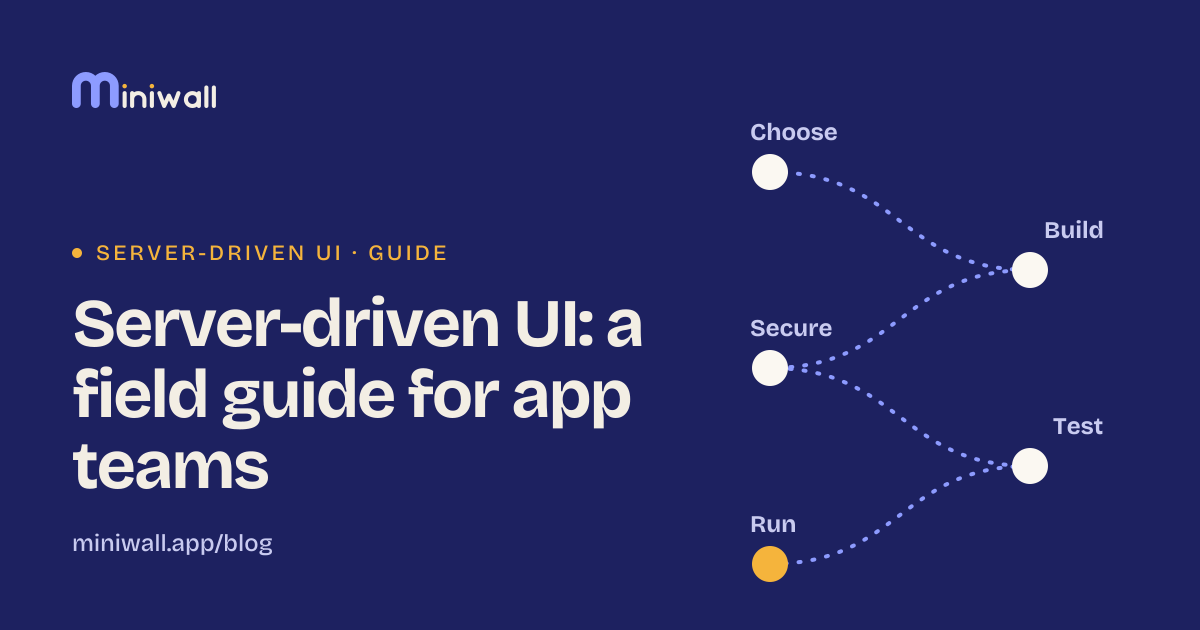
A working map of server-driven UI for app teams: when to use it for a screen, a region or not at all, then how to build, secure, test and run it.
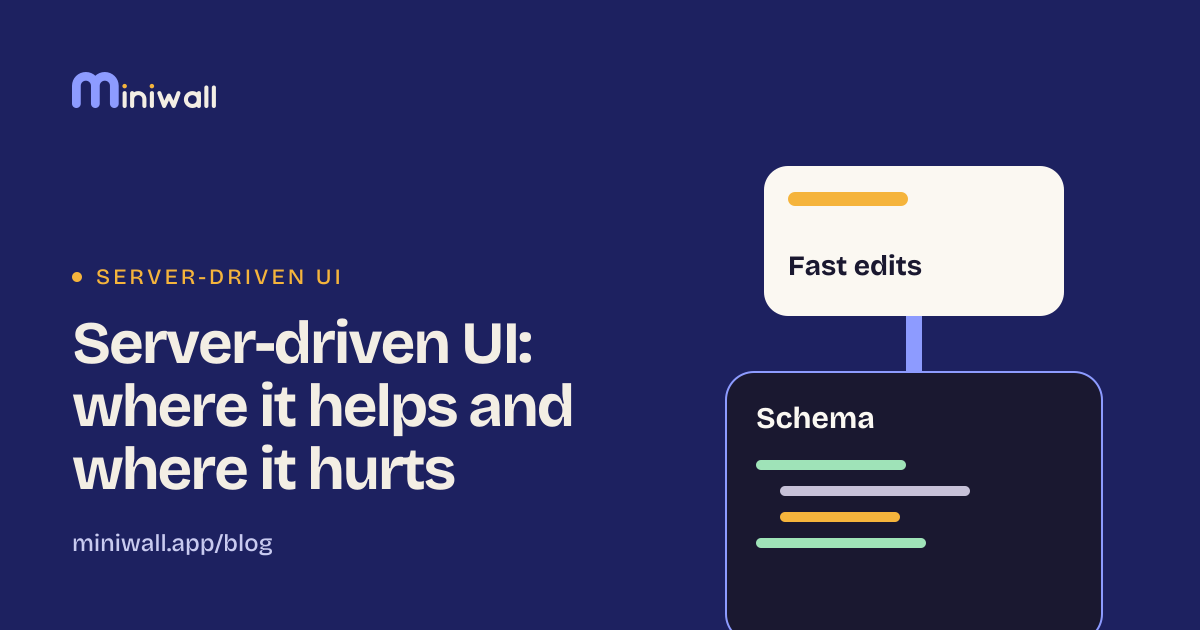
Server-driven UI speeds up changes and adds a schema to maintain. Where it pays off, where it hurts, and when plain native code is the better call.
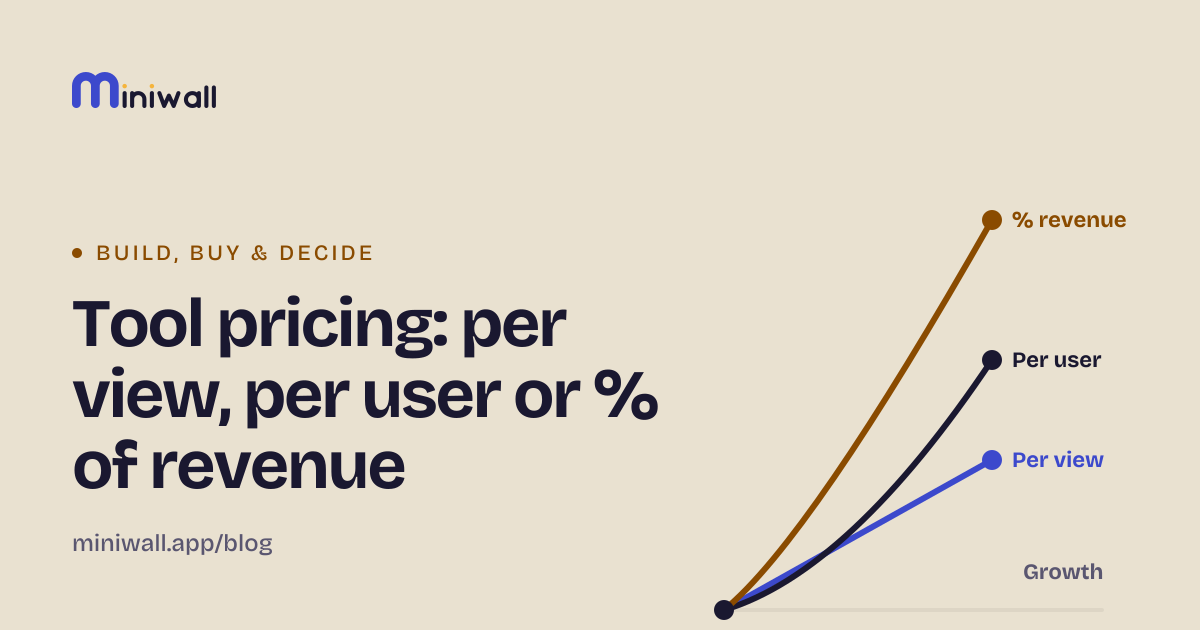
Per view, per active user or a share of revenue: what each model does to your bill as you grow, with worked numbers and questions to ask any vendor.
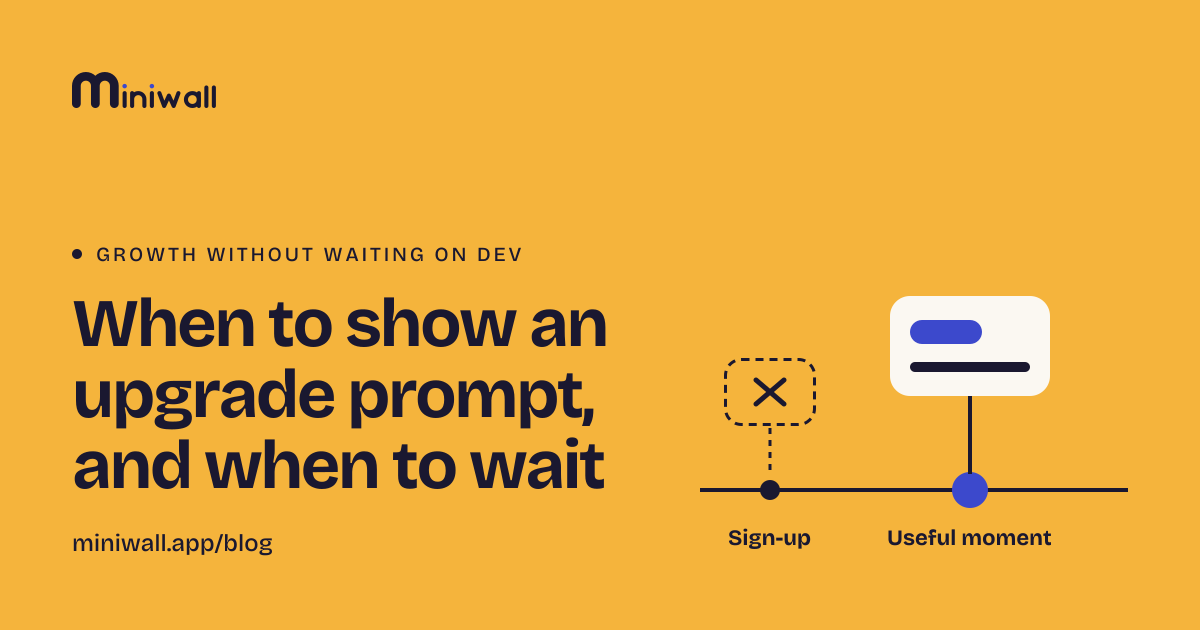
Asking at sign-up is early. Look at triggers tied to a useful moment, how often to ask, and how to log shown and clicked.
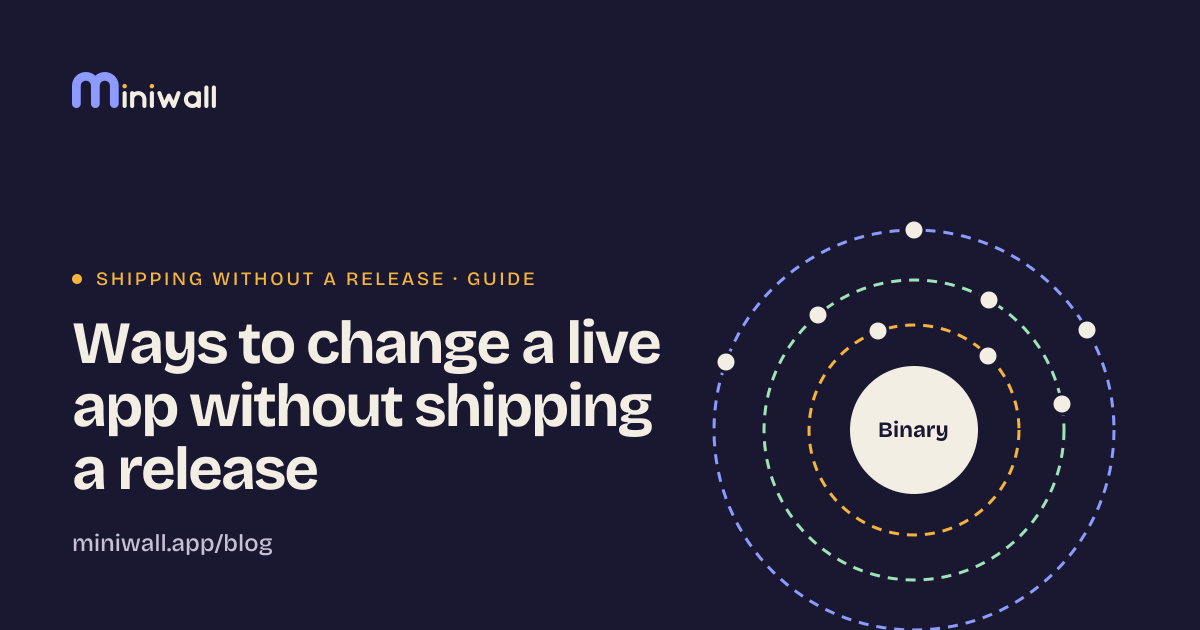
Staged releases, flags, remote config, OTA, server-driven UI, a CMS, WebViews and API changes: what each can change, what it can't, and how to pick.
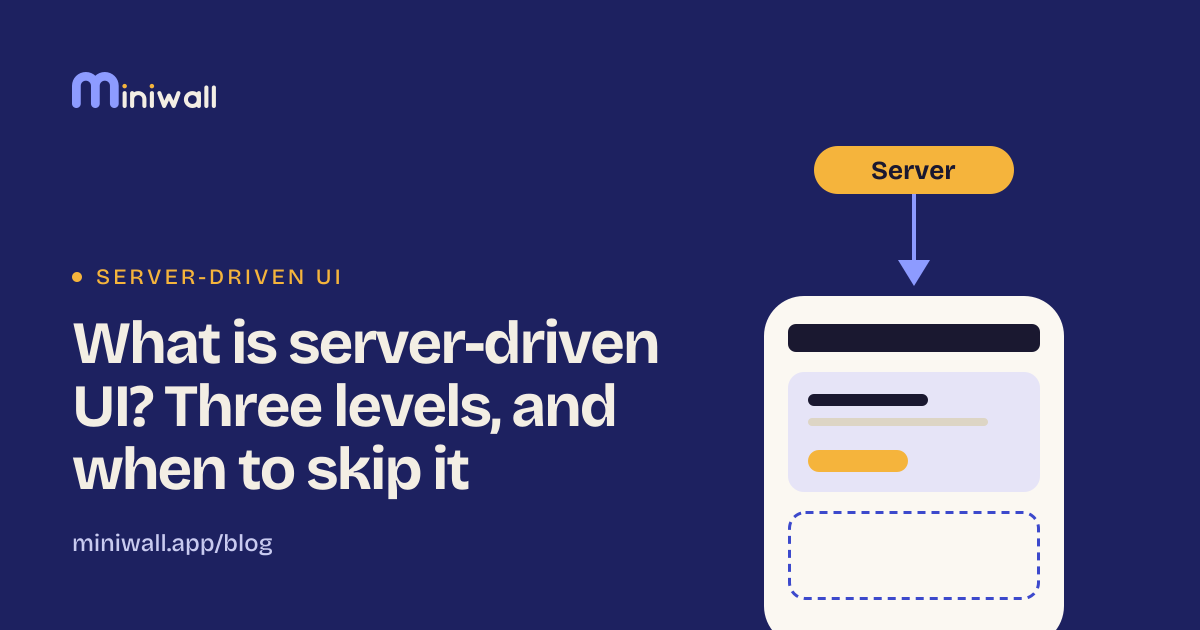
Server-driven UI means the backend describes a screen and the app only draws it. What it is, the three levels of it, and when to skip it.
Tell us what you're trying to figure out and we'll write about it if it helps.
Every post links its sources and marks opinions as opinions. About this blog