Skip to content

Templates

A screen for each moment someone decides

Twelve moments that matter in a subscription product, each with a template to start from. Pick one, edit every word and color, choose how it appears, and show it on your site with one tag. Change it any day without a release.
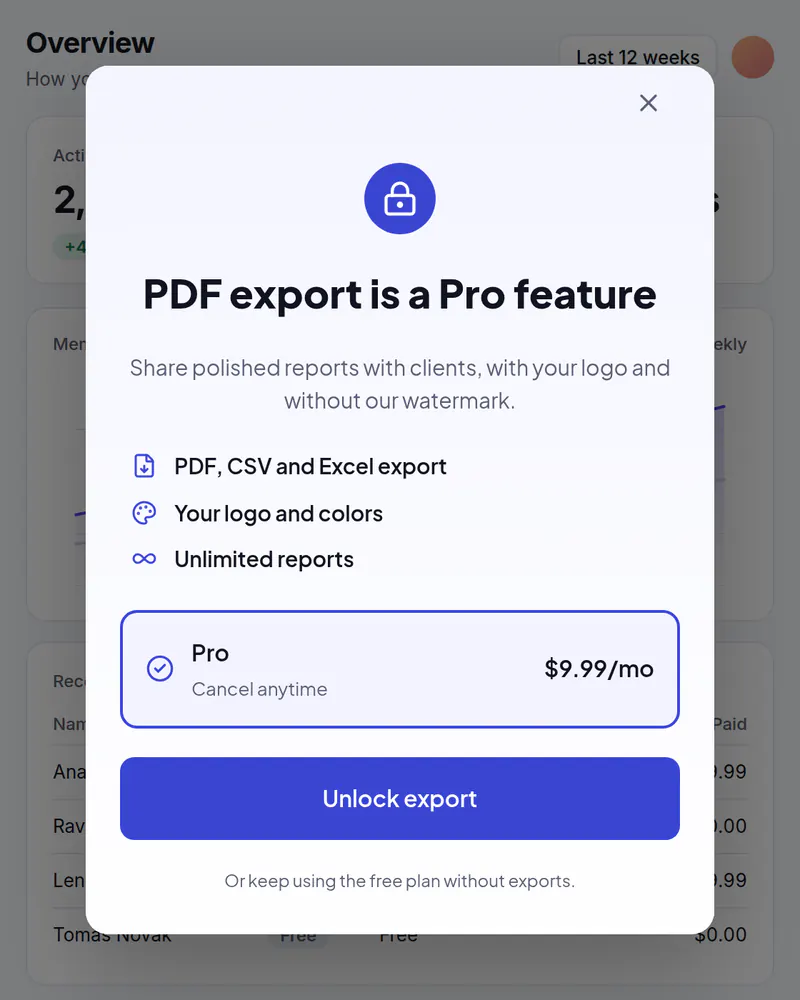
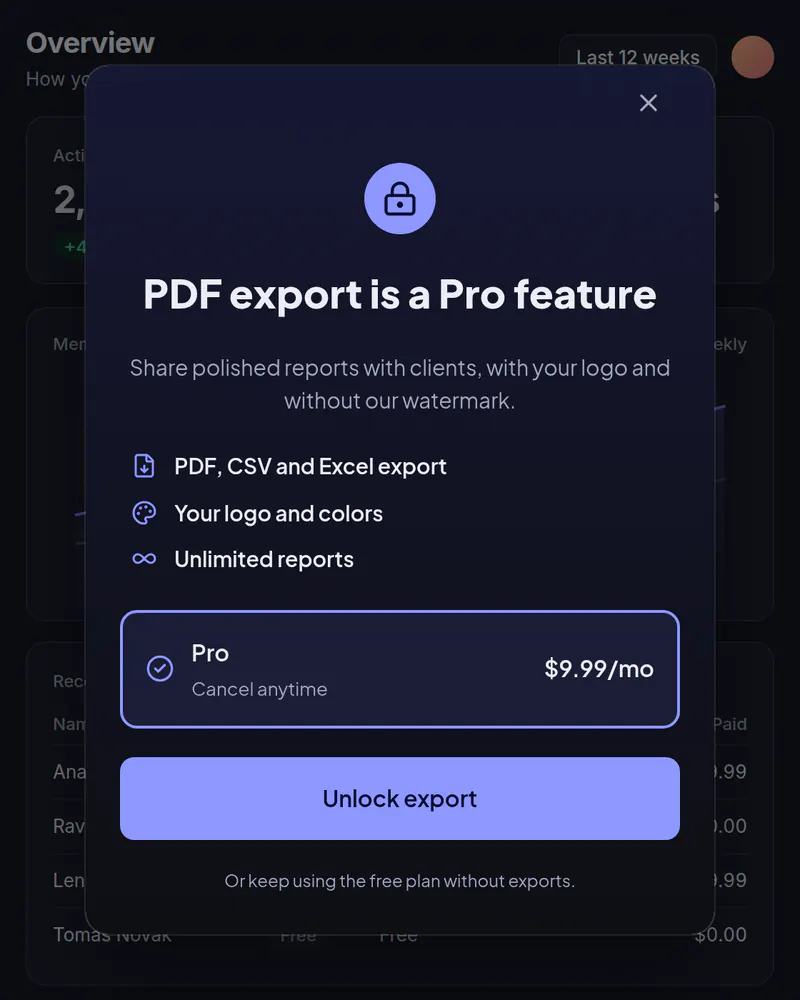
  • A popup over a reporting app titled PDF export is a Pro feature, listing three benefits and a Pro plan at $9.99 a month with an Unlock export button

    Popup

    Upgrade popup

    Your plans in a popup when someone taps a locked feature or reaches a limit.

    See how it works
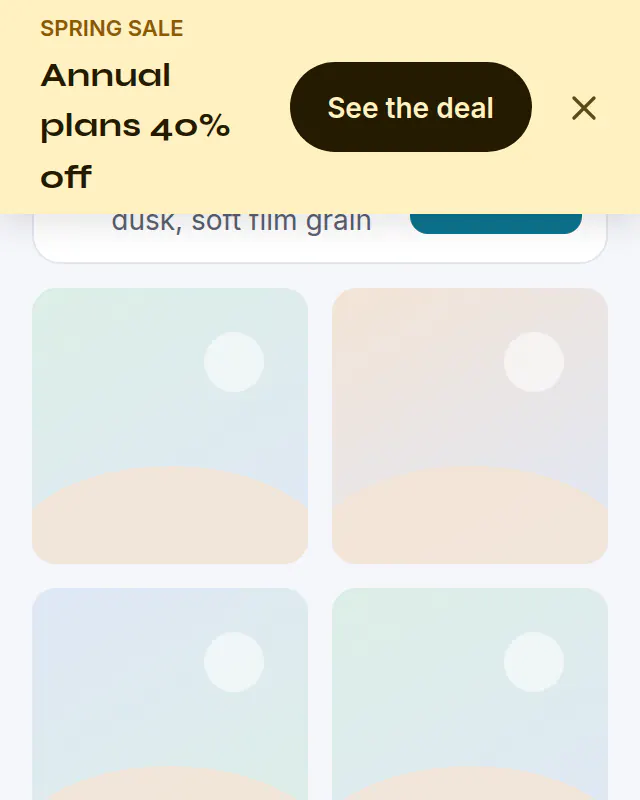
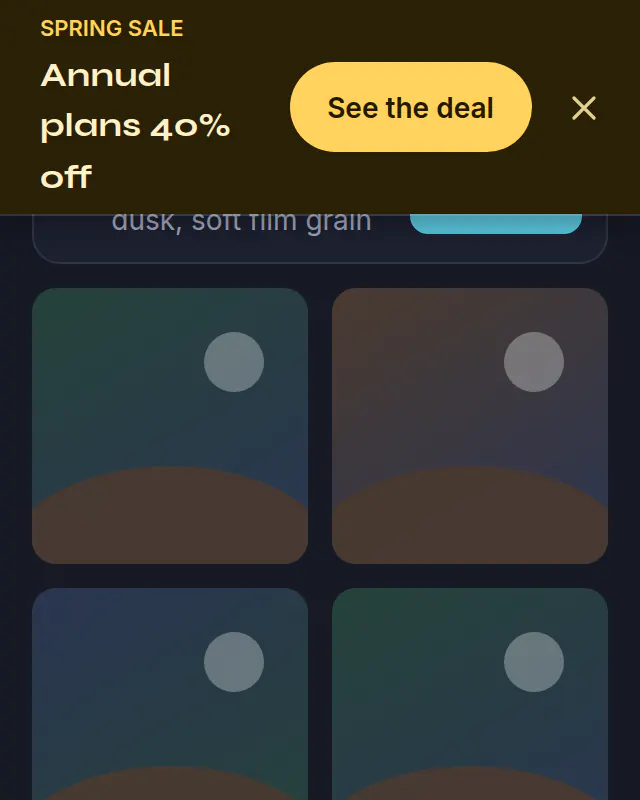
  • A yellow sale banner across the top of an image tool reading Annual plans 40% off, with a See the deal button

    Banner

    Sale banner

    A bar across the top of your site for a sale. Schedule it and it ends on its own.

    See how it works
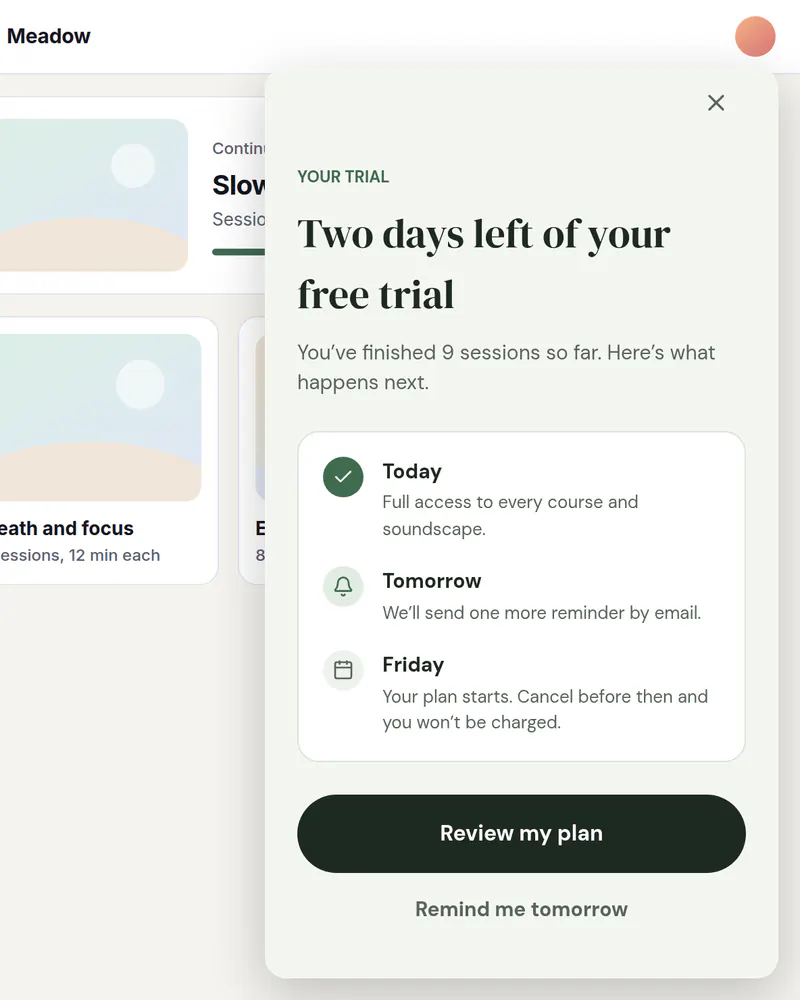
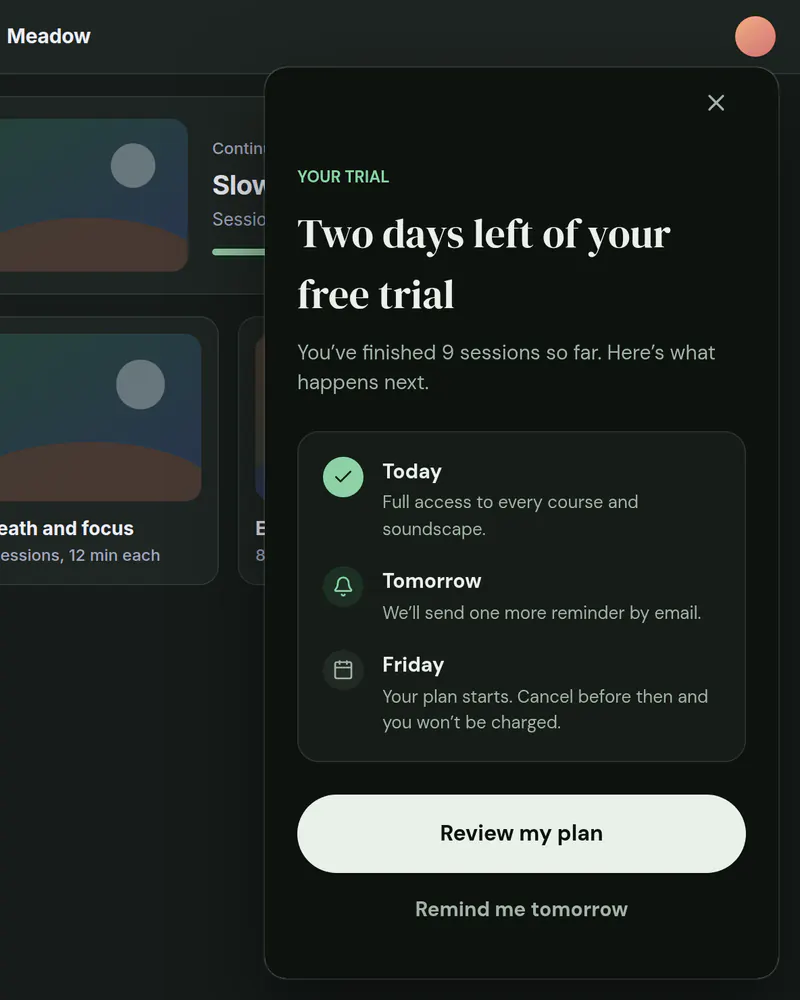
  • A card in the corner of a learning app titled Two days left of your free trial, with a three-step timeline and a Review my plan button

    Slide-in

    Trial ending reminder

    A card in the corner that reminds people before their trial runs out.

    See how it works
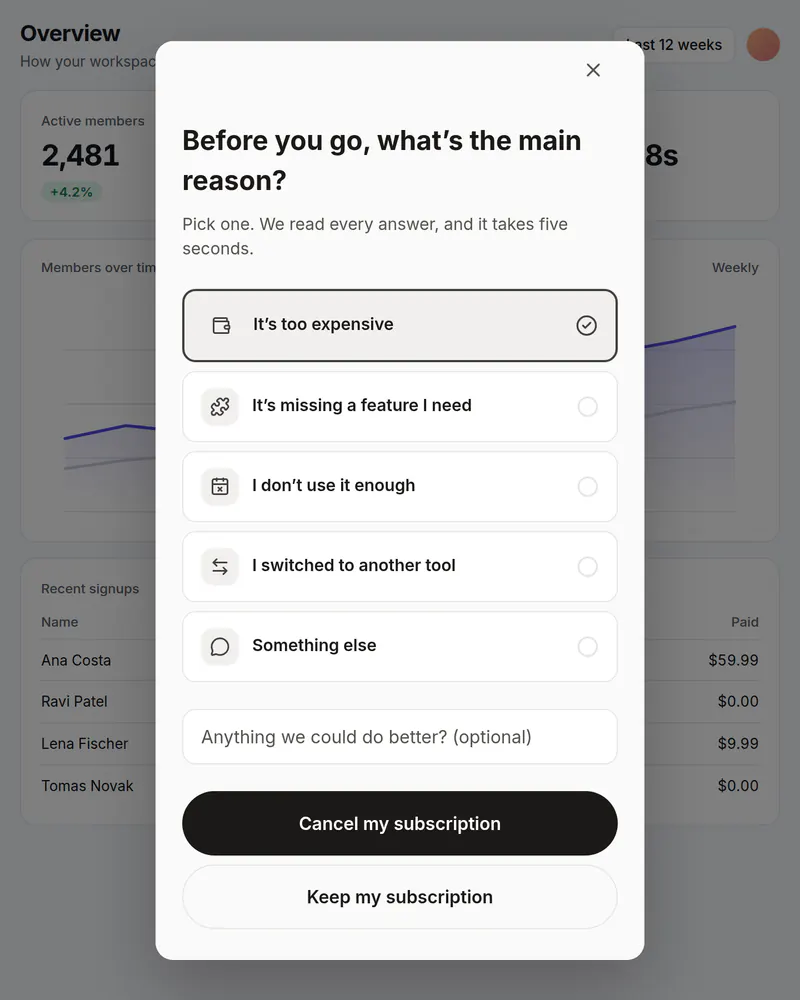
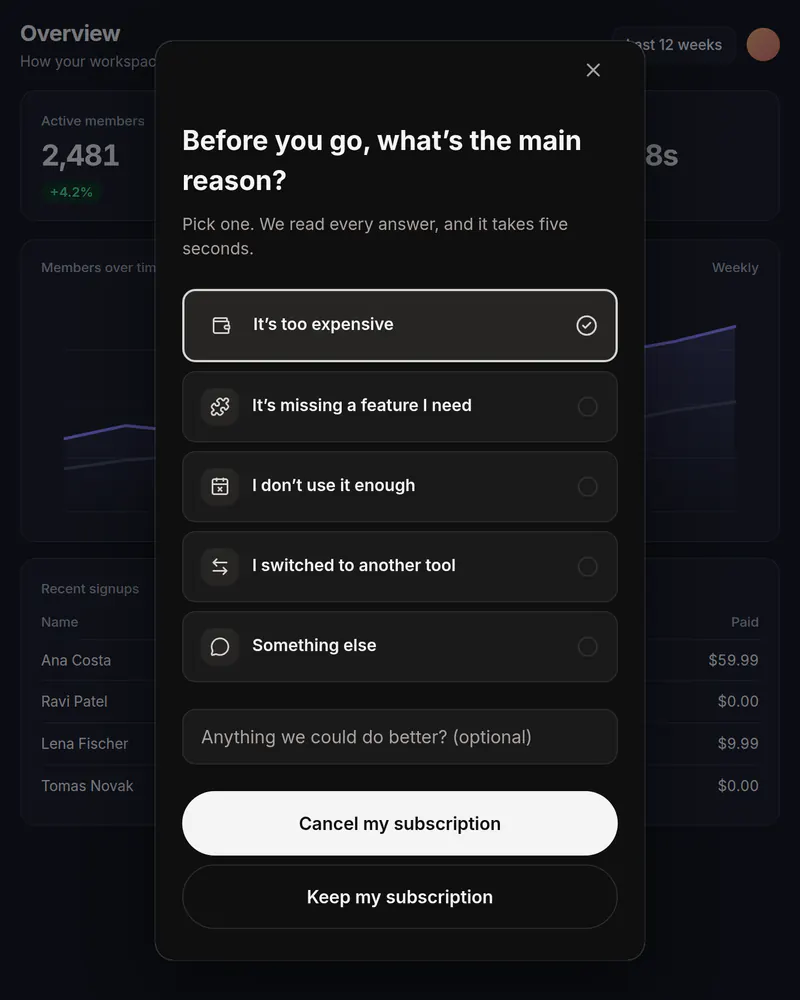
  • A popup over a reporting app asking why someone is leaving, with five reasons to pick from, one picked, and Cancel my subscription and Keep my subscription buttons

    Popup

    Cancel survey

    One honest question before someone cancels. You see which reasons come up most.

    See how it works
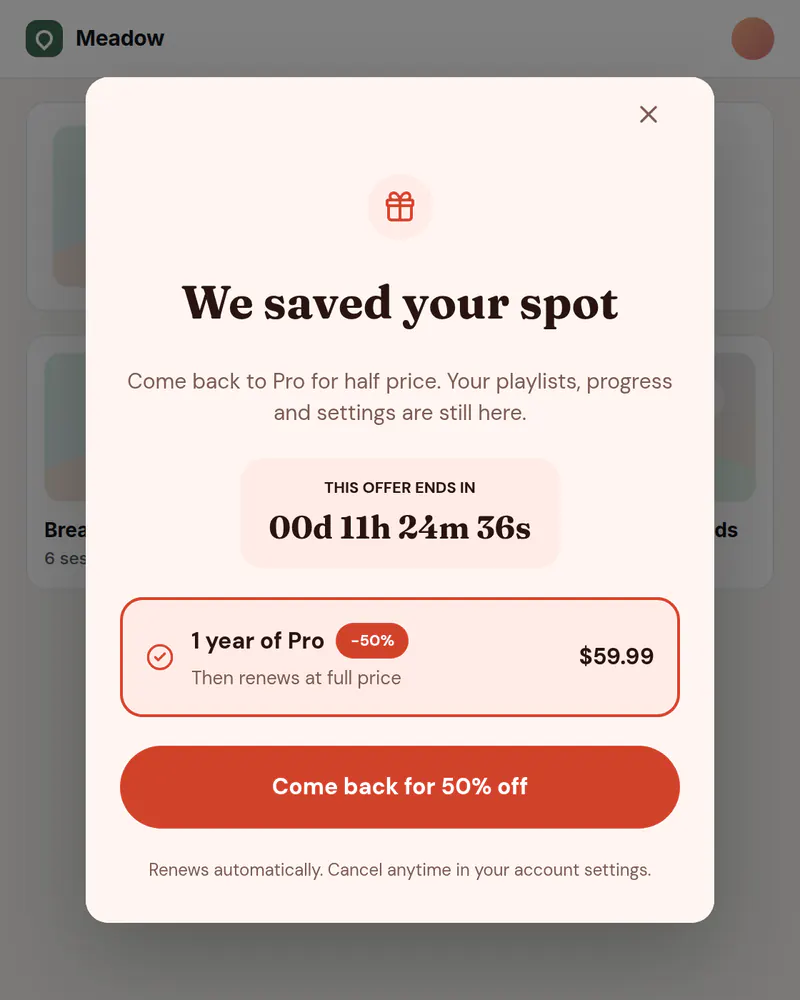
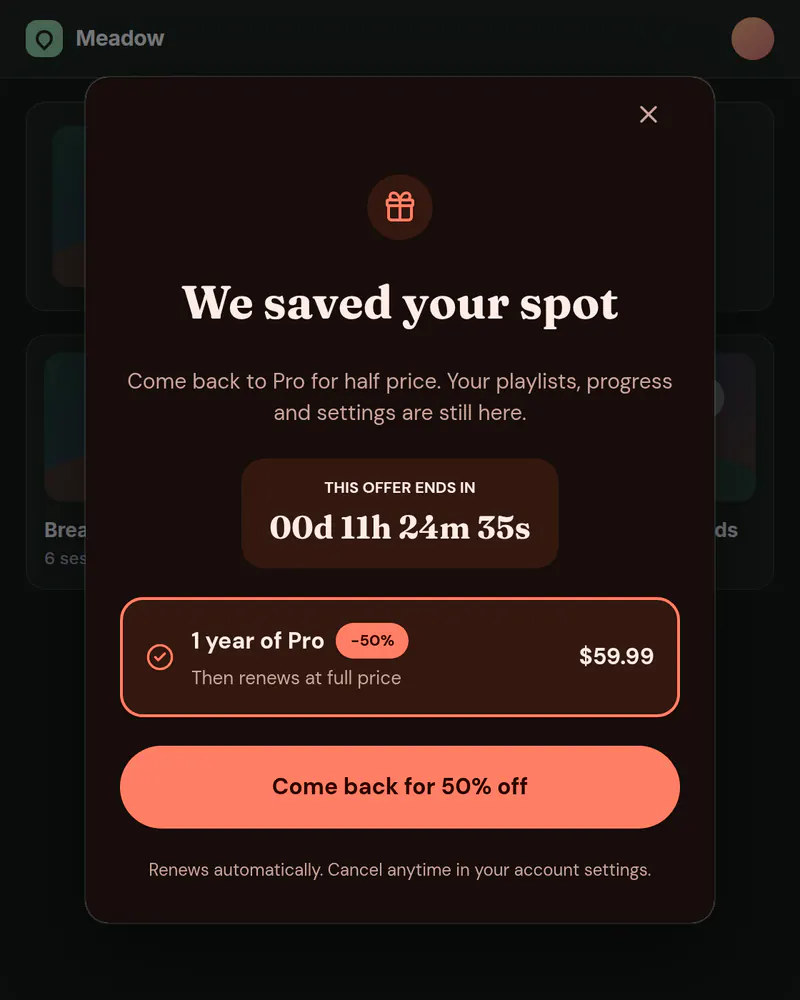
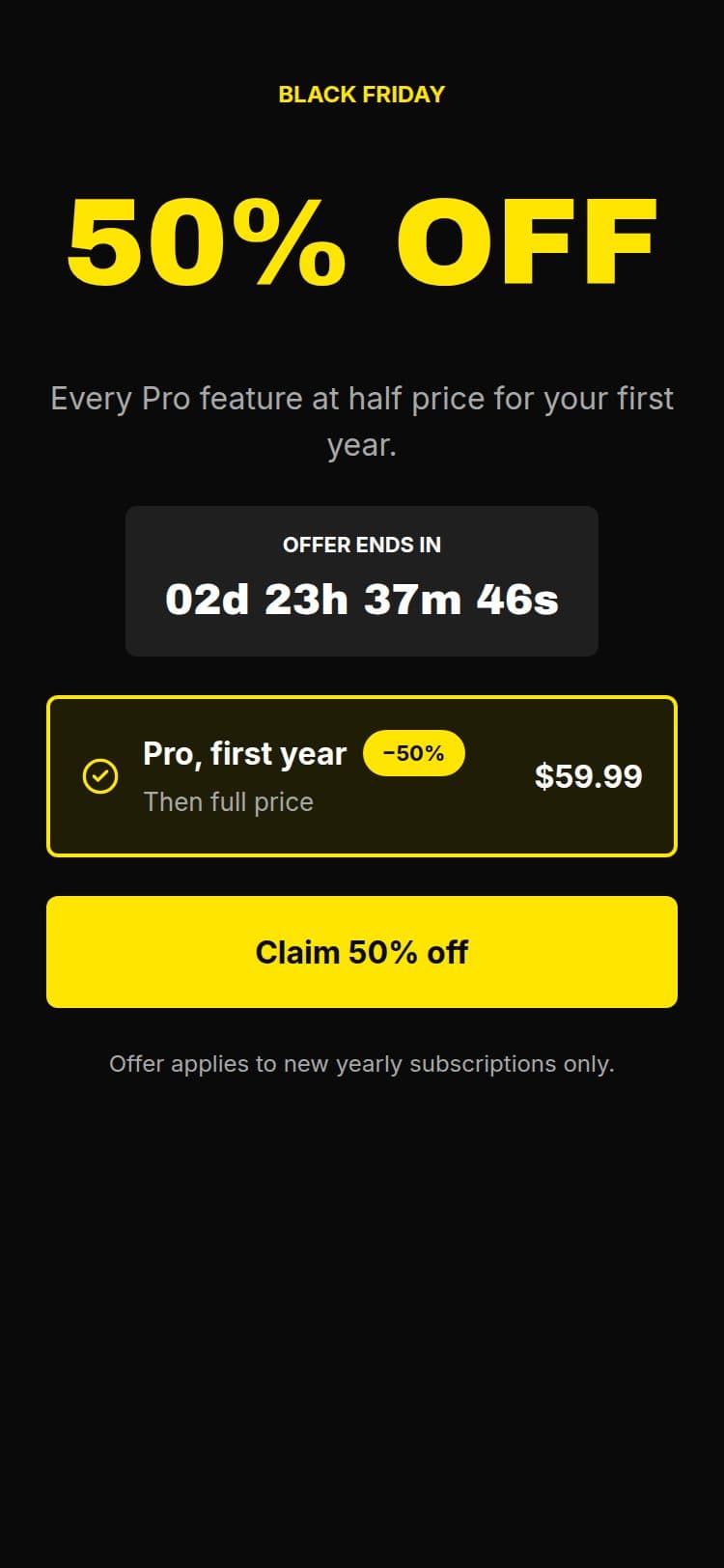
  • A popup over a learning app titled We saved your spot, with a countdown, a one-year Pro offer at half price and a Come back for 50% off button

    Banner or popup

    Win-back offer

    Welcome back people who cancelled, with an offer for the right visitors.

    See how it works
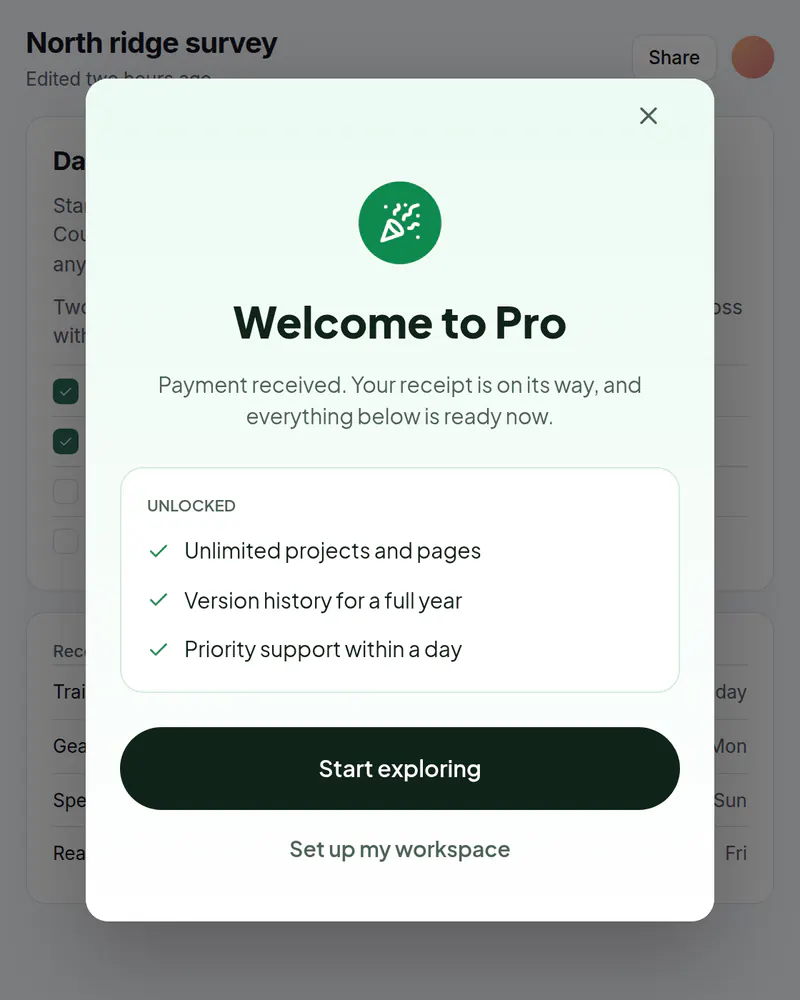
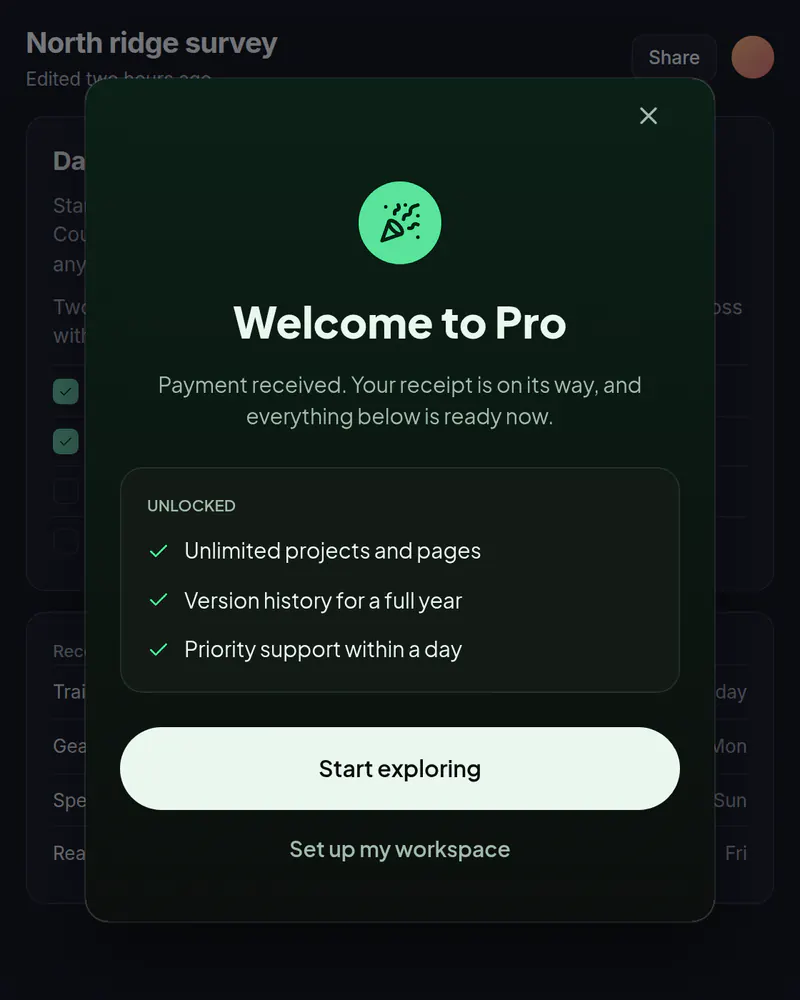
  • A popup over a notes app titled Welcome to Pro, listing what is unlocked, with a Start exploring button

    Popup

    Welcome after purchase

    Confirm the purchase and point to the first thing to do.

    See how it works
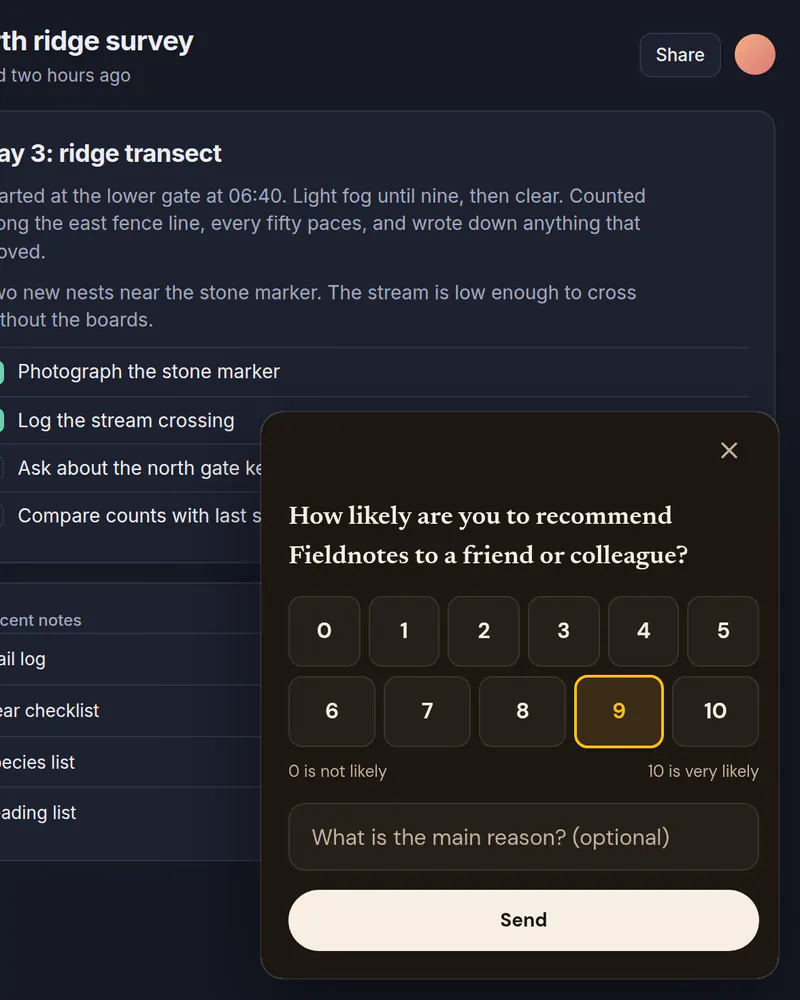
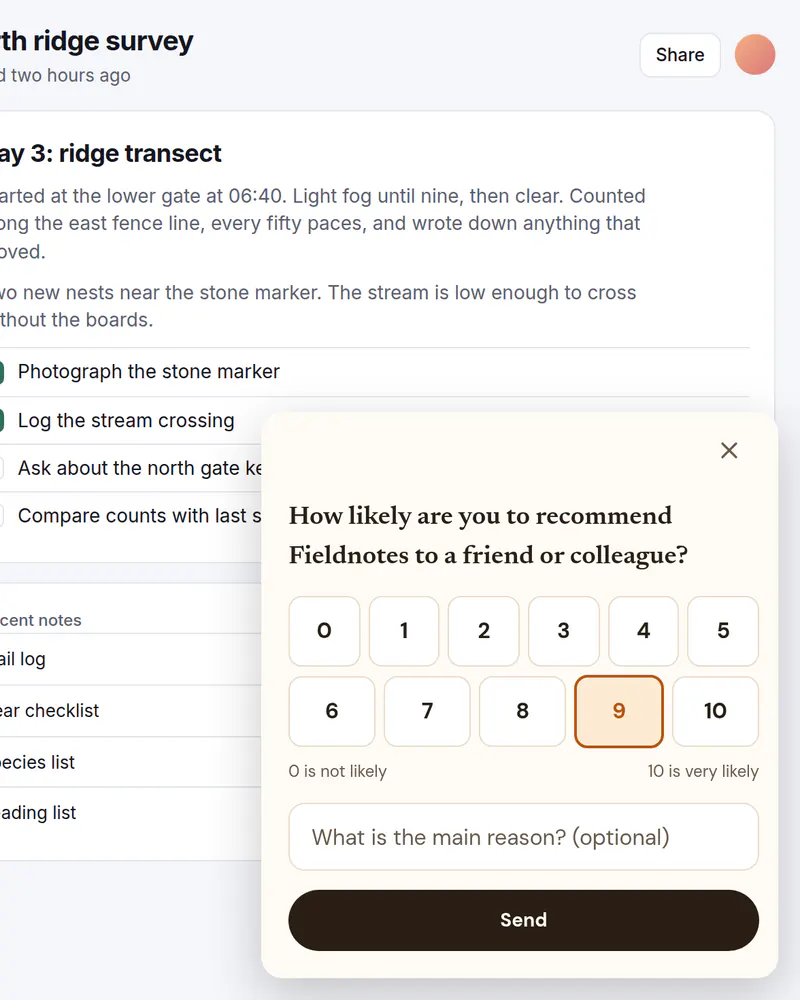
  • A small card in the corner of a notes app asking how likely someone is to recommend the product, with a 0 to 10 scale and 9 picked

    Slide-in

    NPS survey

    The 0 to 10 recommend question in a corner card, with an optional reason.

    See how it works
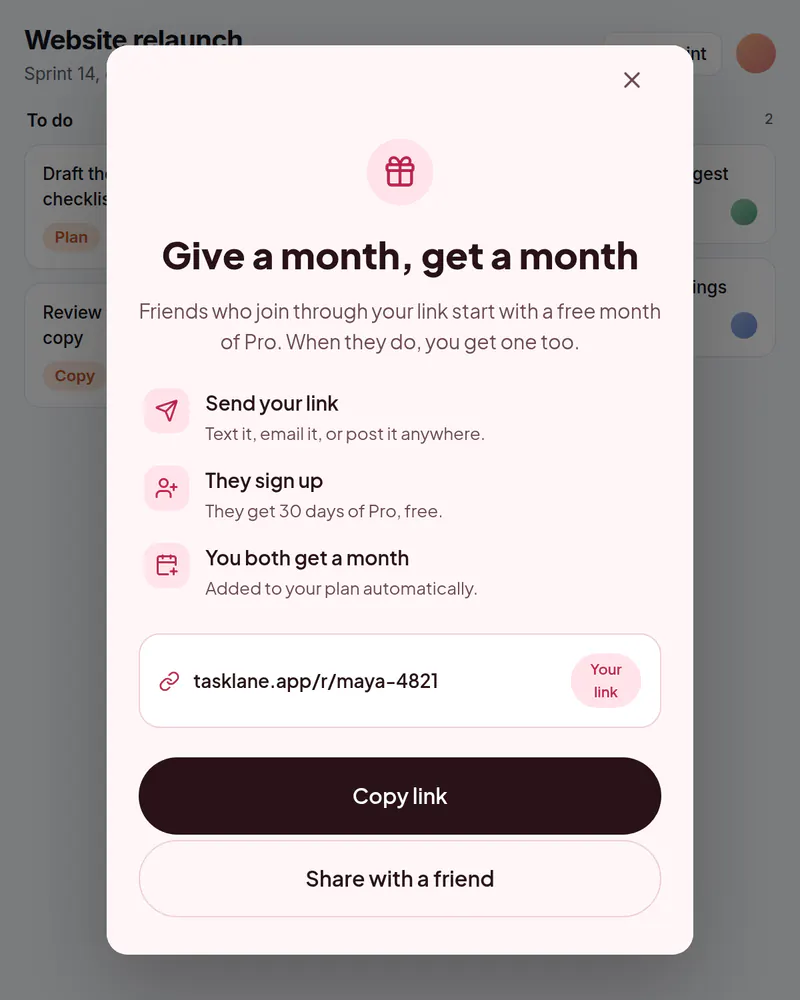
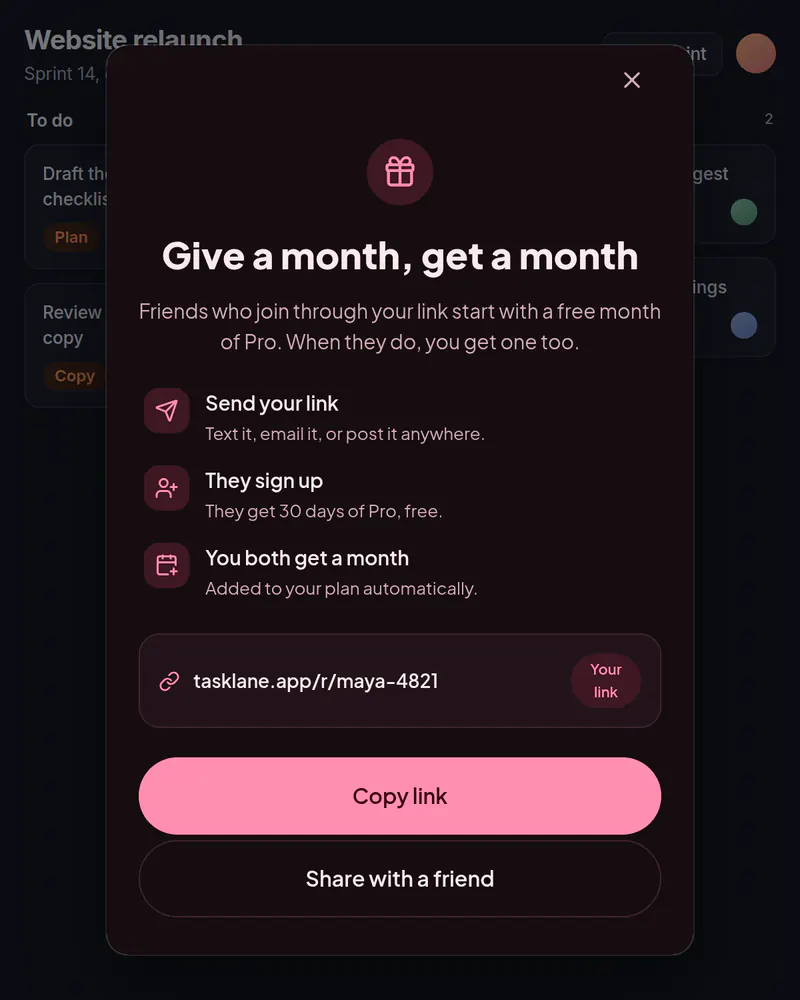
  • A popup over a task board titled Give a month, get a month, with a personal invite link and a Copy link button

    Popup

    Referral prompt

    Invite a friend, with the link on screen and copy and share buttons.

    See how it works
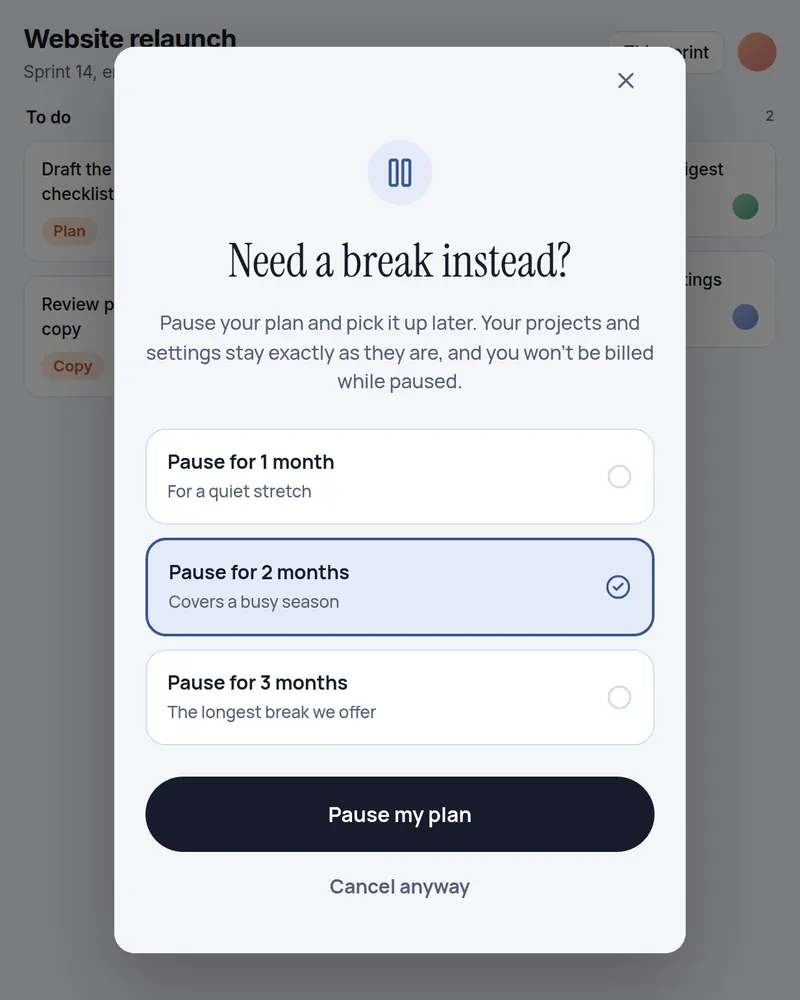
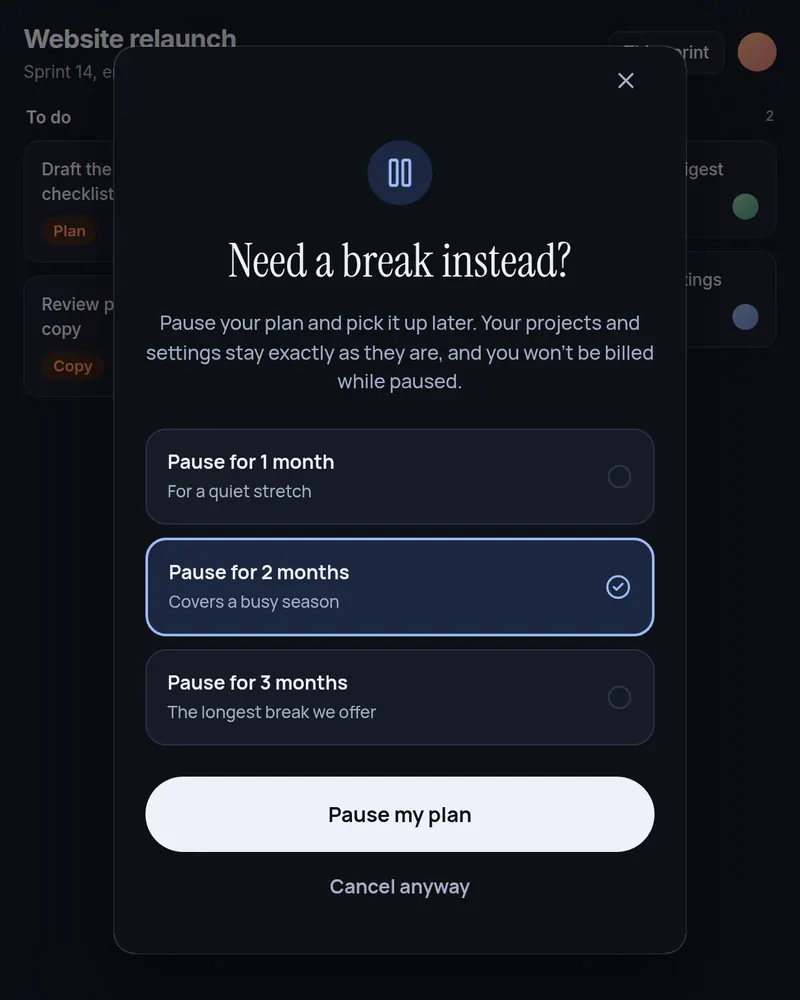
  • A popup over a task board titled Need a break instead, offering to pause the plan for one, two or three months, with two months picked

    Popup

    Pause offer

    Offer a short pause instead of a cancellation.

    See how it works
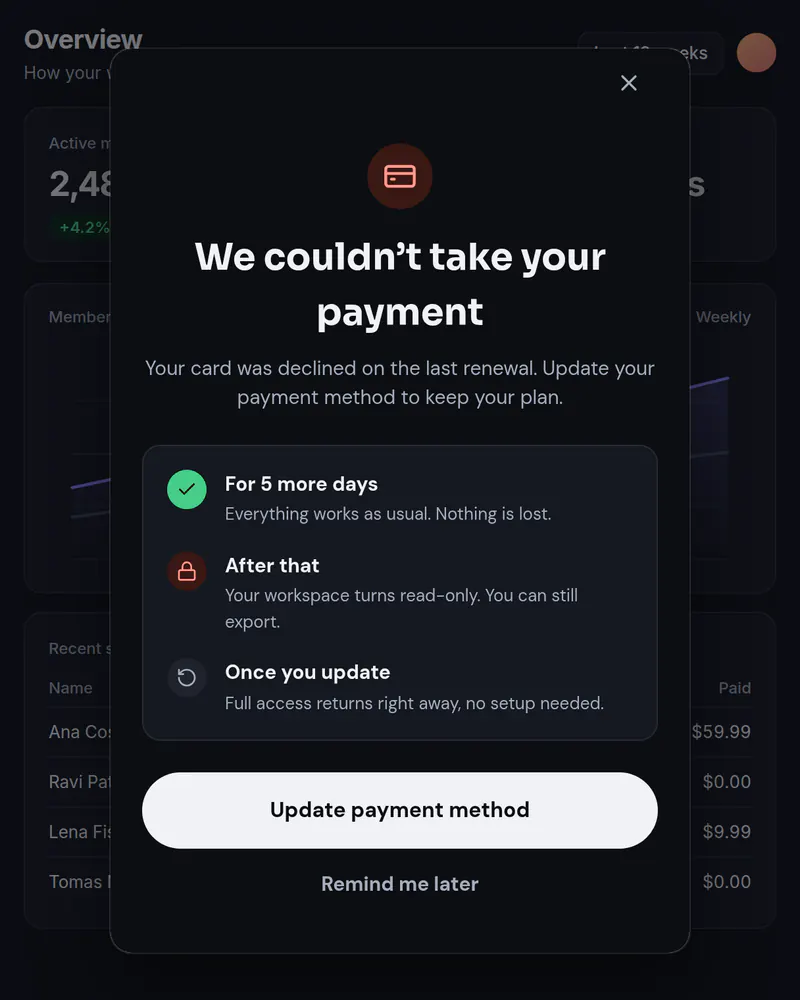
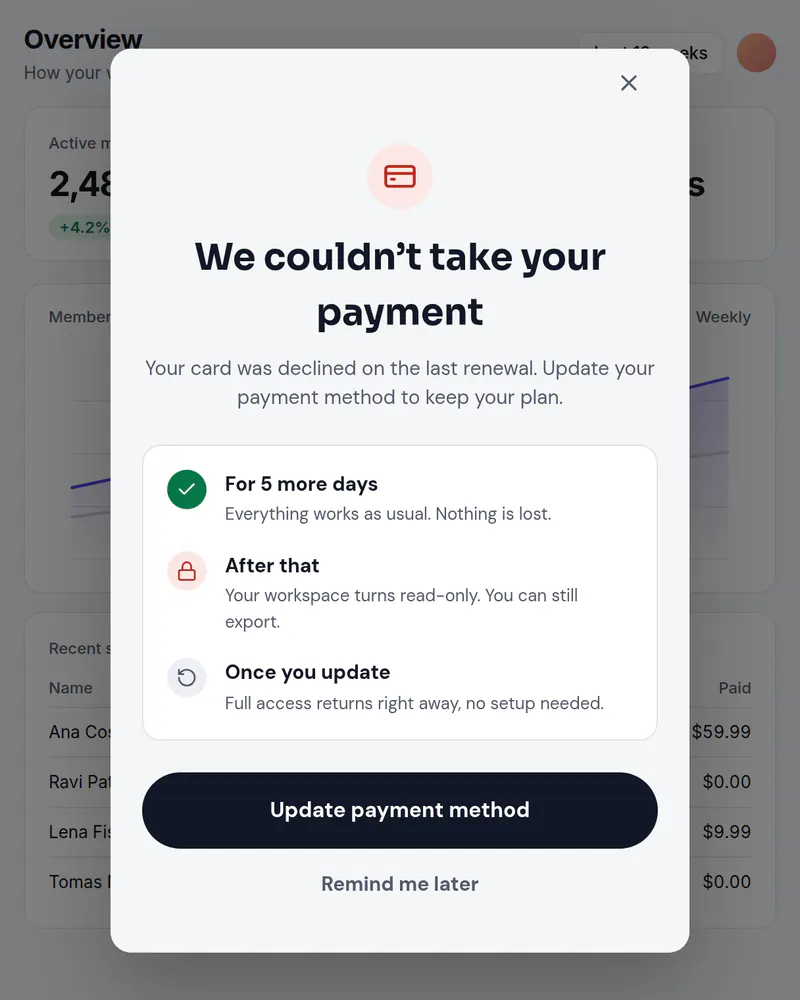
  • A popup over a reporting app titled We couldn't take your payment, with an Update payment method button

    Popup

    Failed payment notice

    Tell people a payment failed and what happens next, with a button to fix it.

    See how it works
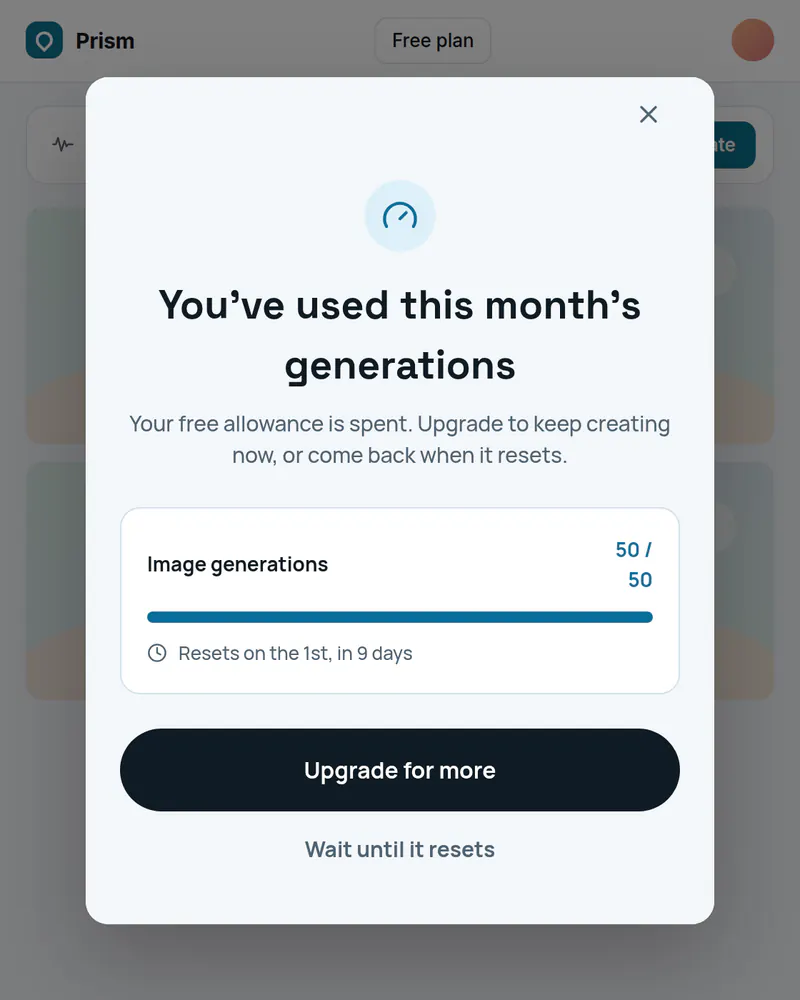
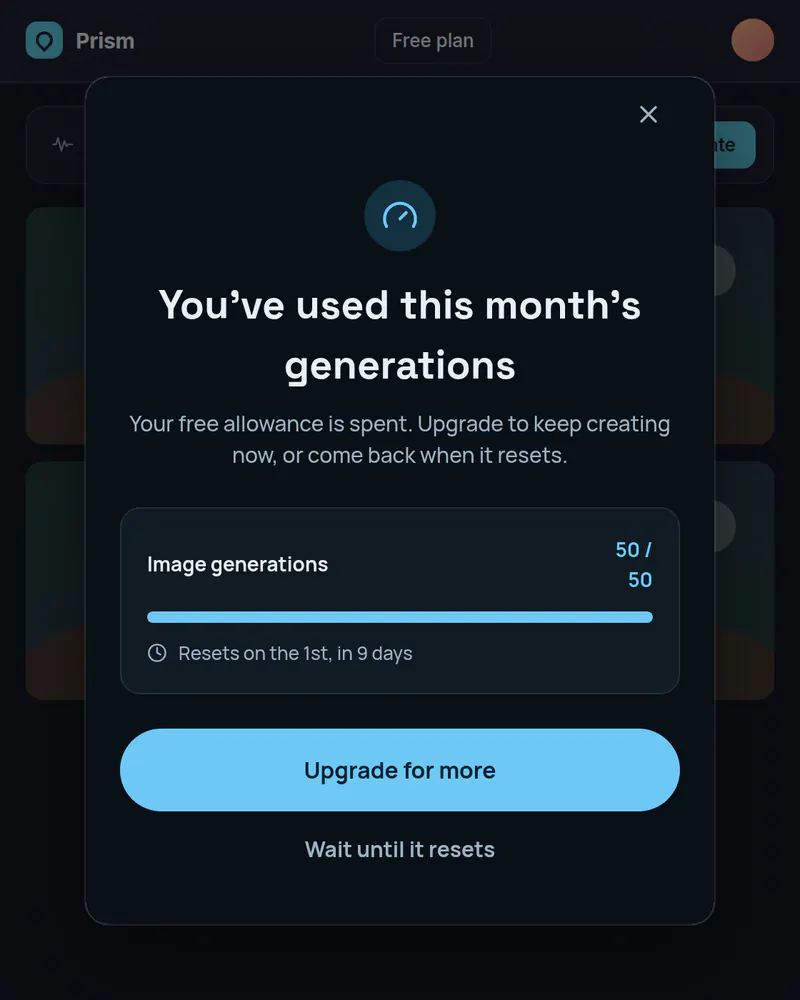
  • A popup over an image tool saying the month's free generations are used up, with a usage bar and an Upgrade for more button

    Popup

    Usage limit popup

    Say what ran out and when it resets, then offer an upgrade or a wait.

    See how it works
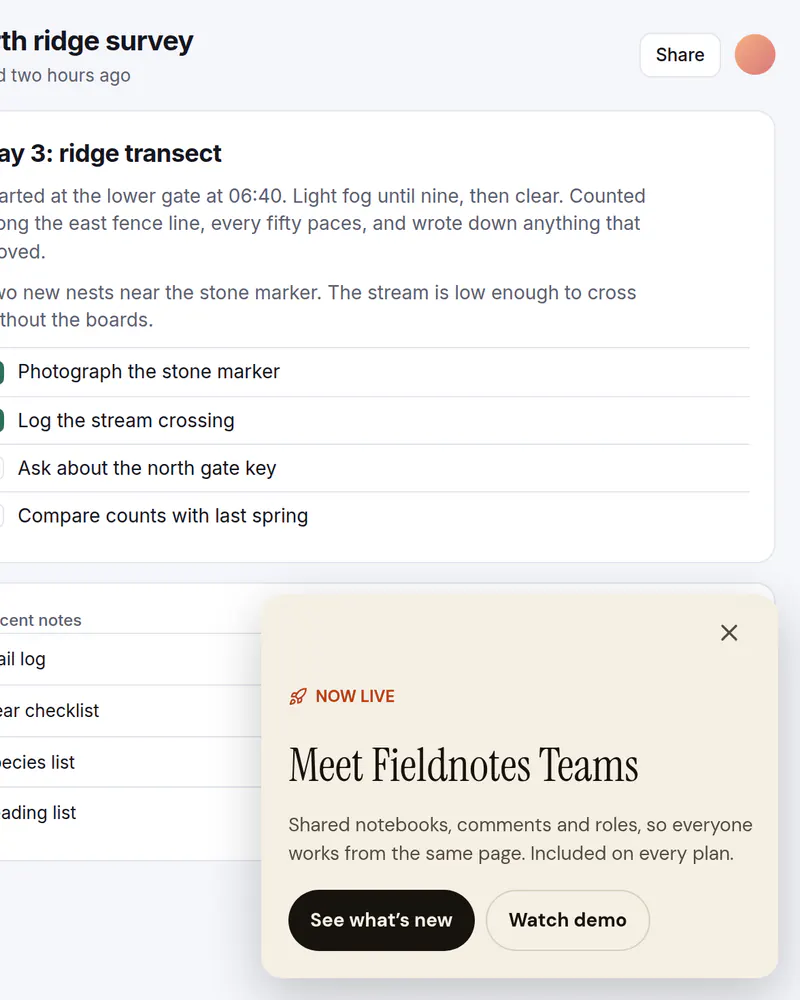
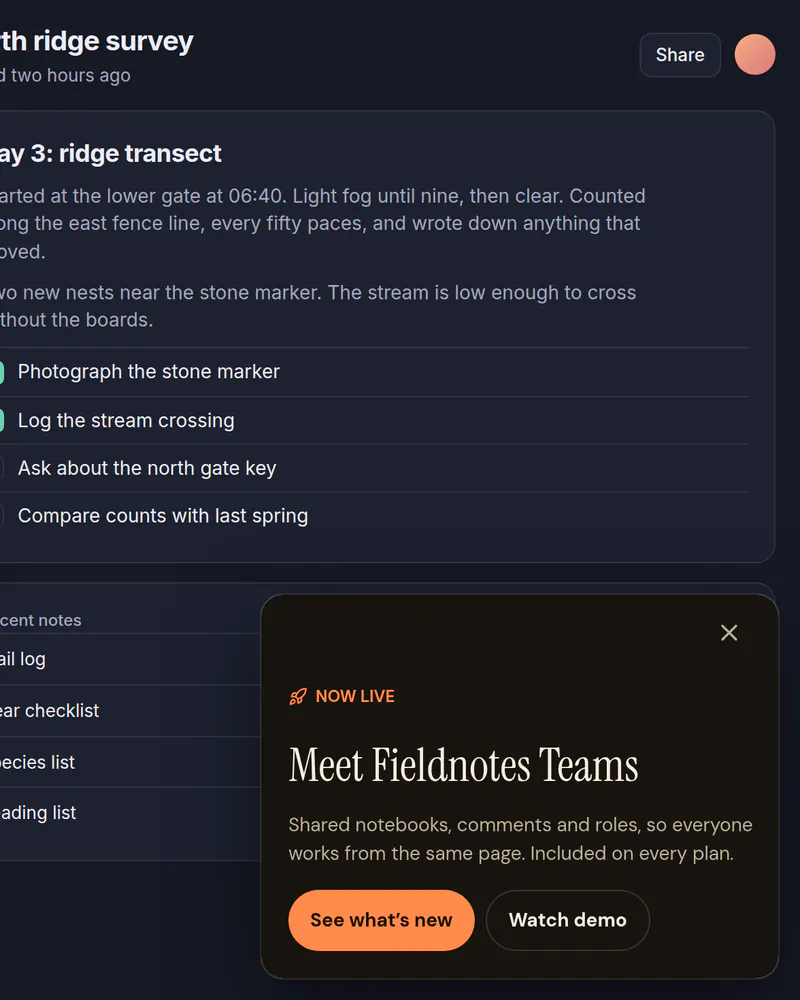
  • A card in the corner of a notes app announcing a new feature, with See what's new and Watch demo buttons

    Slide-in

    Launch announcement

    Tell people about a new feature in a corner card that leaves the page usable.

    See how it works
The library also has onboarding flows, permission prompts, what's new screens and rating requests, plus paywall designs for fitness, sleep, learning, finance and more.

Stop waiting on a release

Pick a template, publish it, add one tag. Free up to 10,000 views a month, no card needed.

Tue

Live

Thu

ReleaseNo release needed