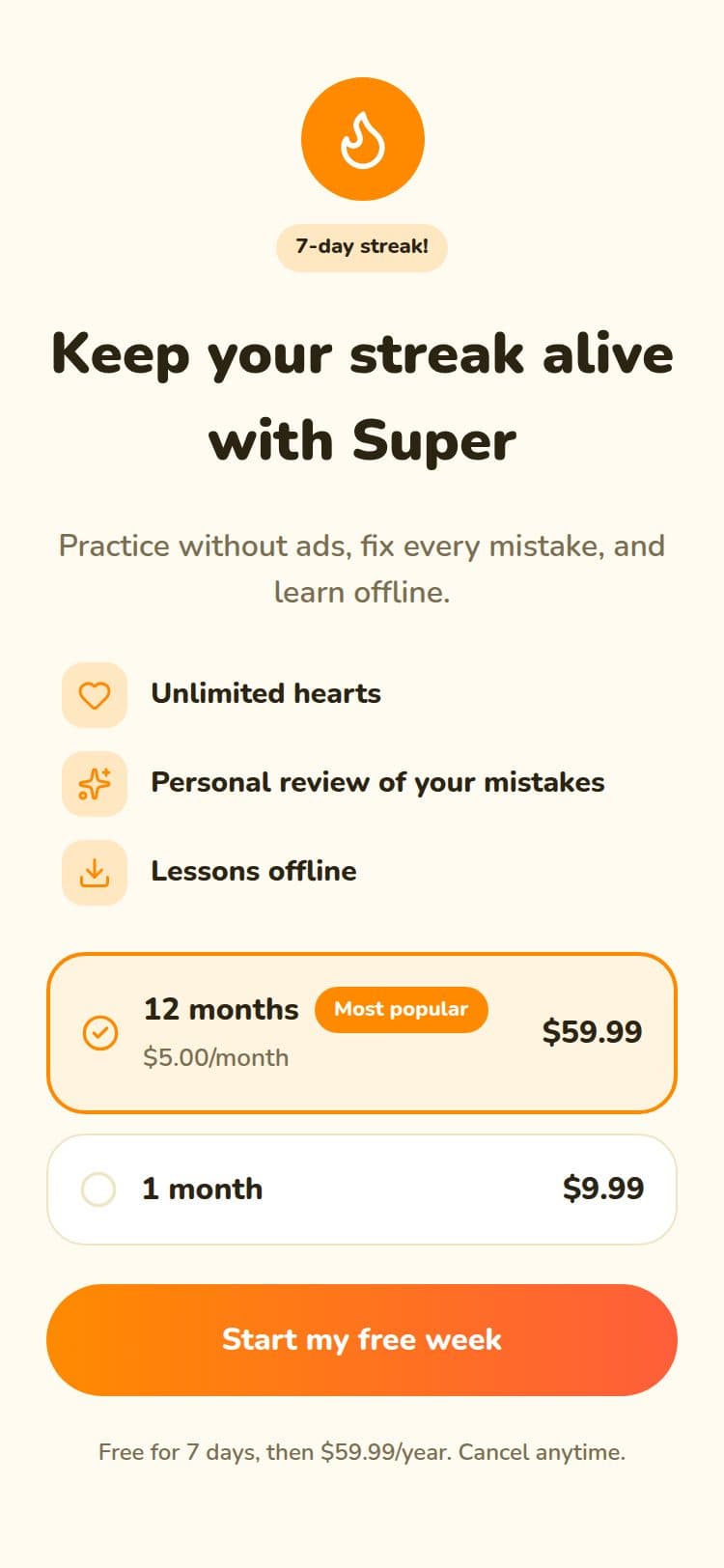
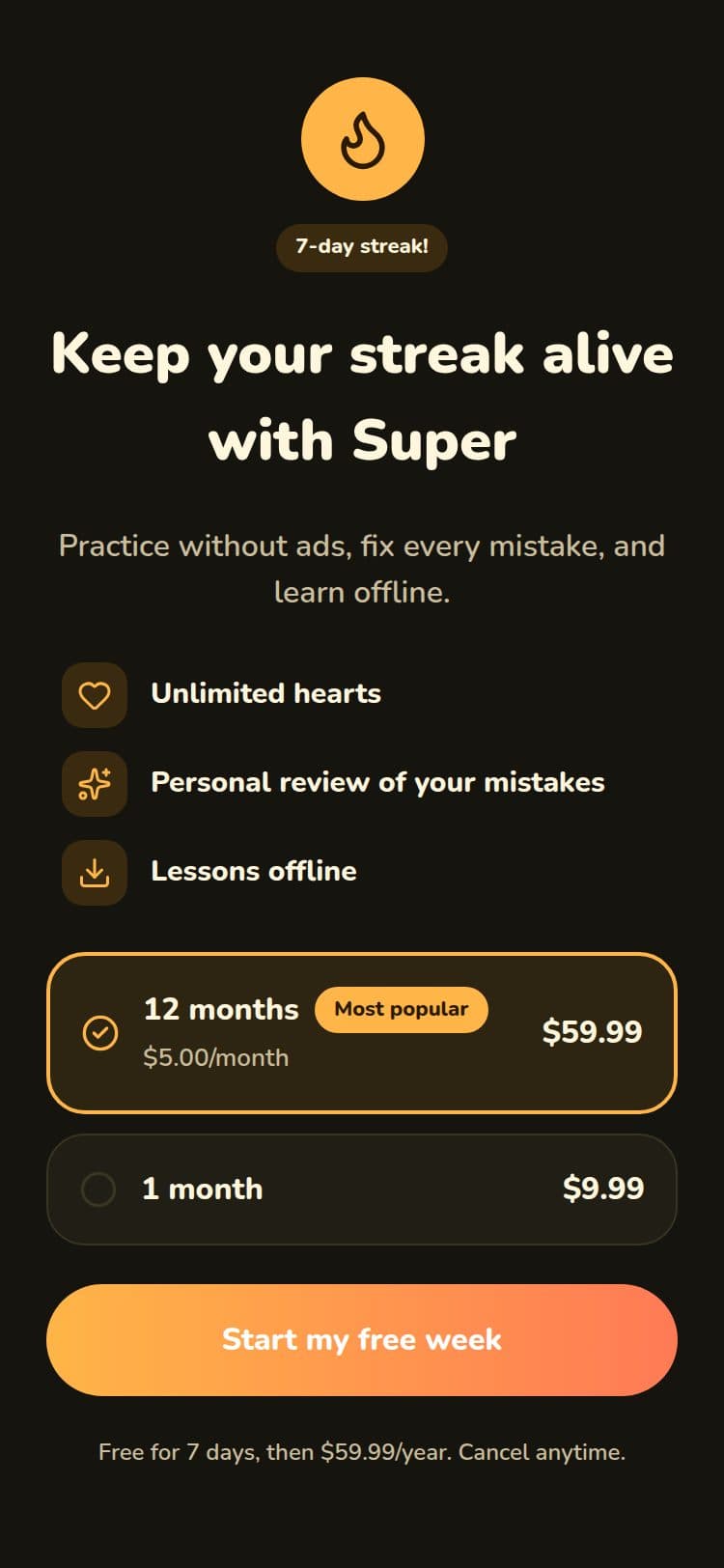
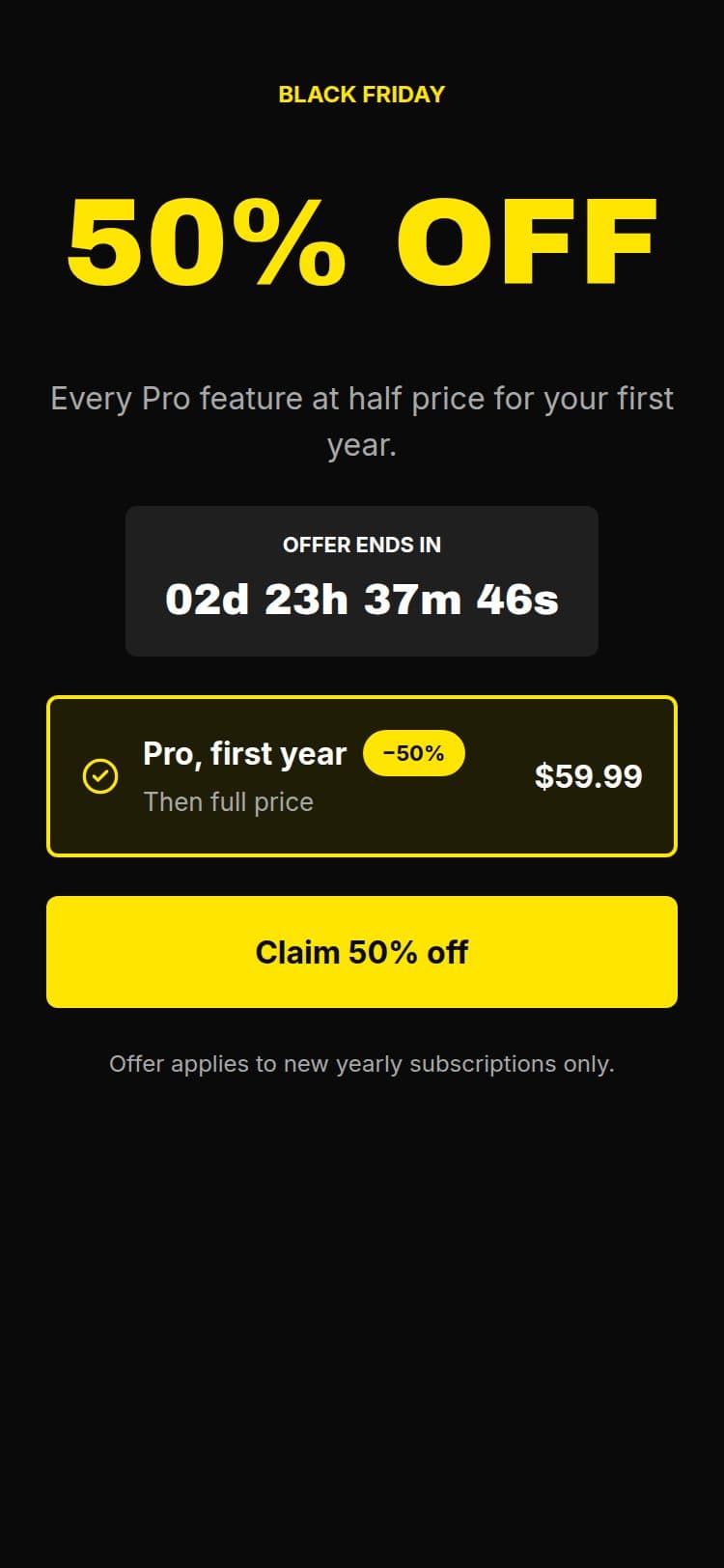
A trial-ending reminder that doesn't block the page
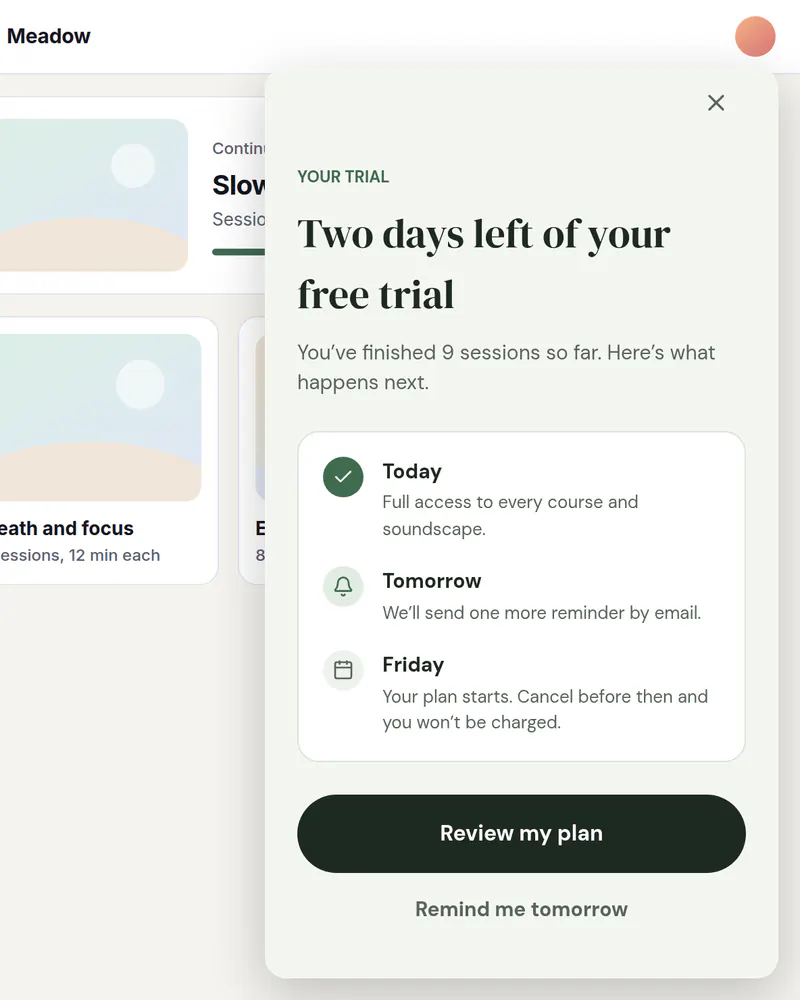
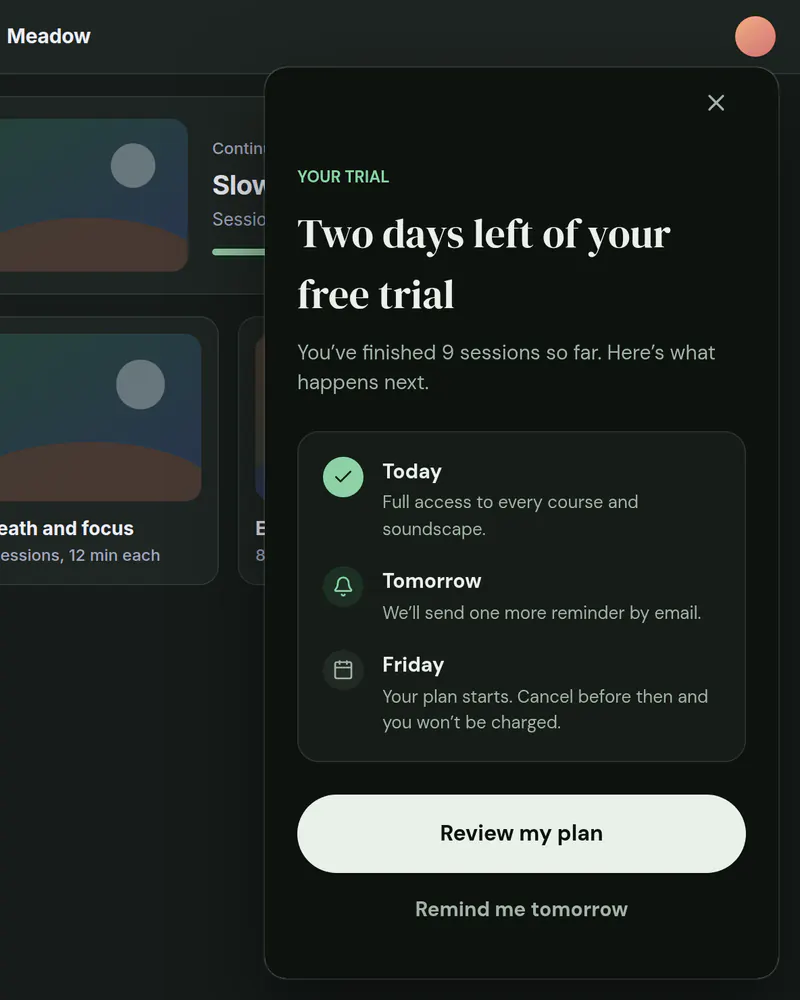
A small card in the corner, or a bottom sheet on a phone, that tells people their trial is almost over and offers the way to keep going. The page stays usable behind it.
- Display
- Slide-in
- Where
- Corner card, or a bottom sheet on phones
- When it shows
- After a few seconds
- Starts from
- Trial Ending template
Try it. This is the real thing.
The phone runs the same open-source Web SDK your site would load, with the template exactly as it ships. Tap a button and see what your code would receive. Prices here are examples; your site passes the real ones.
The button below shows it the way it appears on a site: pinned over the page.
Tap anything, and scroll inside the phone for the rest. Your site gets the event.
When to use it
- A few days before a trial ends.
- To nudge people who are using the product but have not added a plan.
- When a popup would get in the way of the work they are doing.
What goes on it
- How long the trial has left.
- What they keep by upgrading.
- A button to your checkout.
Set it up in three steps
Start from the Trial Ending template
Edit the headline and the button. A slide-in is short, so keep it to a line or two.
Choose a slide-in
In Display, pick Slide-in, its corner and its size. On a screen narrower than 640 px it becomes a bottom sheet on its own.
Show it to the right people
Set it to appear after a few seconds. To keep it away from paying customers, add an audience for them, such as plan is pro, and set it to Nothing. Everyone else sees the reminder. Your site passes the attribute and it is checked in the visitor's browser. Audiences are on Pro and up.
The code on your site
Prices and checkout stay in your product. The screen itself comes from Miniwall, so a new version reaches your site without a release.
UIKit.configure({ apiKey: "pk_..." });

// Checked in the browser. Attributes are never sent to Miniwall.
UIKit.setAttributes({ plan: "trial", trial_days_left: 3 });

// startCheckout is your own function: it runs your checkout.
UIKit.startAutoPlacements({
  products: {
    monthly: { price: 9.99, currency: "USD", period: "month" },
    annual: { price: 59.99, currency: "USD", period: "year" },
  },
  onPurchase: async ({ packageId }) => startCheckout(packageId),
});
Good to know
- Does the visitor's data leave their browser?
- No. Attributes you pass, like plan or days left, are checked in the browser to pick the screen. They are not sent to Miniwall.
- Does it work on phones?
- Yes. A slide-in becomes a bottom sheet on screens narrower than 640 px.
Other moments
Popup
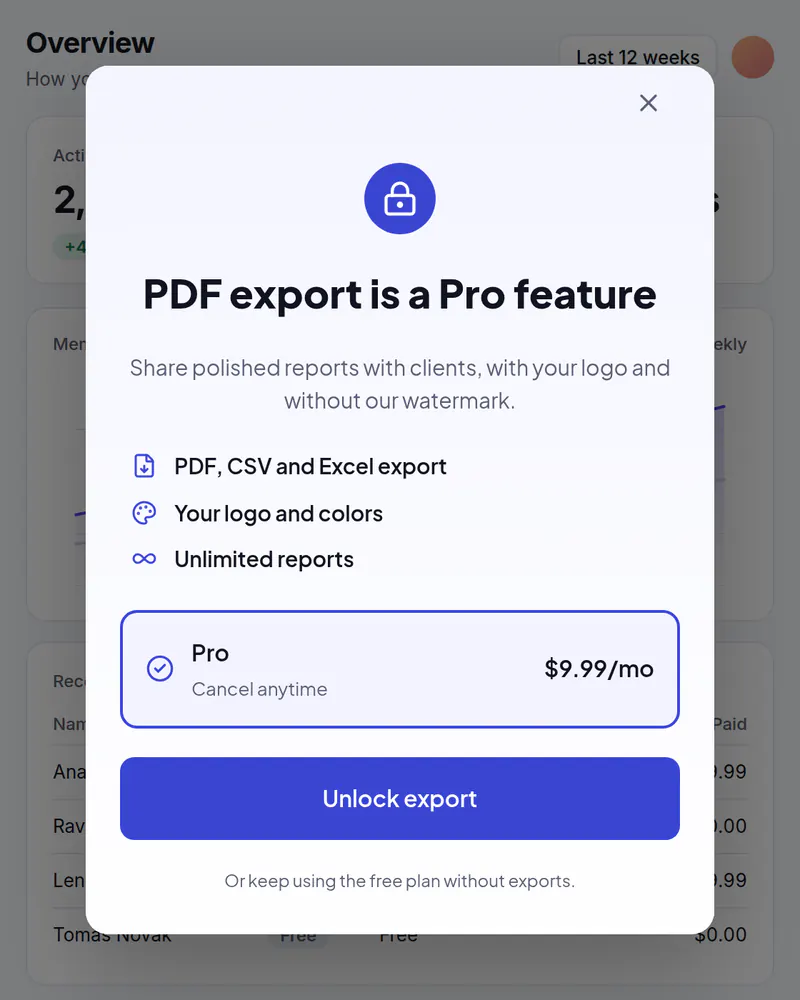
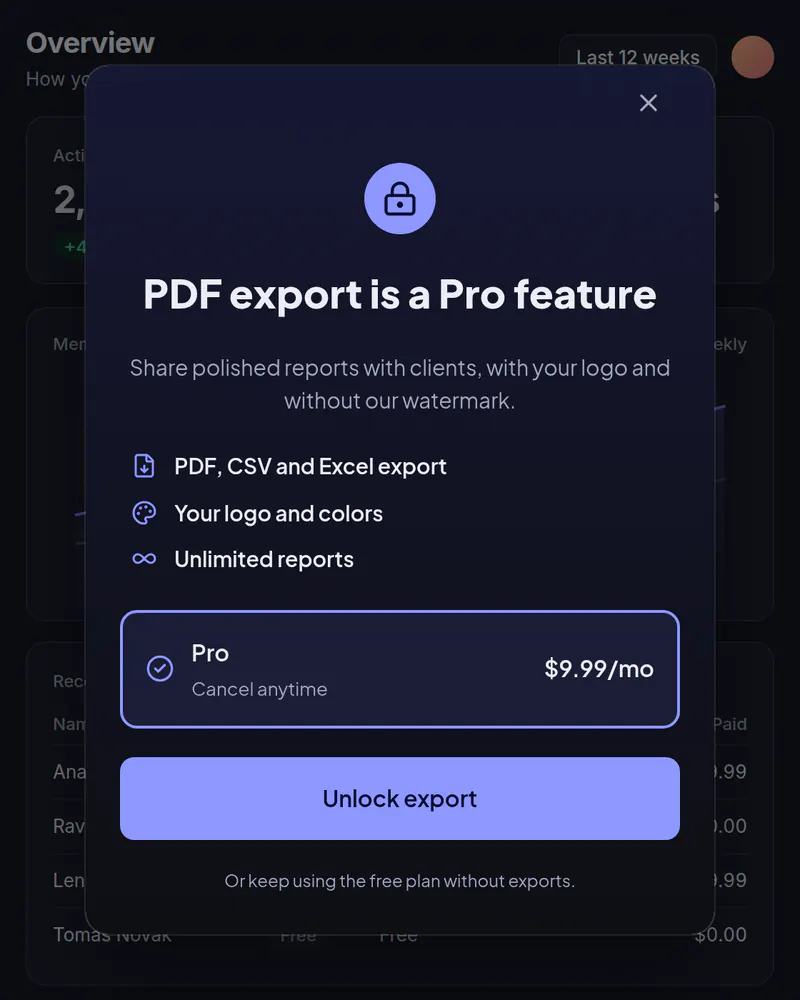
Upgrade popup
Your plans in a popup when someone taps a locked feature or reaches a limit.
See how it works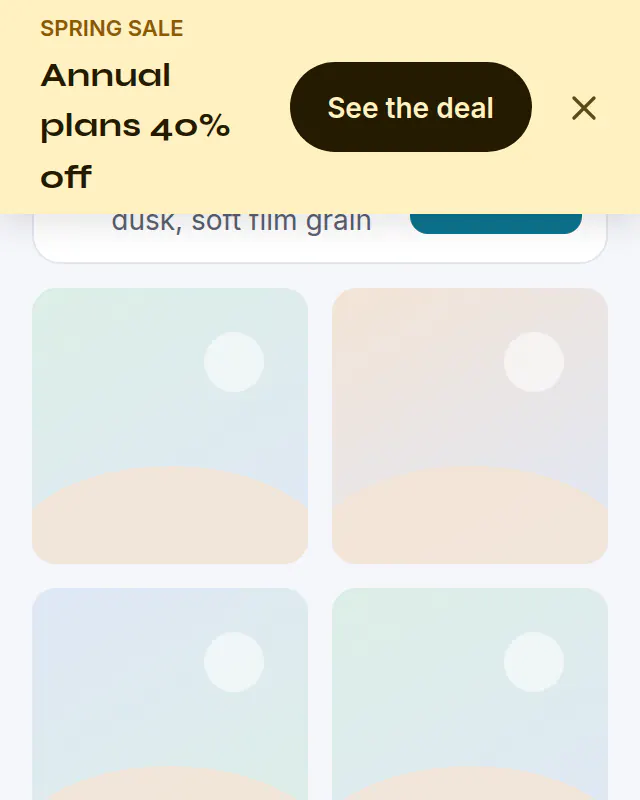
Banner
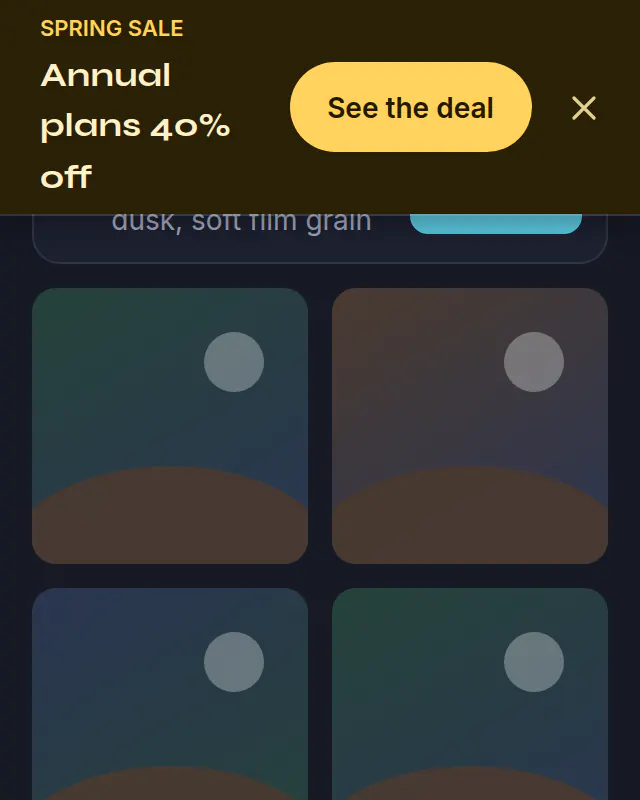
Sale banner
A bar across the top of your site for a sale. Schedule it and it ends on its own.
See how it works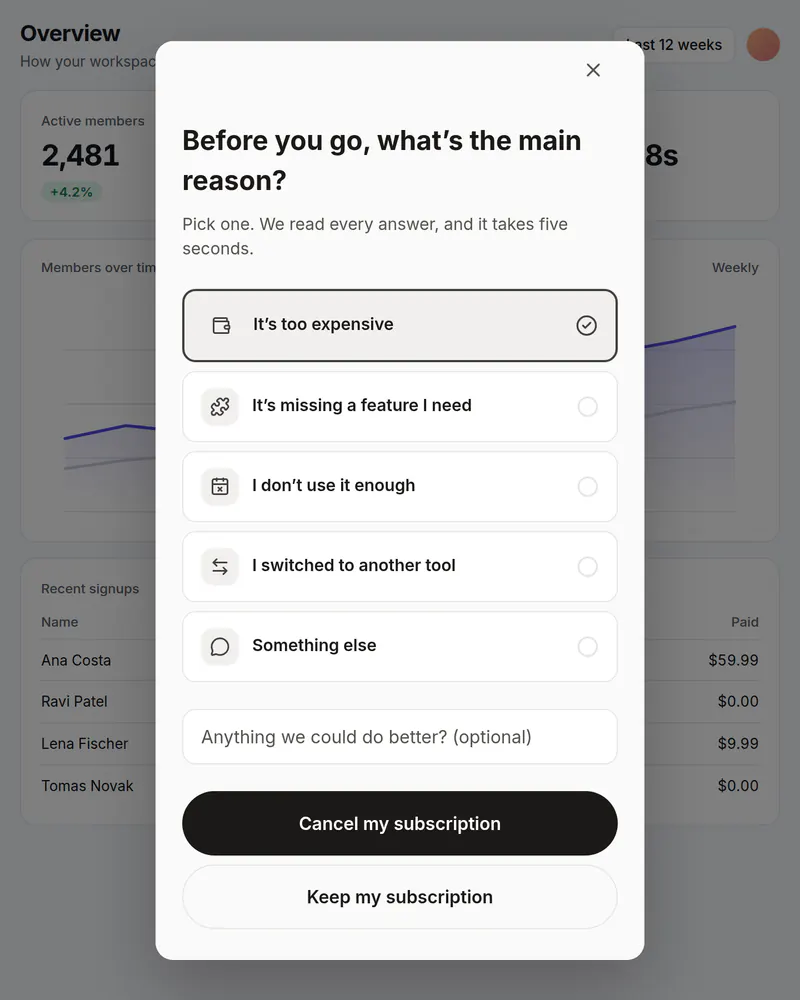
Popup
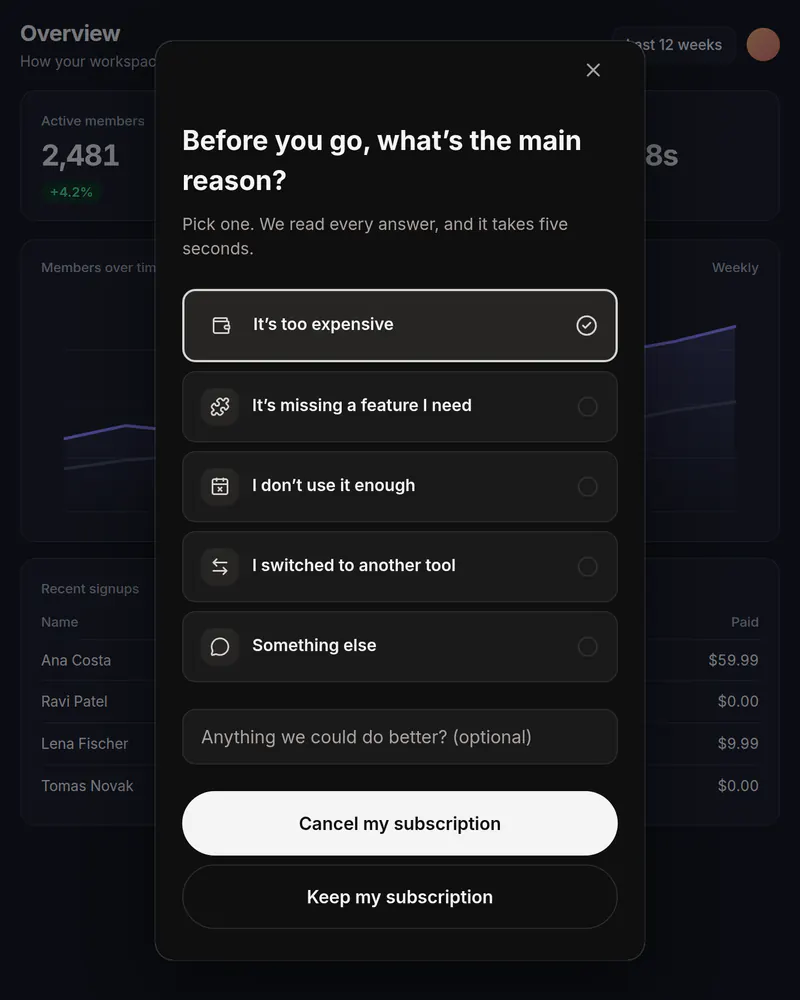
Cancel survey
One honest question before someone cancels. You see which reasons come up most.
See how it works
Stop waiting on a release
Pick a template, publish it, add one tag. Free up to 10,000 views a month, no card needed.
Tue
Live
Thu
ReleaseNo release needed