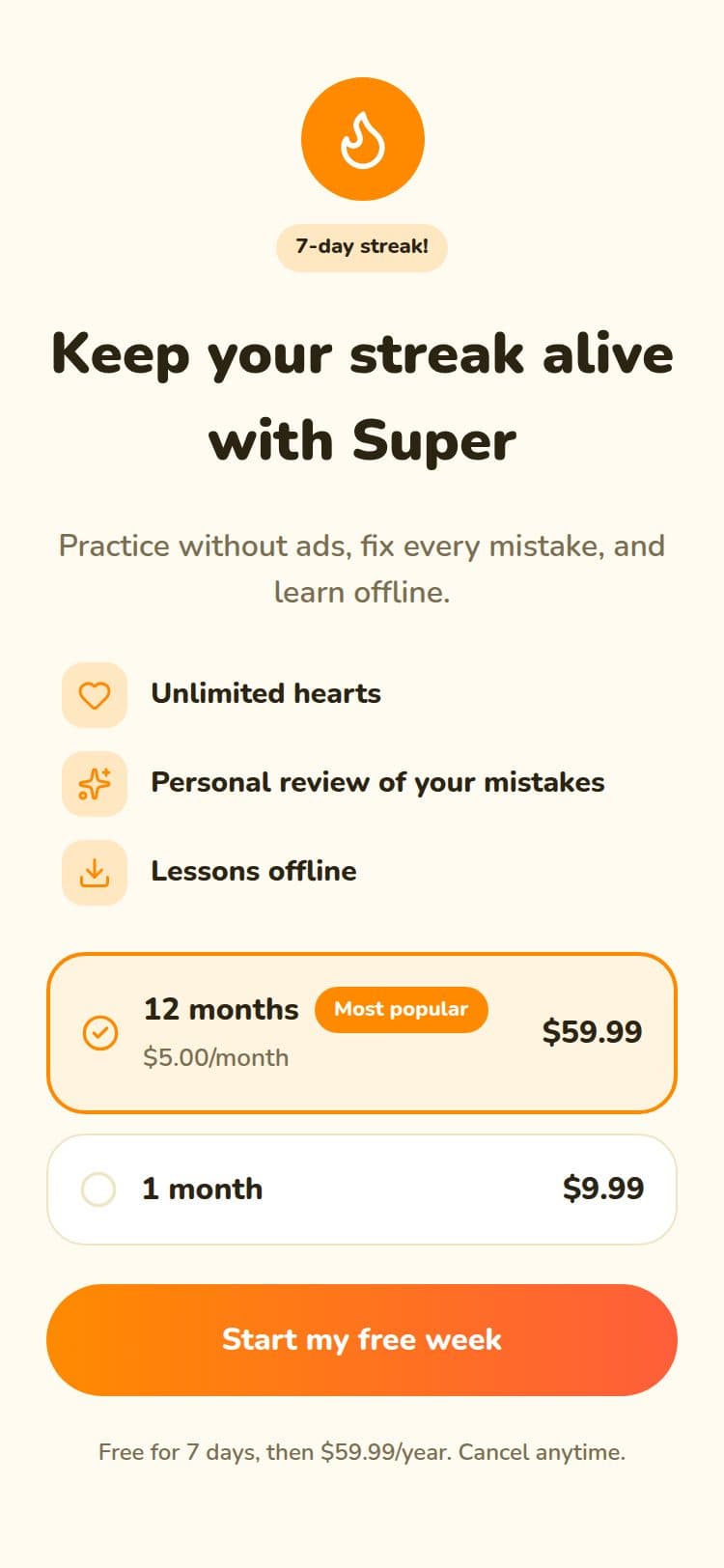
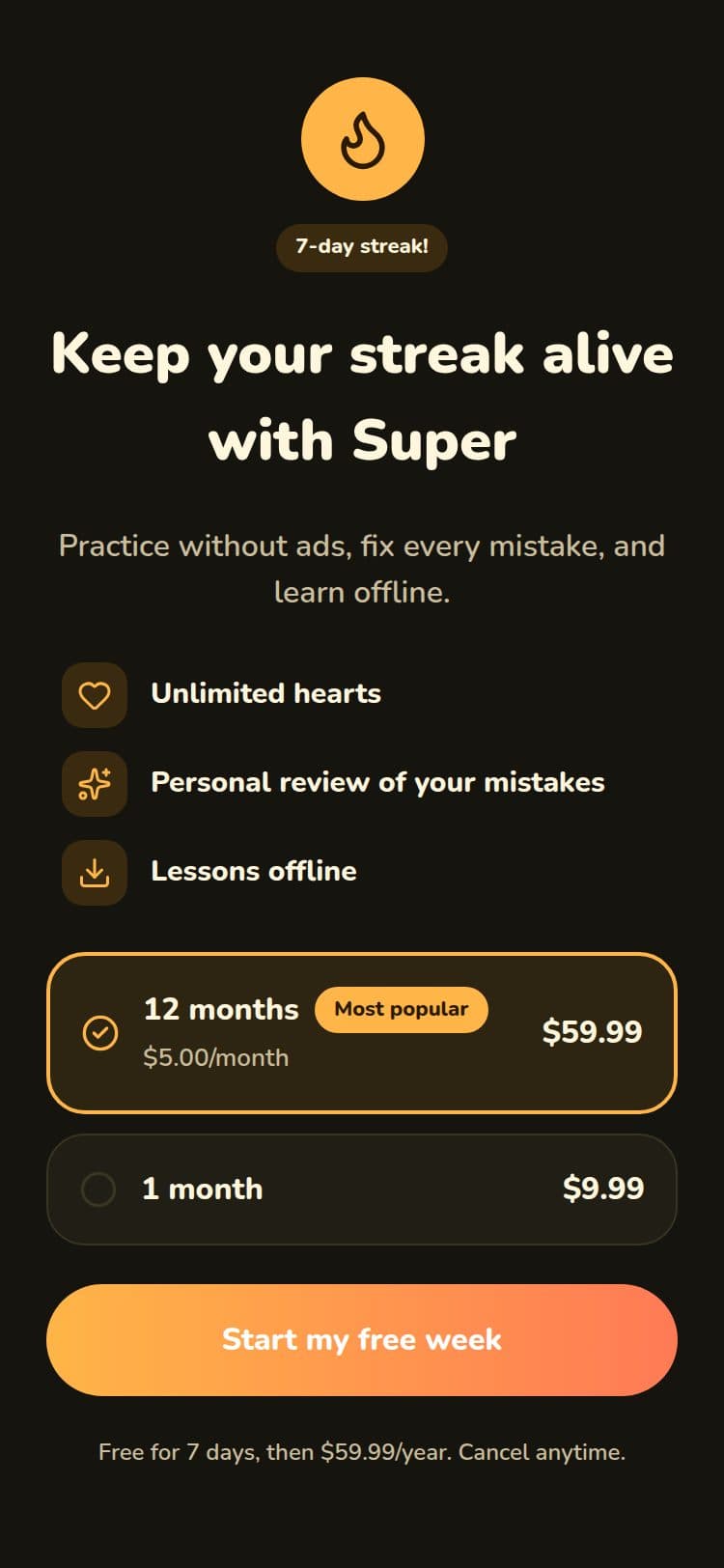
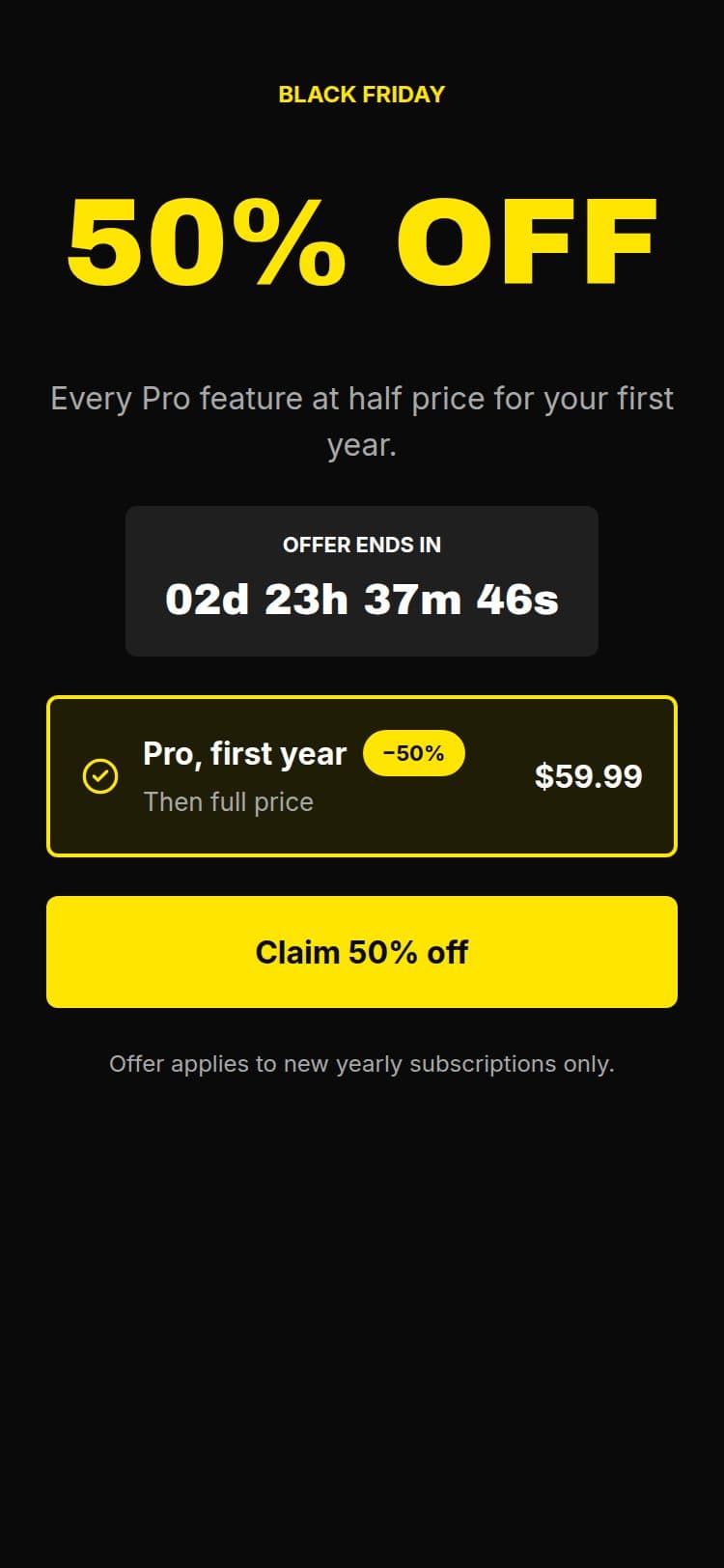
An upgrade popup for the moment someone hits a limit
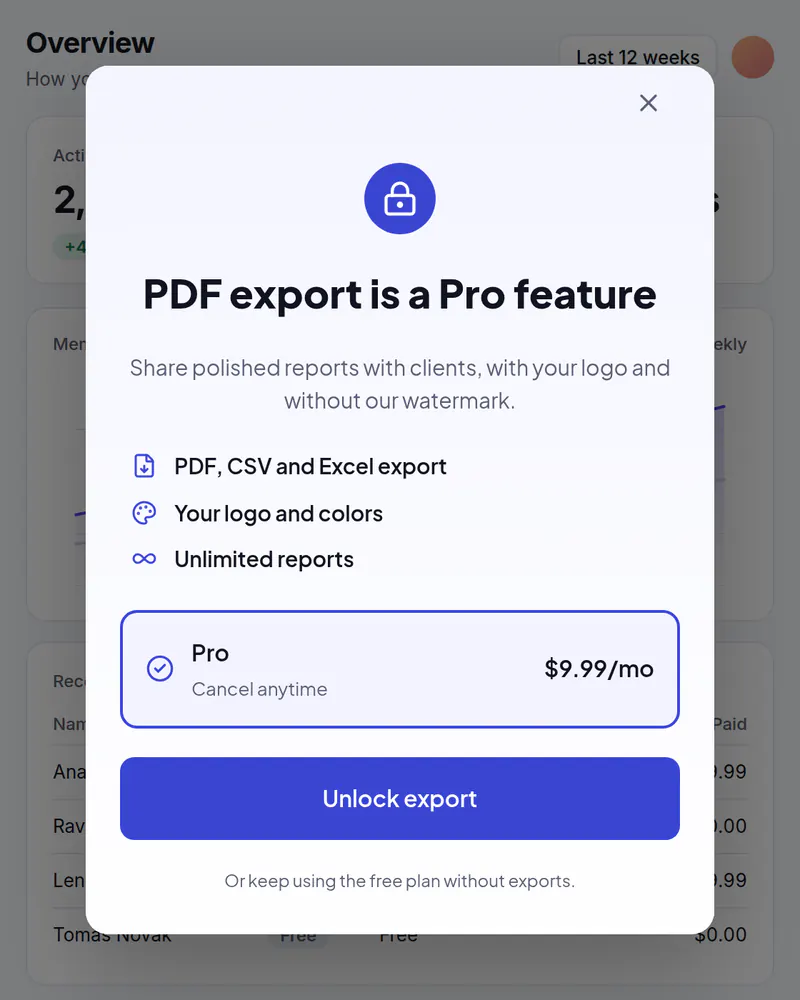
Open your plans at the exact moment someone wants more: a locked feature, a full quota, a premium export. Change the words, the plans or the look any day, without shipping code.
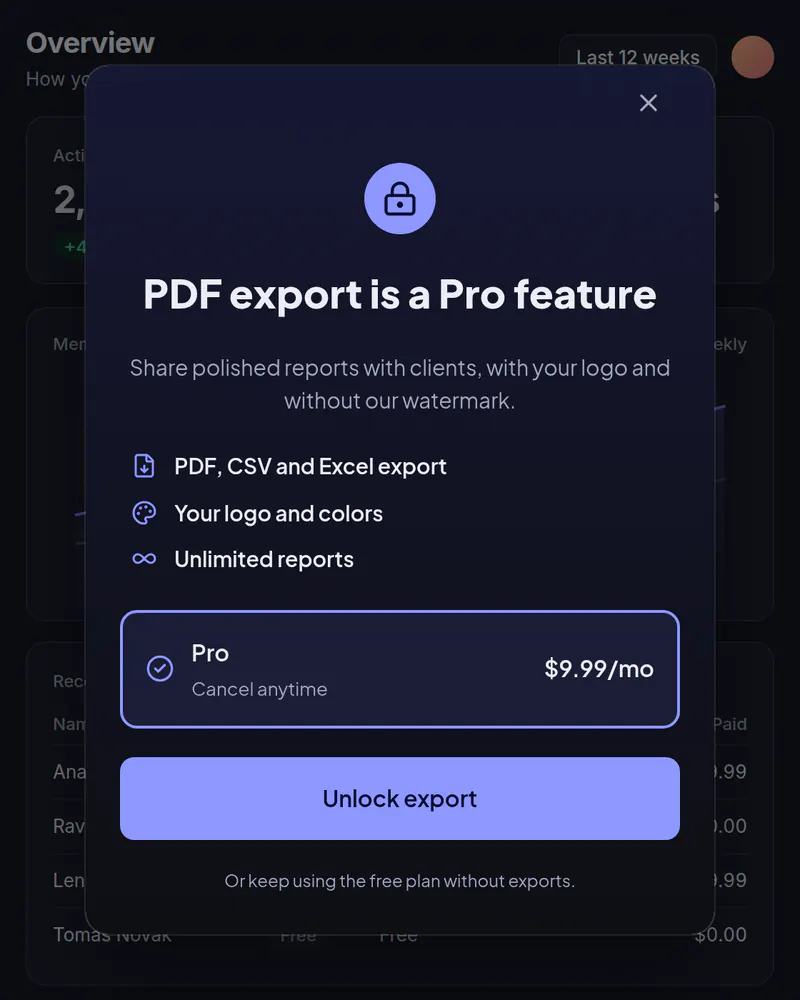
- Display
- Popup
- Where
- Centered over a dimmed page
- When it shows
- When your code opens it
- Starts from
- Feature Gate template
Try it. This is the real thing.
The phone runs the same open-source Web SDK your site would load, with the template exactly as it ships. Tap a button and see what your code would receive. Prices here are examples; your site passes the real ones.
The button below opens it as a popup over this page, the way it appears on a site.
Tap anything, and scroll inside the phone for the rest. Your site gets the event.
When to use it
- Someone taps a feature that is on a paid plan.
- A free account reaches its limit: projects, exports, seats, credits.
- You want one upgrade screen that every locked feature can open.
What goes on it
- A headline that names the feature they just tried to use.
- Your plans, with prices and a trial length filled in from your own site.
- One button that starts your checkout.
- A line of reassurance, like cancel anytime.
Set it up in three steps
Start from the Feature Gate template
Open the gallery, pick the template and rename it. Change any word, color or font in the editor.
Give it a placement
A placement is a name your site asks for, like upgrade_button. Point it at your screen. Later you can point it at another screen without touching your code.
Open it from your code
Call the SDK where the limit is hit. You pass the prices from your store or billing provider, and your checkout runs when someone taps buy. Miniwall never handles payments.
The code on your site
Prices and checkout stay in your product. The screen itself comes from Miniwall, so a new version reaches your site without a release.
// startCheckout is your own function: it runs your checkout.
document.querySelector("#export").addEventListener("click", async () => {
  await UIKit.presentPaywall({
    paywall: { placement: "upgrade_button" },
    products: {
      monthly: { price: 9.99, currency: "USD", period: "month" },
      annual: { price: 59.99, currency: "USD", period: "year" },
    },
    onPurchase: async ({ packageId }) => startCheckout(packageId),
  });
});
Good to know
- Where do the prices come from?
- From your website. You pass a price for each plan ID, usually from your billing provider, so the screen always matches what you charge.
- Can I test two versions?
- Yes. A/B tests are on Indie and up: half of your visitors see one screen, half see the other, and you can see which one led to more purchases.
Other moments
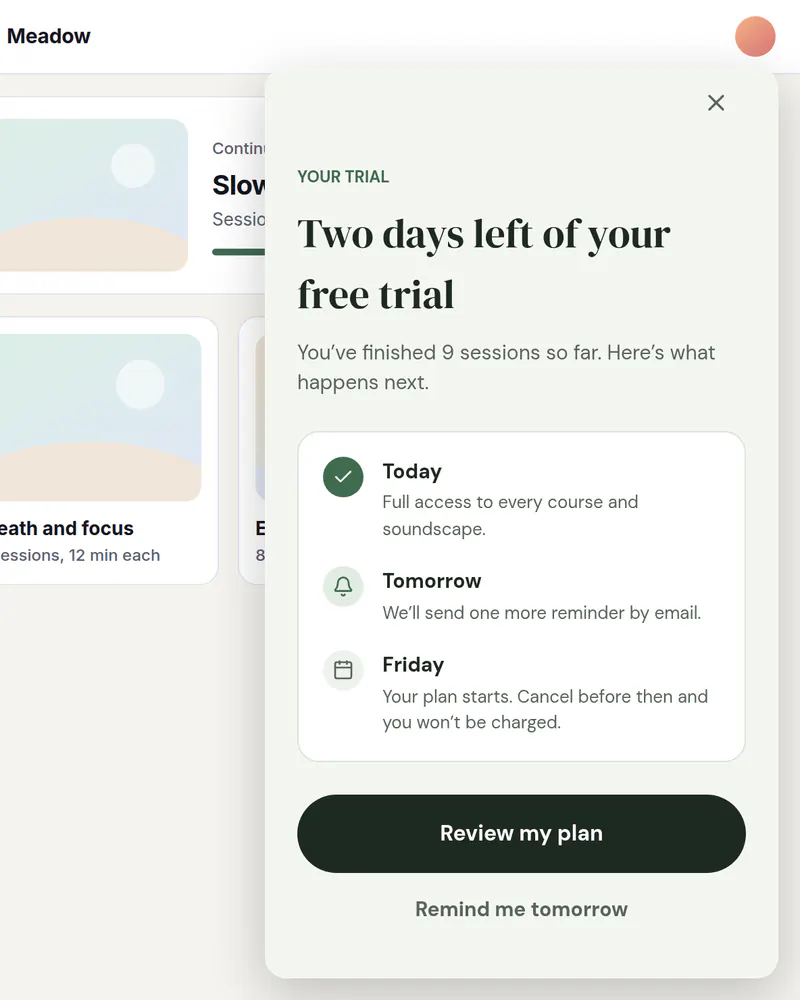
Slide-in
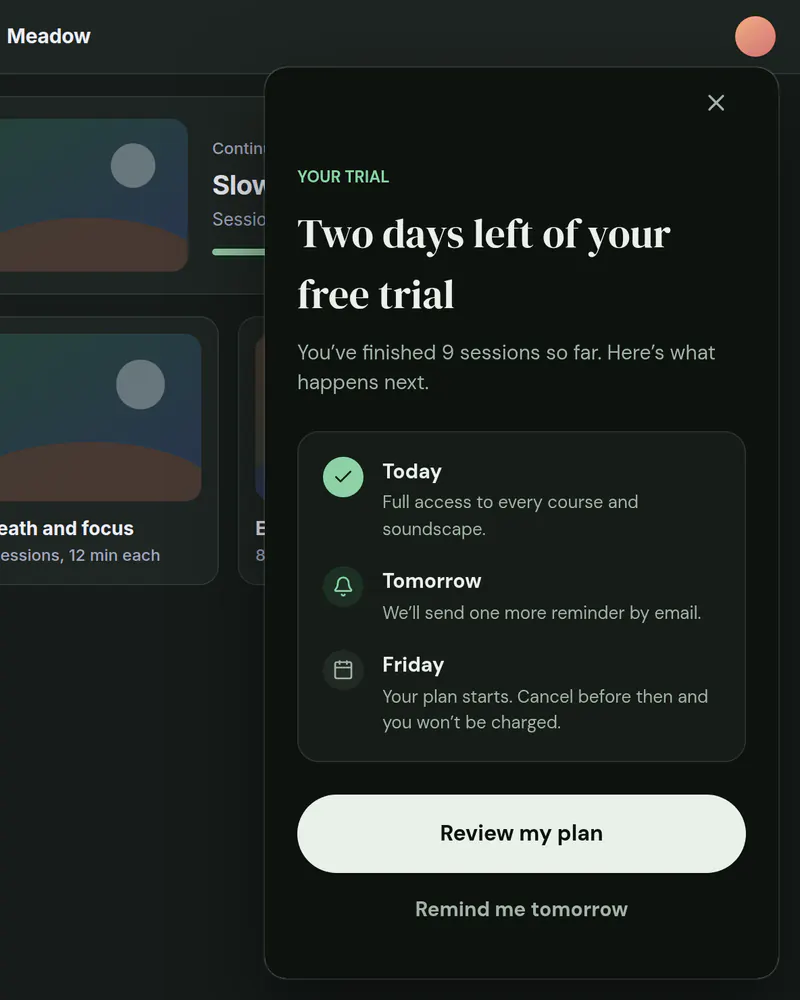
Trial ending reminder
A card in the corner that reminds people before their trial runs out.
See how it works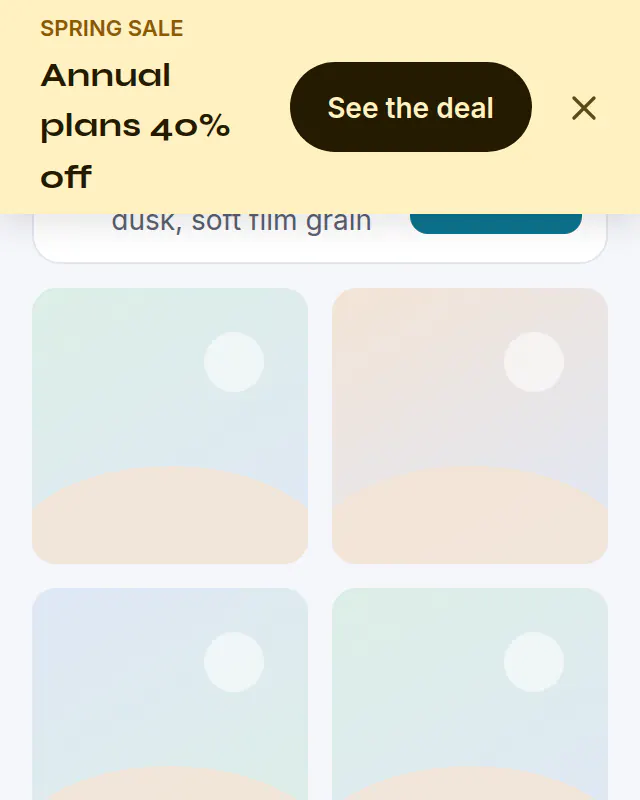
Banner
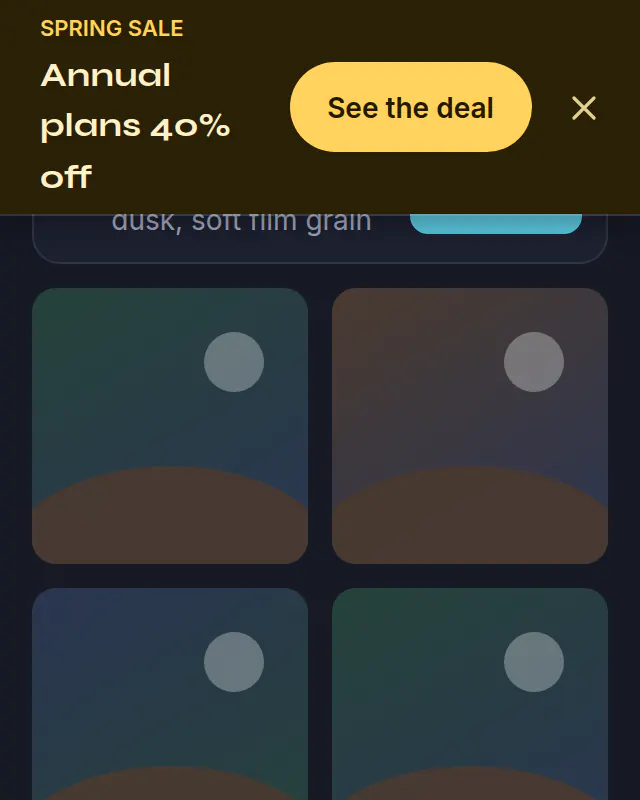
Sale banner
A bar across the top of your site for a sale. Schedule it and it ends on its own.
See how it works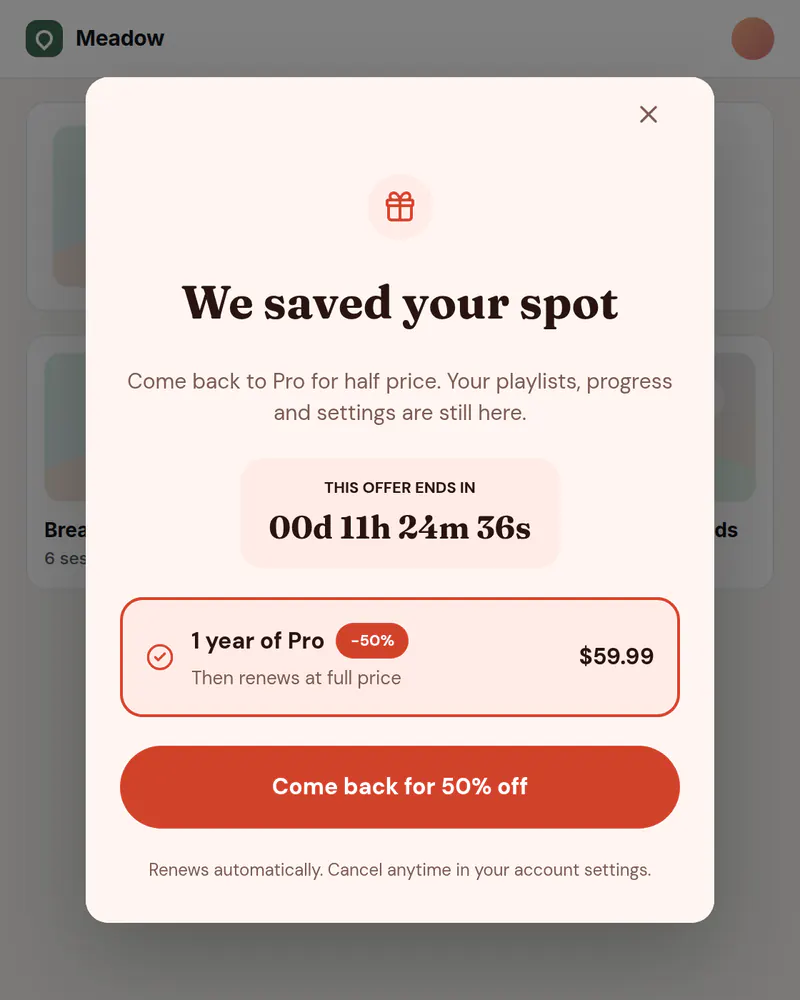
Banner or popup
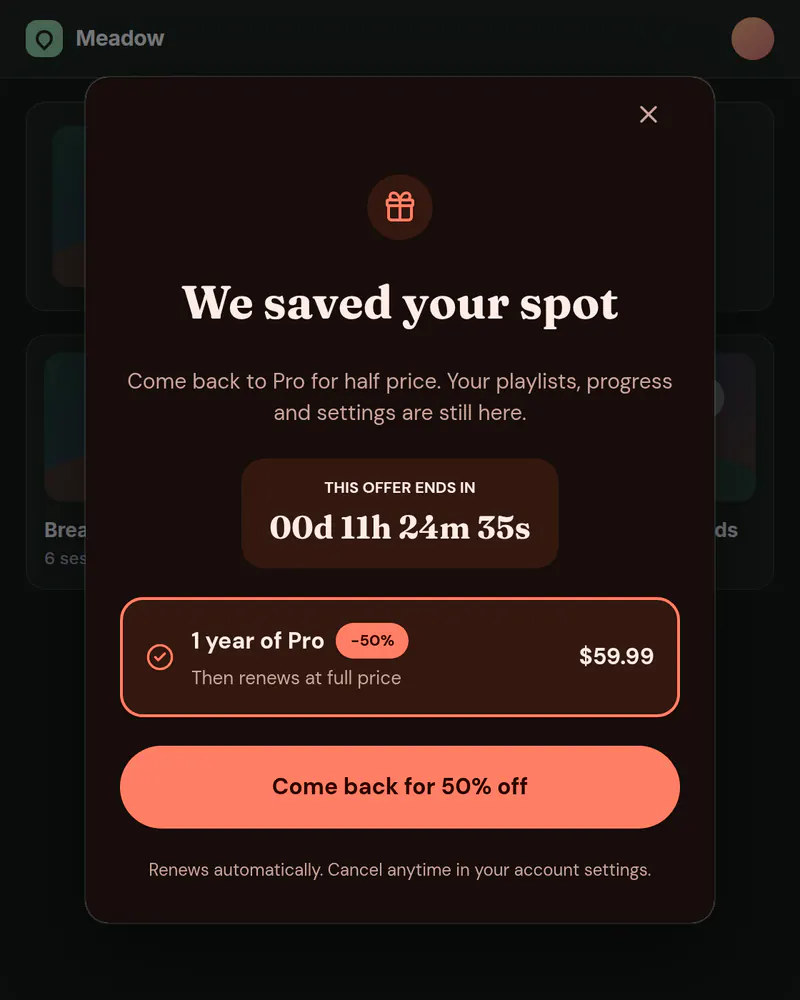
Win-back offer
Welcome back people who cancelled, with an offer for the right visitors.
See how it works
Stop waiting on a release
Pick a template, publish it, add one tag. Free up to 10,000 views a month, no card needed.
Tue
Live
Thu
ReleaseNo release needed