The hidden cost of waiting for an app release
Shipping without a releaseOpinion4 min readMiniwall team
Part of the series: Ways to change a live app without shipping a release
The cost of waiting for a release is the value of the change multiplied by the days it sat in the queue, plus the work that waited with it. You can estimate both with numbers you already have. Do that before you decide which changes deserve to leave the release queue, because most don't.
This post gives you the formula, a worksheet and an example with made-up numbers. It doesn't give you a statistic about what companies lose, because we don't have one and we'd rather not invent it.
The wait has three parts
When someone says "it takes two weeks to ship", they usually mean three different things added together.
- Queue. The change is ready, but the next release isn't until later. Nothing is happening to it.
- Build and review. Testing, packaging, and for mobile apps the store's own review.
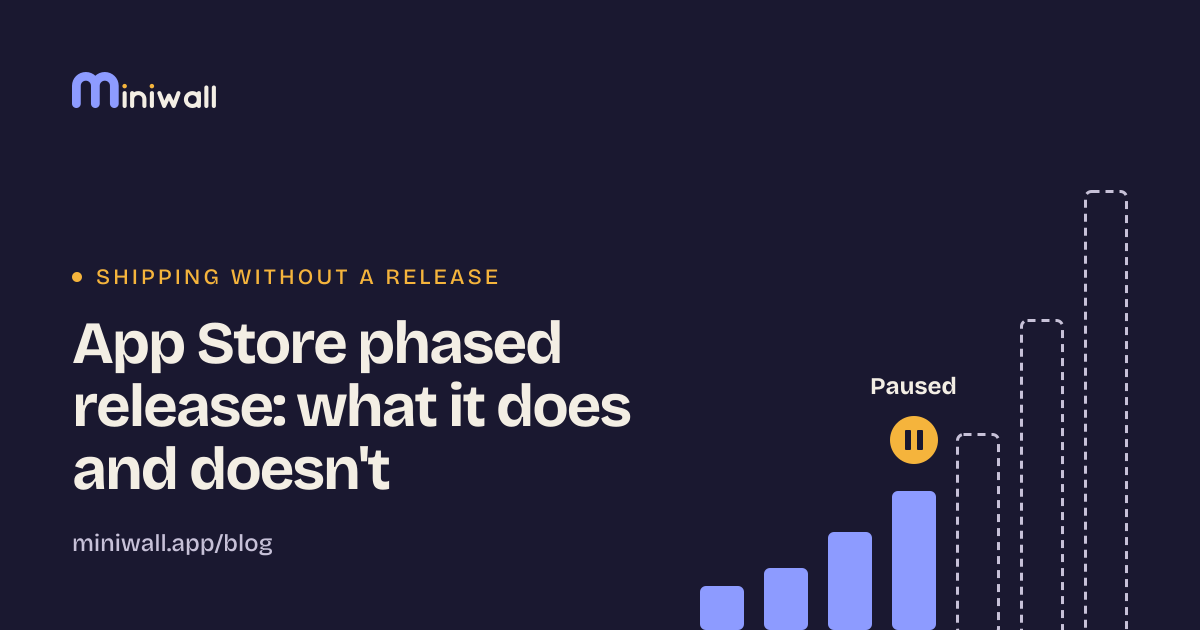
- Rollout. Even after approval, a phased rollout can spread an update over days. Apple's phased release for iOS goes out to a growing share of users over seven days[1]. How that works, and what it doesn't do, is its own post.
We'd expect the queue to be the biggest part, because nothing is being worked on during it. But that's an expectation, not a measurement. The first job is to find out for your team.
What the wait costs
Four buckets, in the order people tend to notice them:
- Value not earned. If the change would have helped (a clearer price, a better offer), every day between "ready" and "live" is a day without it.
- Windows that close. A sale that ends on Sunday doesn't care about your next release. A change tied to a date is worth far more than the same change with no date.
- Work that waits with it. Branches kept alive, people asking whether it's live yet, the designer who has already moved on and has to remember what they meant.
- Learning delayed. A test that starts three weeks later is three weeks of not knowing which version is better.
Only the first two are easy to put a number on. The last two are real, but you can leave them out of the first estimate and still get a useful answer.
Price it with your own numbers
| Field | Where to find it | Your number |
|---|---|---|
| Days from "ready" to "live" | The ticket's dates | |
| Value per day if it had been live | Your best range, high and low | |
| People who followed up, and for how long | Ask them | |
| Hourly cost of that time | Your finance team | |
| Did a date close in the meantime? | Calendar of campaigns |
Swipe sideways to see every column.
The estimate is: value per day × days waited, plus follow-up hours × hourly cost. If a date closed, add what that date was worth.
Here is an example with made-up numbers, not data. Say a pricing banner could be worth 100 a day, it waited 12 days, and two people spent three hours each asking about it at 50 an hour. That's 1,200 plus 300, so about 1,500, and that's before counting that the sale it was meant for had already ended.
The value per day is the soft number in that calculation. It's fine to use a range. If the answer is still small at your lowest guess, you've learned the wait isn't worth fixing for that change.
Price the worst case, not the average
An average hides the changes that hurt. If most changes wait four days and one waited three weeks because it missed a train, the one that missed is the one people remember. Look at the longest waits in the last quarter first. Those usually have a date attached.
Which changes to take out of the queue
Not all of them. The ones that fit are changes to content and configuration: wording, order, offers, who sees what. They don't need new code, so they don't need a build.
Changes that need new behavior in the app still belong in a release, and that's fine. Ways to change a live app without shipping a release lists the options and what each one can't do, and when not to use server-driven UI lists the cases where we'd leave the screen alone.
What to do on Monday
Take the last three changes to one screen your team cares about. For each, write the date it was asked for and the date it was live. Subtract. Next to each, write what it would have been worth to have it a week earlier, as a range.
If the numbers are small, keep releasing the way you do. If they aren't, you have a business case that uses your own figures, which is a better case than anyone else's.
When this doesn't apply
If you release every day and nothing queues, there's no wait to price. And if your changes never have a date attached and nobody is asking for them, the cost of waiting is low by definition.
Sources
- Apple, Release a version update in phases (App Store Connect help) (opens in a new tab)developer.apple.com · accessed