A win-back offer for people who came back after cancelling
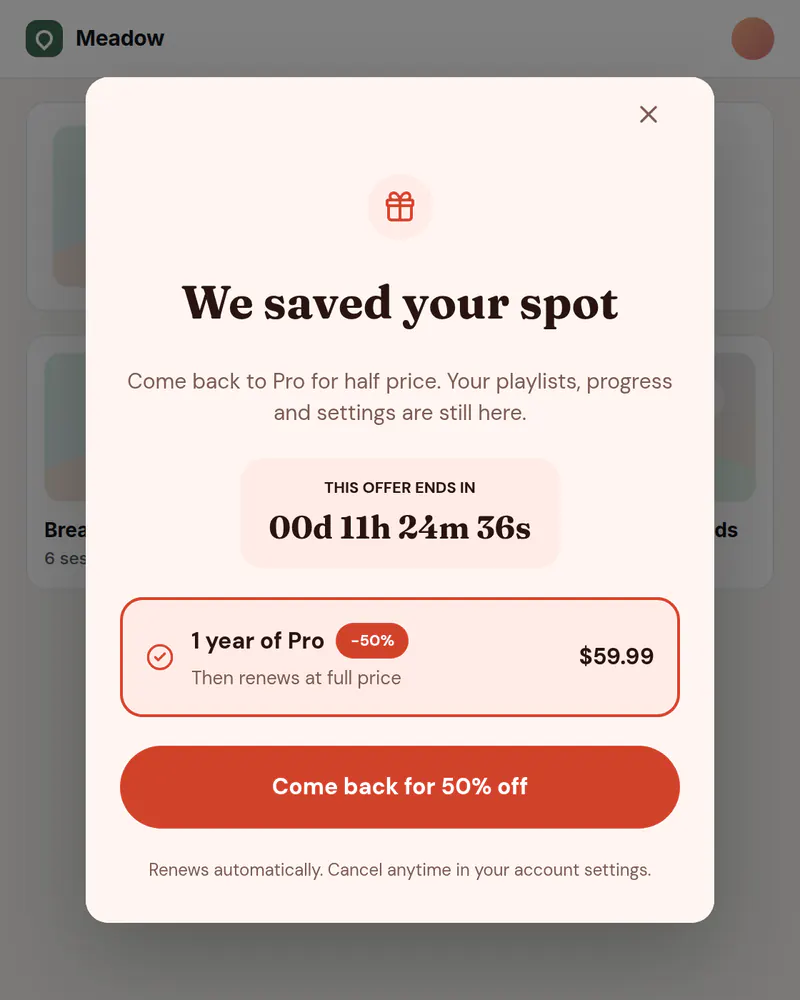
A warm welcome and an offer for people who cancelled and are visiting again. Show it as a banner or a popup, to the visitors who match, and measure whether it works.
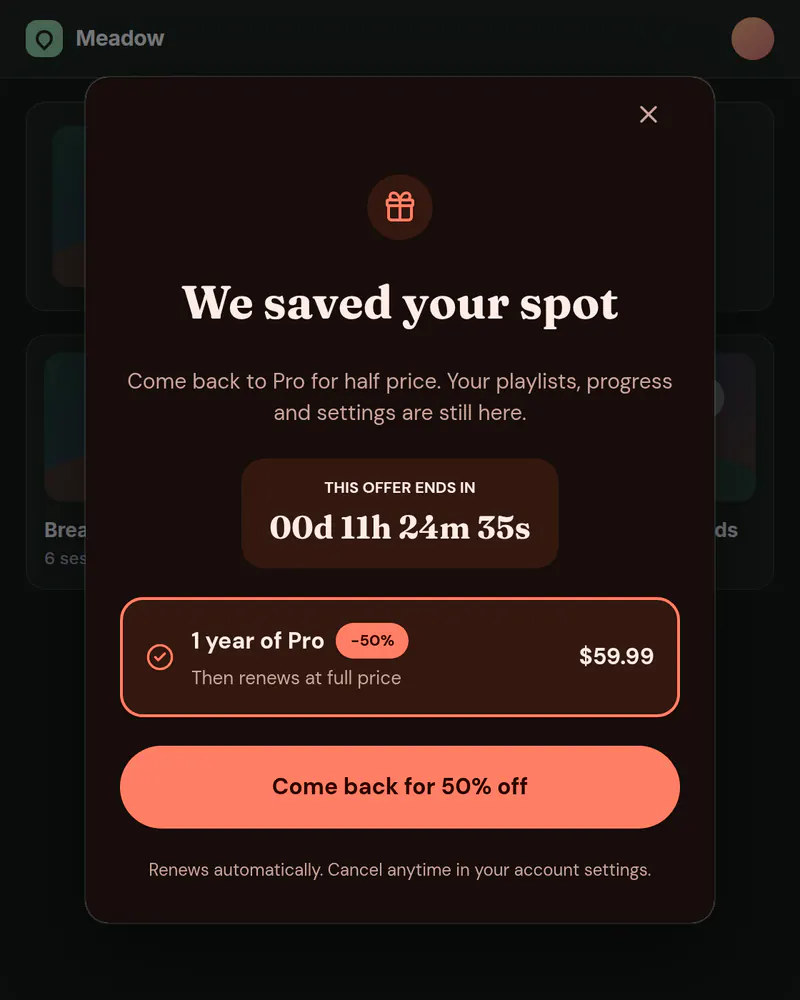
- Display
- Banner or popup
- Where
- Top of the page, or centered
- When it shows
- When the page loads
- Starts from
- Win-back 50% template
Try it. This is the real thing.
The phone runs the same open-source Web SDK your site would load, with the template exactly as it ships. Tap a button and see what your code would receive. Prices here are examples; your site passes the real ones.
The button below opens it as a popup over this page, the way it appears on a site.
Tap anything, and scroll inside the phone for the rest. Your site gets the event.
When to use it
- A returning visitor whose plan has lapsed.
- A seasonal comeback offer.
- After a cancel survey answer that points to price.
What goes on it
- A welcome back, in your own voice.
- The offer, stated plainly.
- A button to claim it in your checkout.
Set it up in three steps
Start from the Win-back template
Change the offer and the words. Use it as a popup or switch it to a banner in Display.
Keep it to lapsed visitors
Your site passes an attribute such as plan. Add an audience for each group that should not see the offer, such as plan is pro, and set it to Nothing. Everyone else sees it. Audiences are on Pro and up.
Check that it helps
Hold out a share of matching visitors who see nothing, then compare purchases. Holdout is on Pro and up too.
The code on your site
Prices and checkout stay in your product. The screen itself comes from Miniwall, so a new version reaches your site without a release.
UIKit.configure({ apiKey: "pk_..." });

UIKit.setAttributes({ plan: "cancelled" });

// startCheckout is your own function: it runs your checkout.
UIKit.startAutoPlacements({
  products: {
    monthly: { price: 9.99, currency: "USD", period: "month" },
    annual: { price: 59.99, currency: "USD", period: "year" },
  },
  onPurchase: async ({ packageId }) => startCheckout(packageId),
});
Good to know
- How does it know who cancelled?
- Your site tells it. You pass an attribute such as plan when you know the visitor's state, and the audience rules are checked in their browser.
- Can I limit how often someone sees it?
- Yes. Every placement can have a limit, like once per visit or twice a week, on every plan.
Other moments
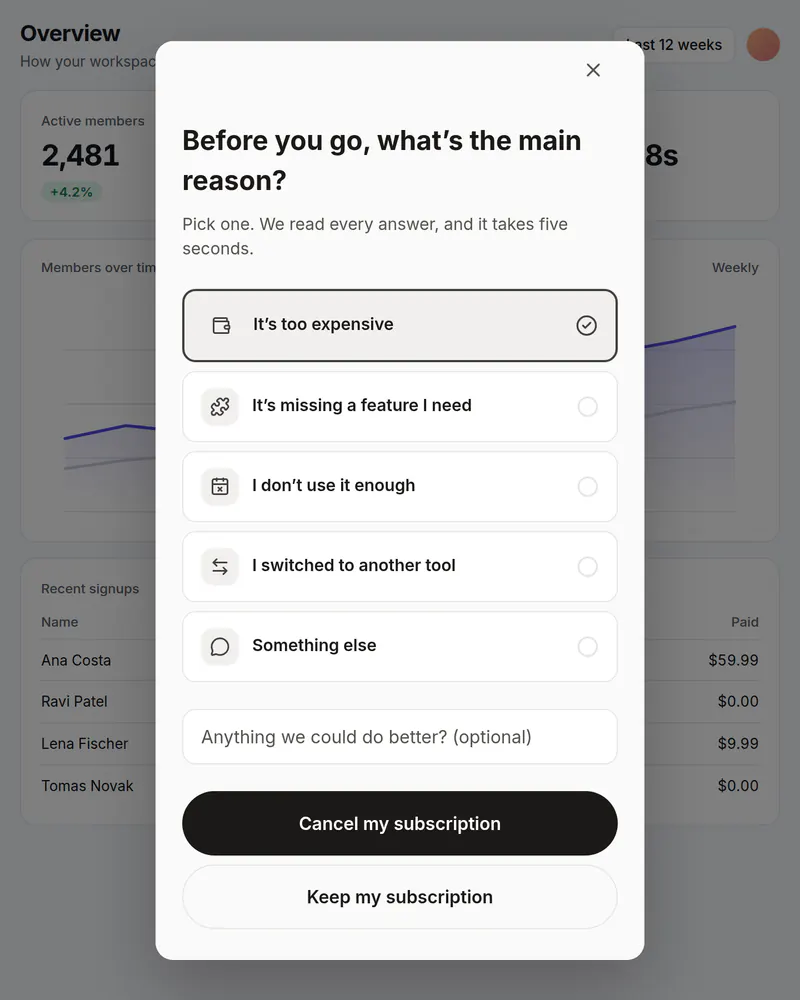
Popup
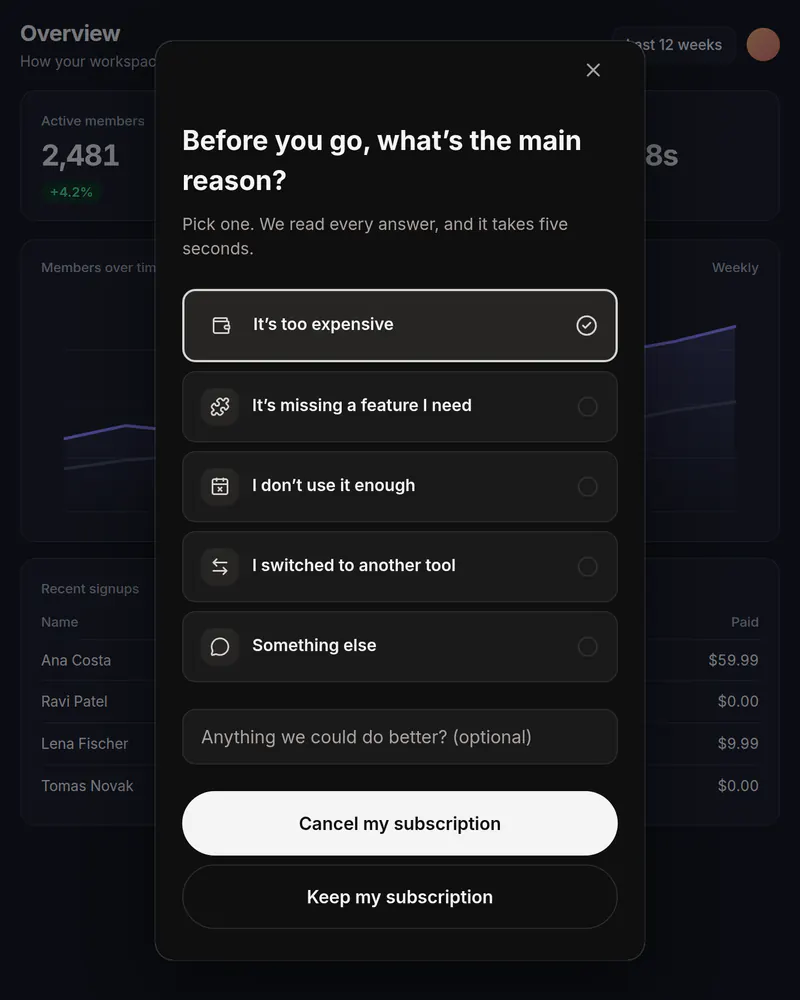
Cancel survey
One honest question before someone cancels. You see which reasons come up most.
See how it works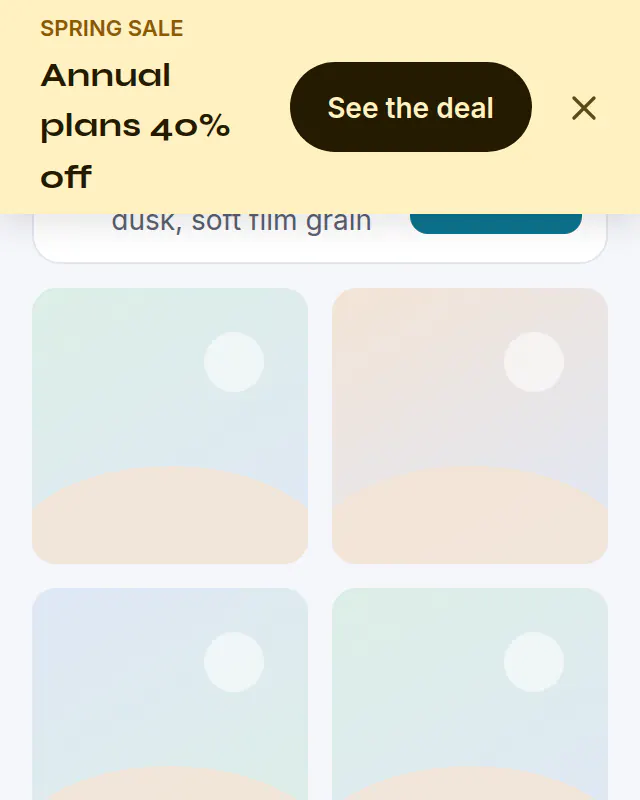
Banner
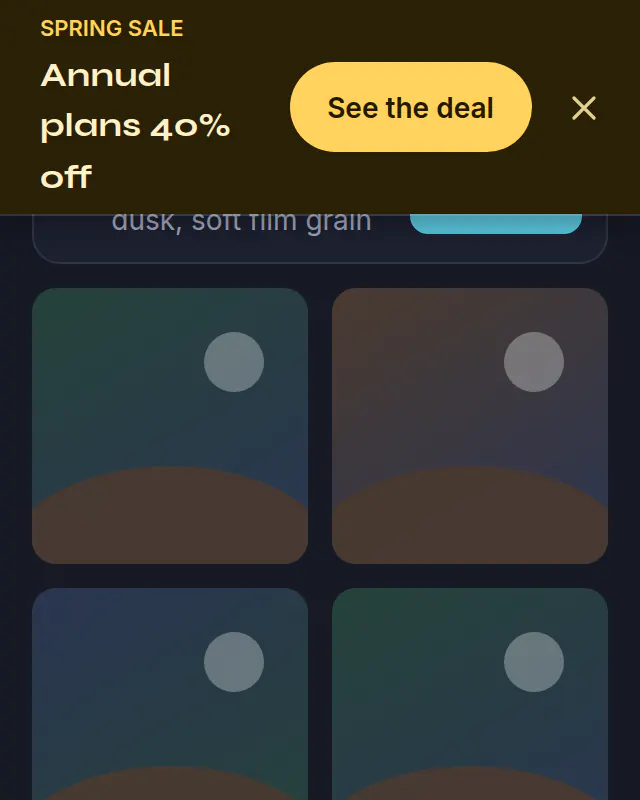
Sale banner
A bar across the top of your site for a sale. Schedule it and it ends on its own.
See how it works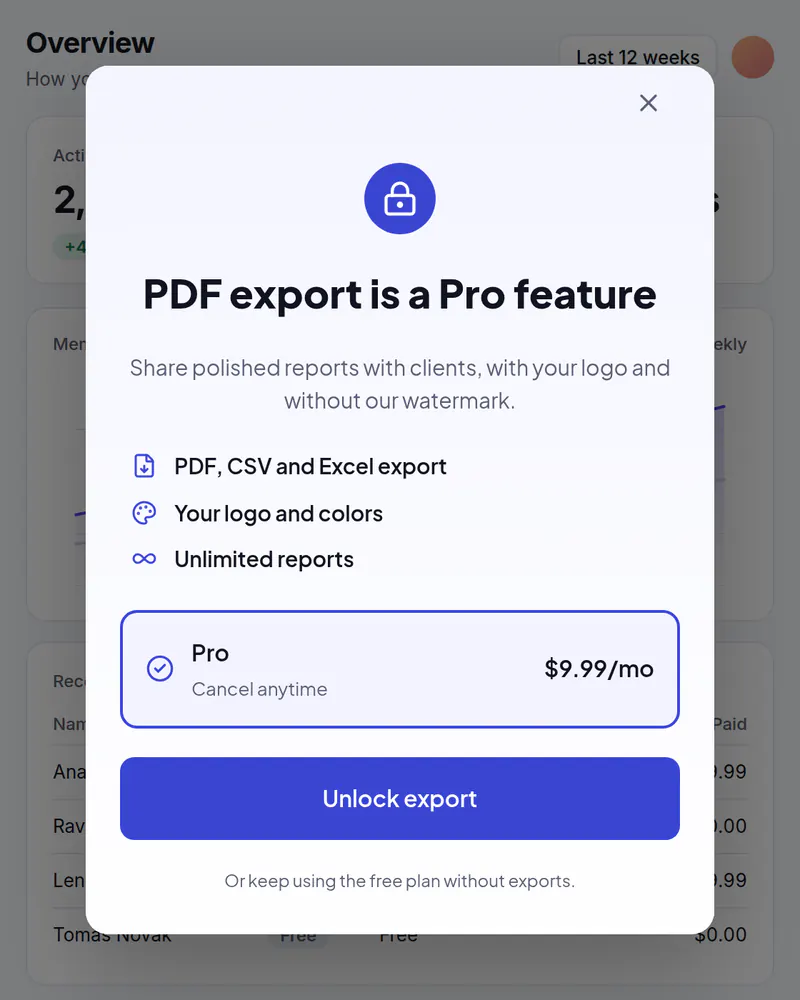
Popup
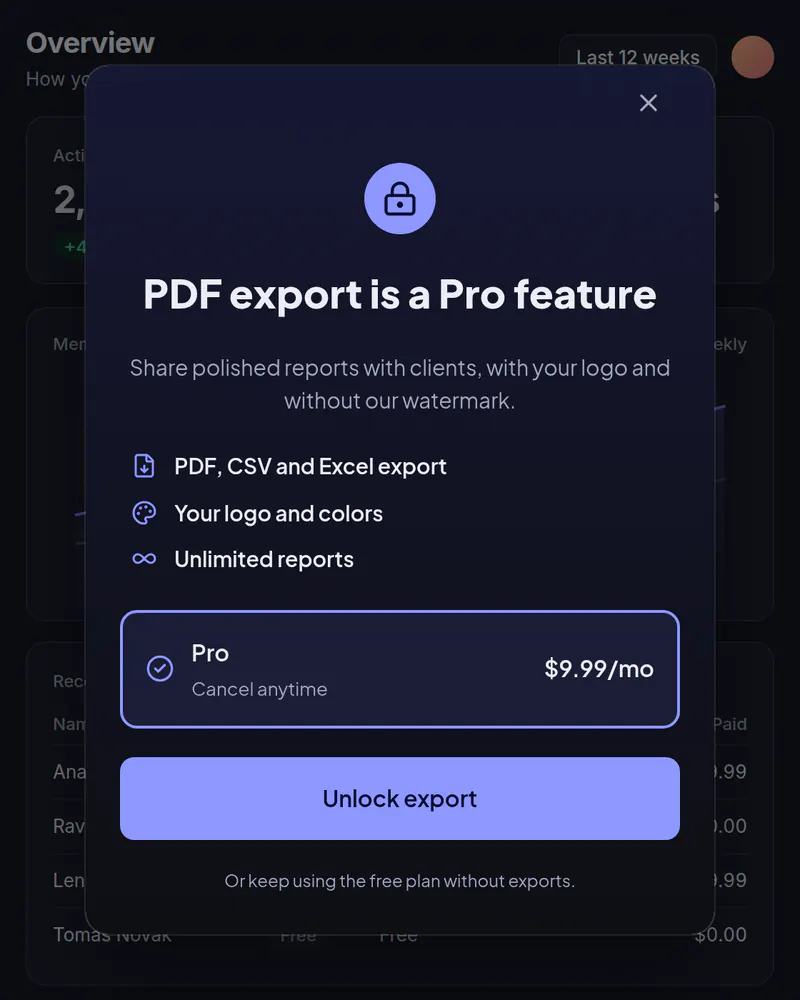
Upgrade popup
Your plans in a popup when someone taps a locked feature or reaches a limit.
See how it works
Stop waiting on a release
Pick a template, publish it, add one tag. Free up to 10,000 views a month, no card needed.
Tue
Live
Thu
ReleaseNo release needed