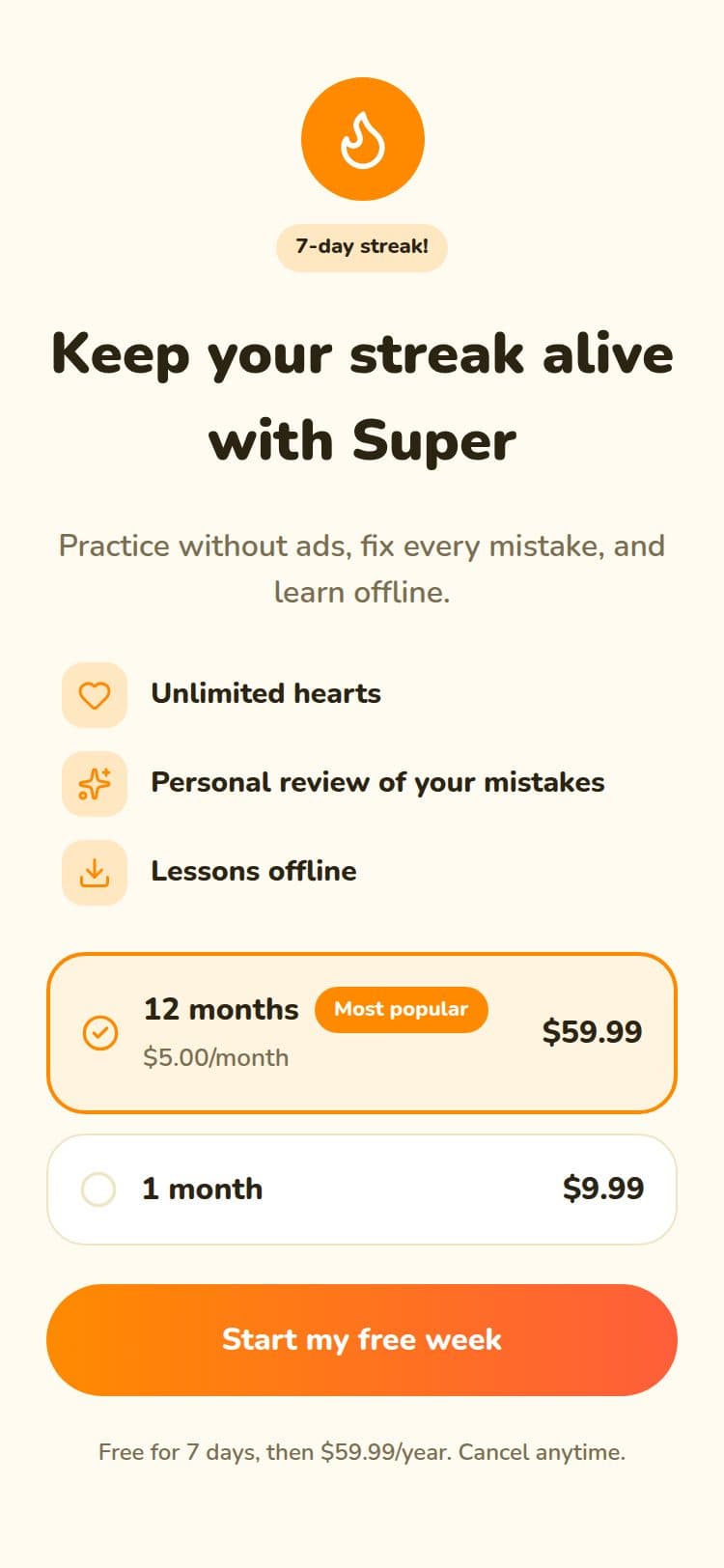
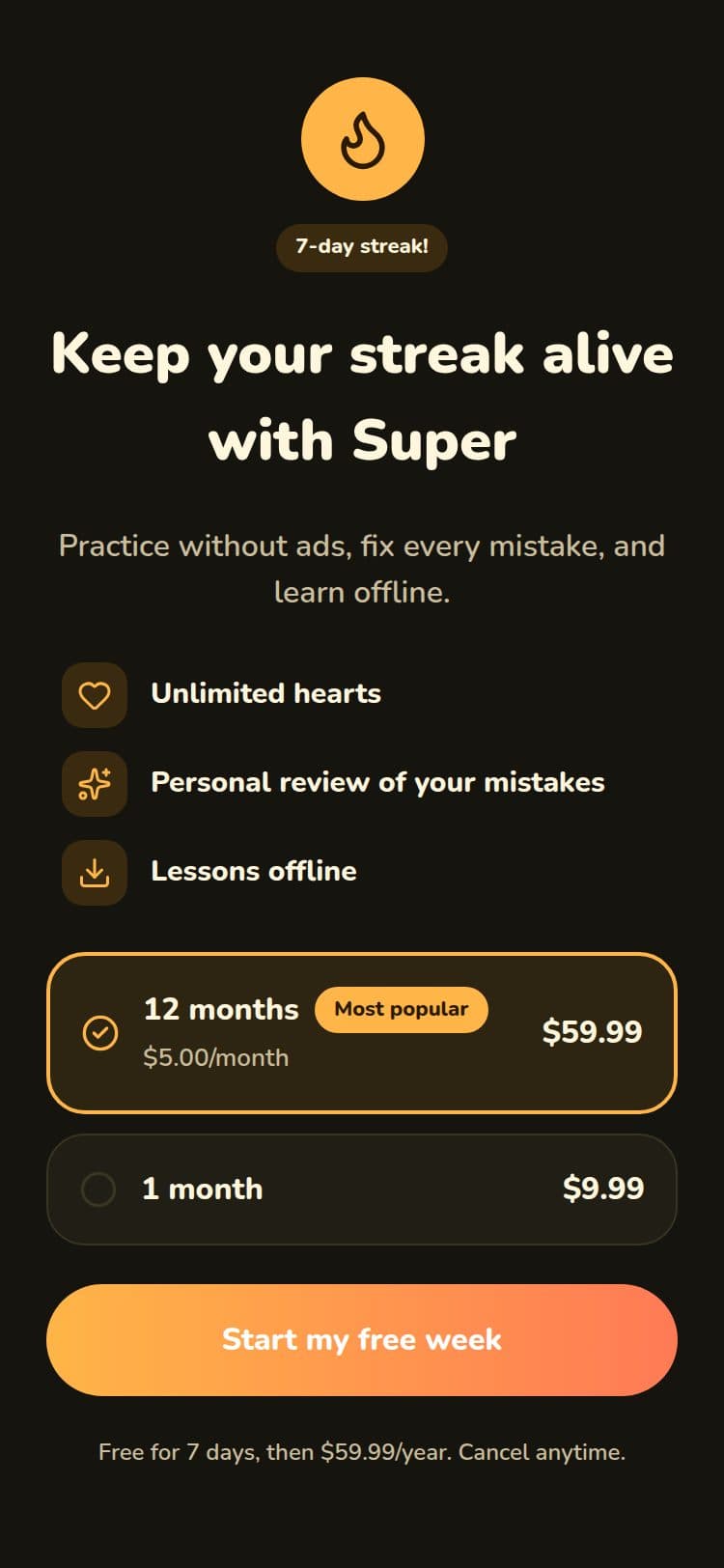
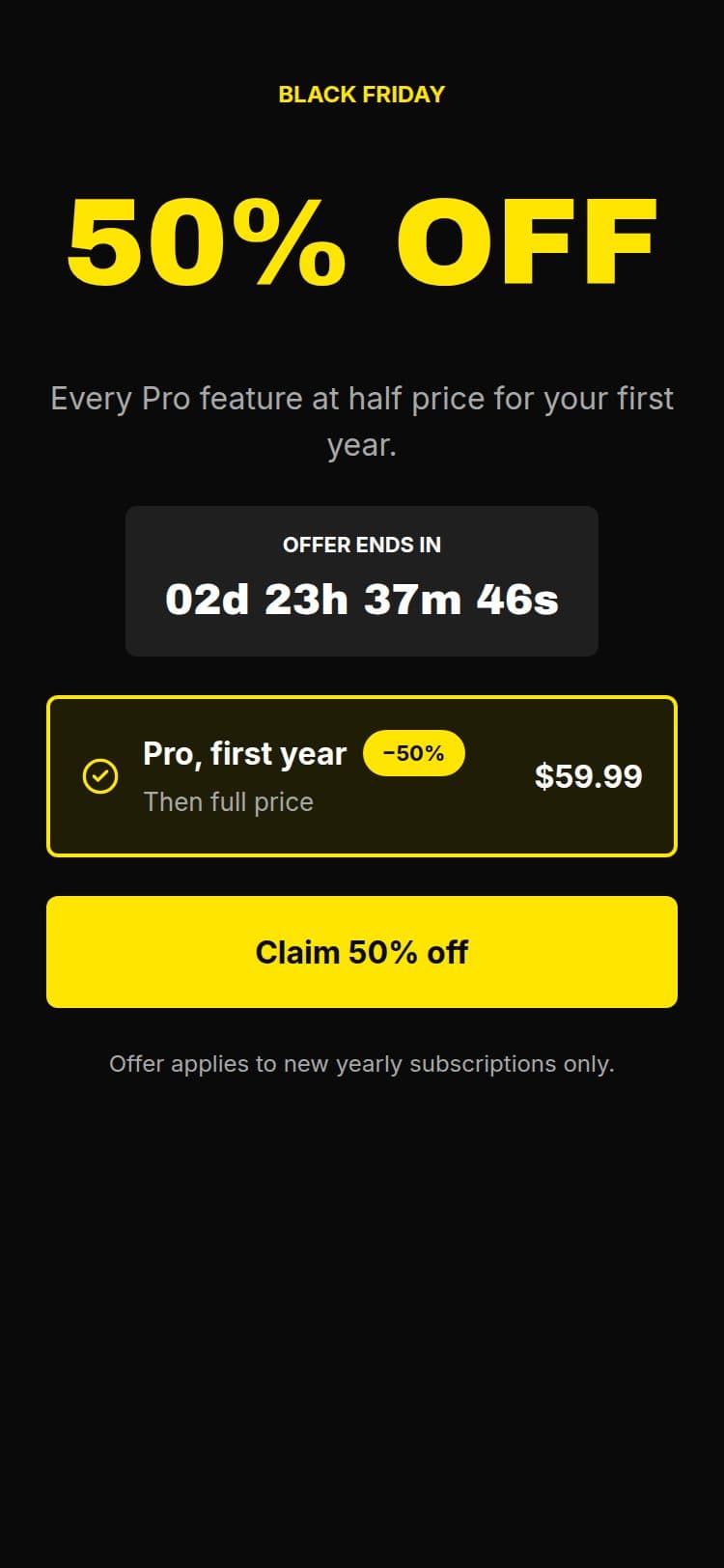
An NPS survey in a corner card, with room for the reason
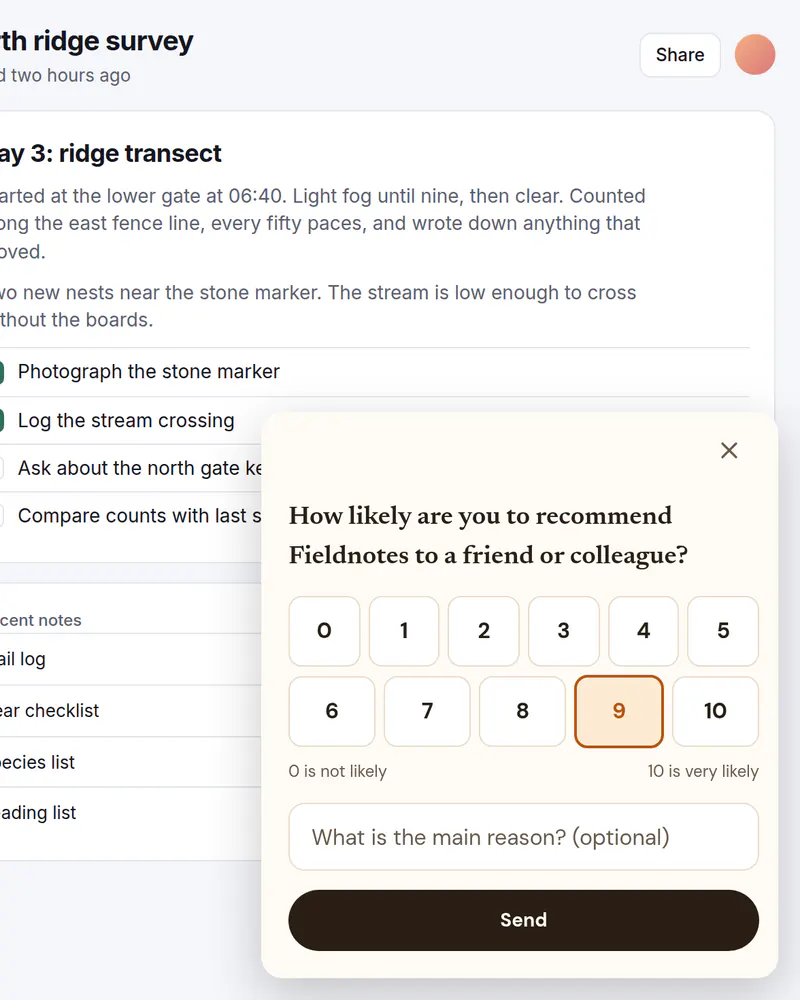
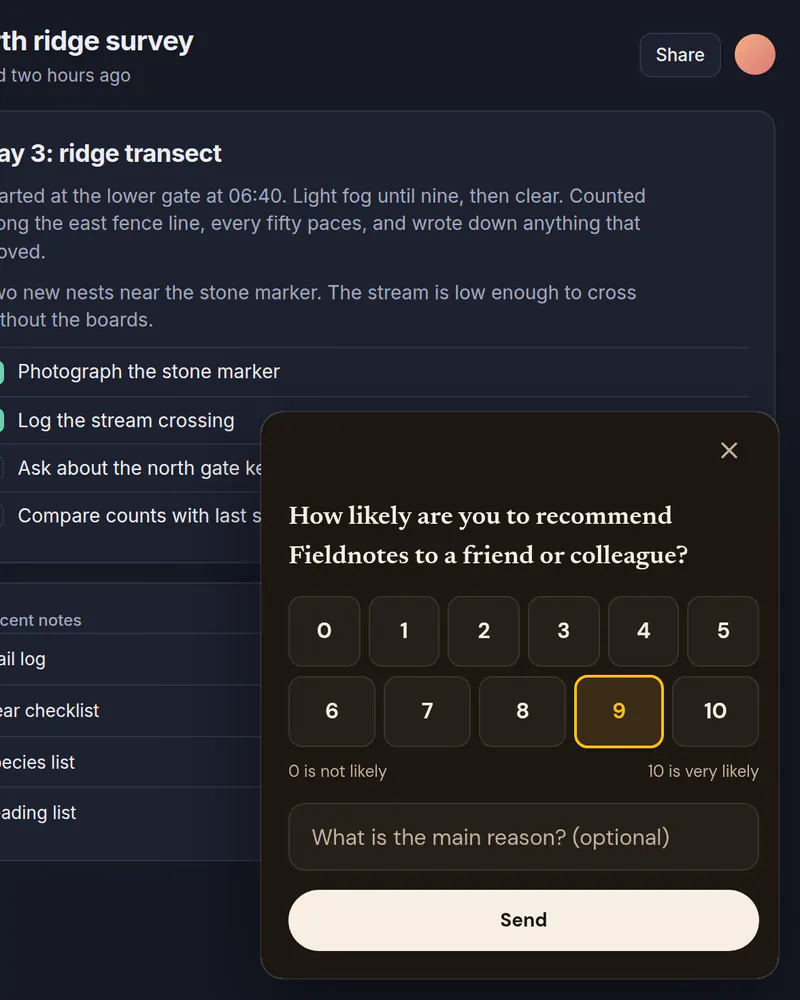
The standard 0 to 10 question, in a small card in the corner of your product. Add a line for the reason, and your code receives both answers. It never blocks the page.
- Display
- Slide-in
- Where
- Corner card, or a bottom sheet on phones
- When it shows
- After a delay, or when your code opens it
- Starts from
- NPS Slide-in template
Try it. This is the real thing.
The phone runs the same open-source Web SDK your site would load, with the template exactly as it ships. Tap a button and see what your code would receive. Prices here are examples; your site passes the real ones.
The button below shows it the way it appears on a site: pinned over the page.
Tap anything, and scroll inside the phone for the rest. Your site gets the event.
When to use it
- A few weeks after someone starts using the product.
- After a task they care about, like a finished export.
- When a popup would interrupt the work they are doing.
What goes on it
- The question, in your own words.
- A row of scores from 0 to 10, with a label at each end.
- An optional text field for the reason.
- One button to send.
Set it up in three steps
Start from the NPS Slide-in template
Rename the product in the question and edit the labels. The score is a single-choice question, so you do not build the scale yourself.
Choose a slide-in
In Display, pick Slide-in and a corner, then Show it after a number of seconds, or leave it to your code. On a screen narrower than 640 px it becomes a bottom sheet. Set a limit like once per session so nobody sees it twice in a visit.
Receive the answers
Your code gets the score as nps (score_0 to score_10) and the reason as nps_reason. Analytics counts each score. The reason is typed text, so it goes to your code only and never to Miniwall.
The code on your site
Prices and checkout stay in your product. The screen itself comes from Miniwall, so a new version reaches your site without a release.
// saveFeedback is your own function.
await UIKit.presentPaywall({
  paywall: { placement: "nps" },
  onAction: ({ actionId, answers }) => {
    if (actionId !== "nps_submit") return;
    // answers.nps is "score_0" to "score_10".
    // answers.nps_reason is whatever they typed, if anything.
    saveFeedback(answers.nps, answers.nps_reason);
  },
});
Good to know
- Where do I see the scores?
- In Analytics, which counts how many people picked each score, and in your own code through onAnswer and the answers passed to onAction.
- Is what people type sent to Miniwall?
- No. Typed text goes to your code only. Miniwall receives the score someone picked, because it is one of the options you set up.
- Does the visitor need to be logged in?
- No. Miniwall only shows the card. If you want to link a score to an account, your code does that when it receives the answers.
Other moments
Popup
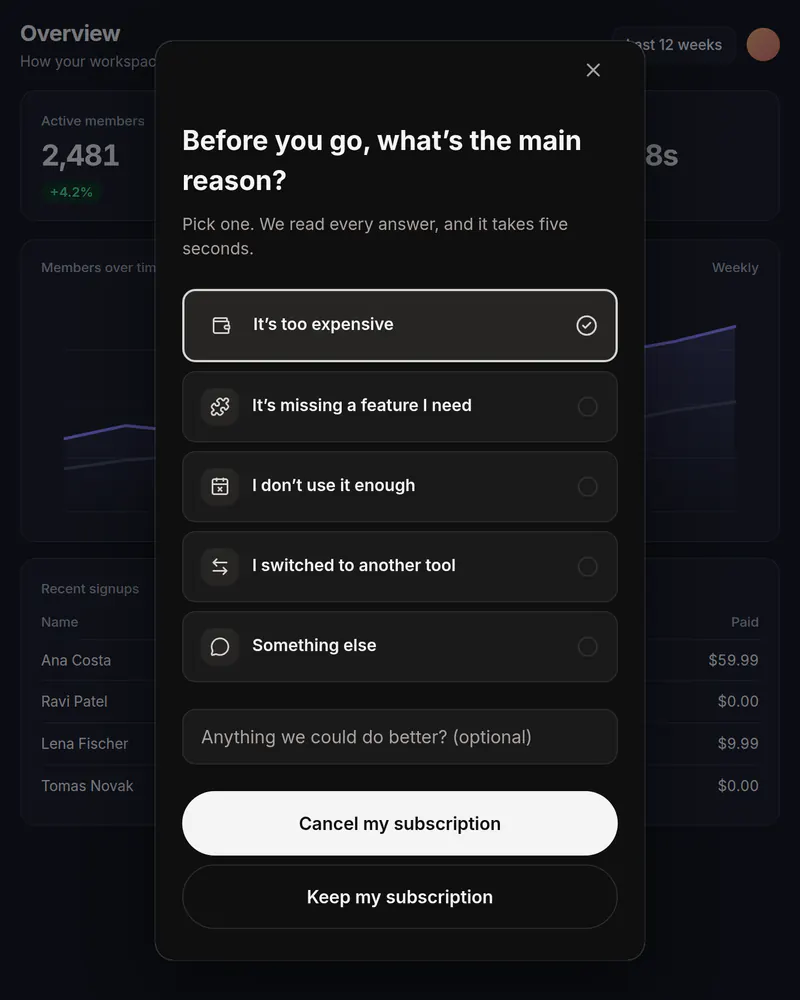
Cancel survey
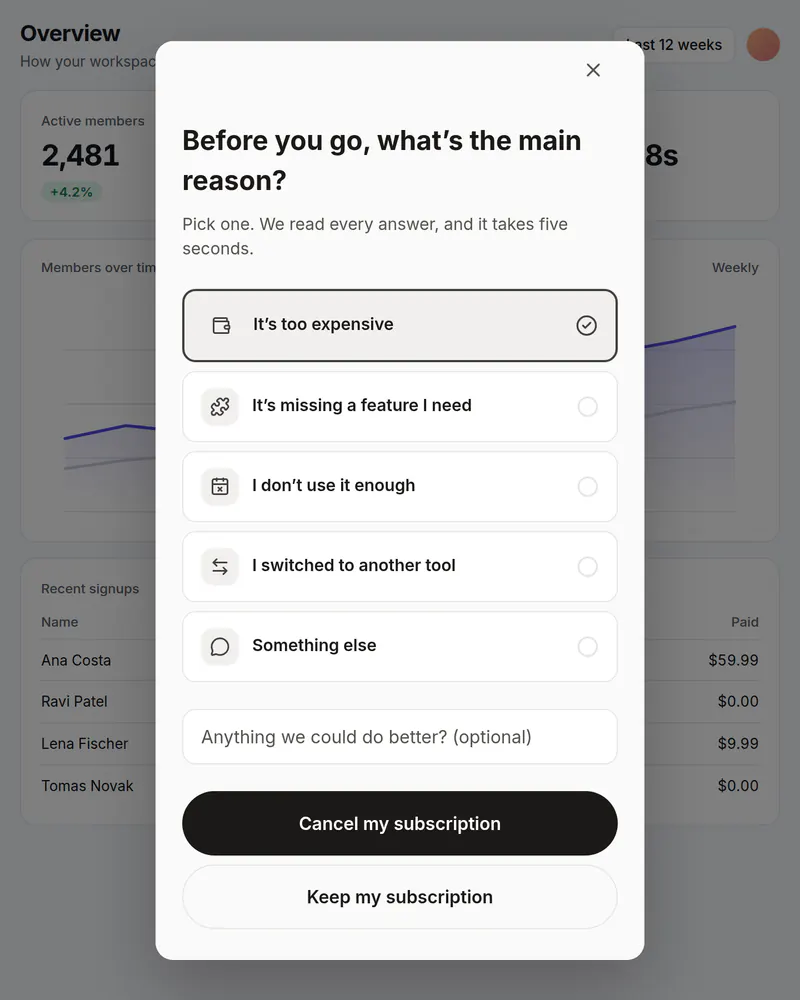
One honest question before someone cancels. You see which reasons come up most.
See how it works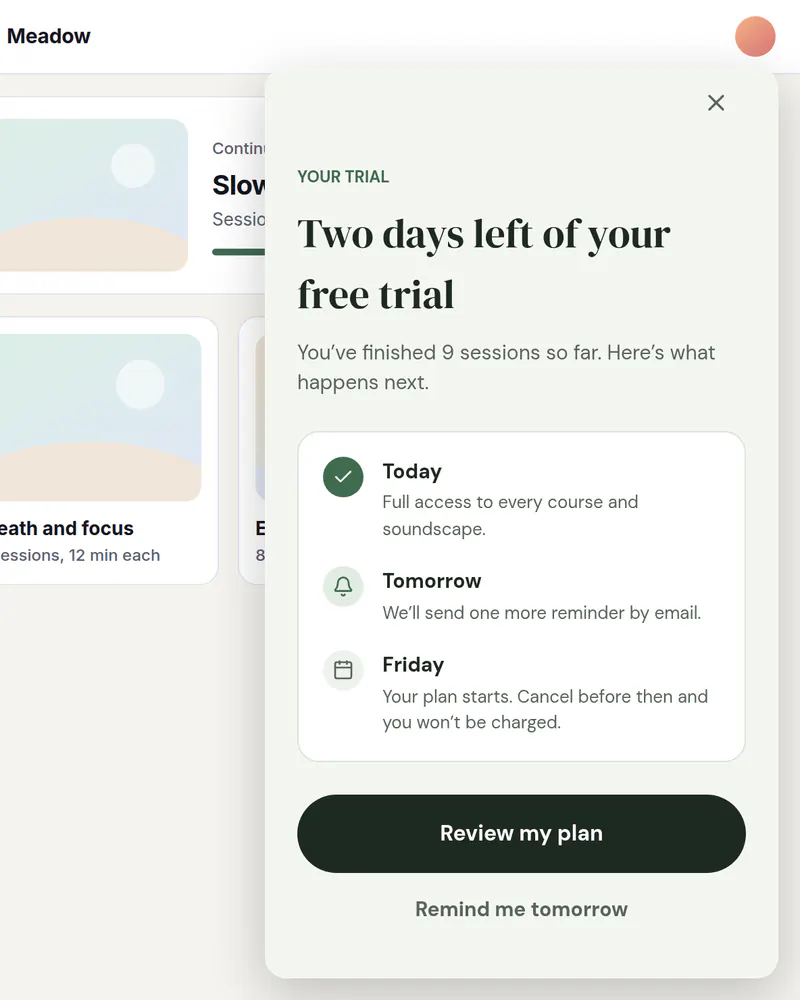
Slide-in
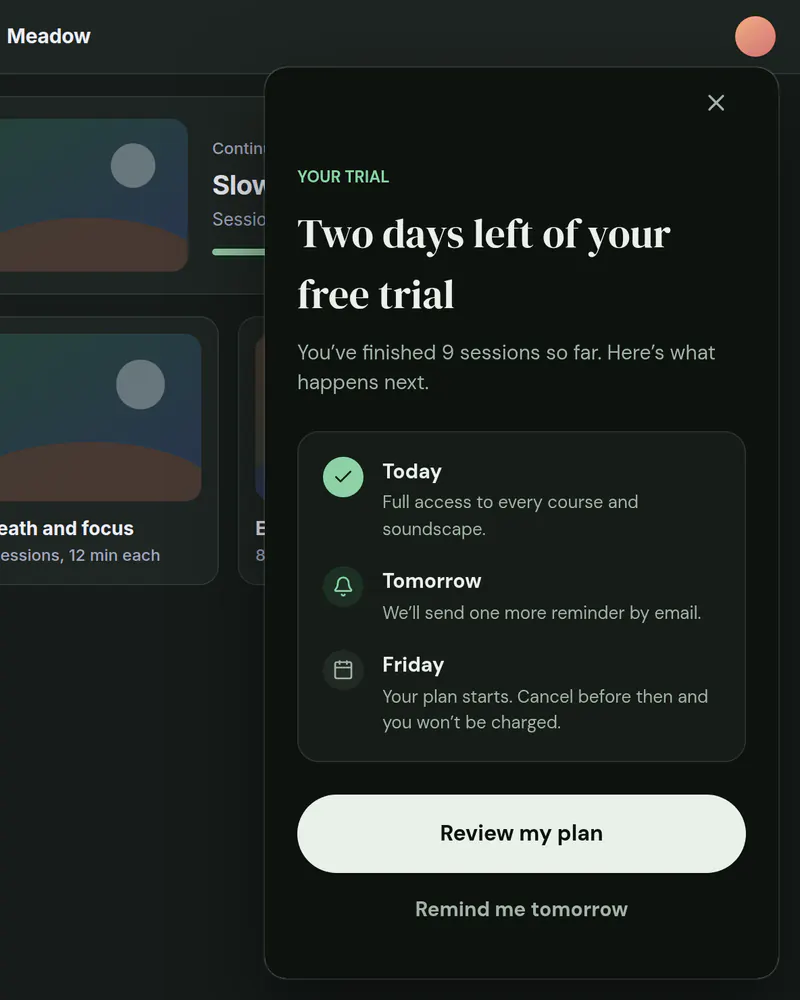
Trial ending reminder
A card in the corner that reminds people before their trial runs out.
See how it works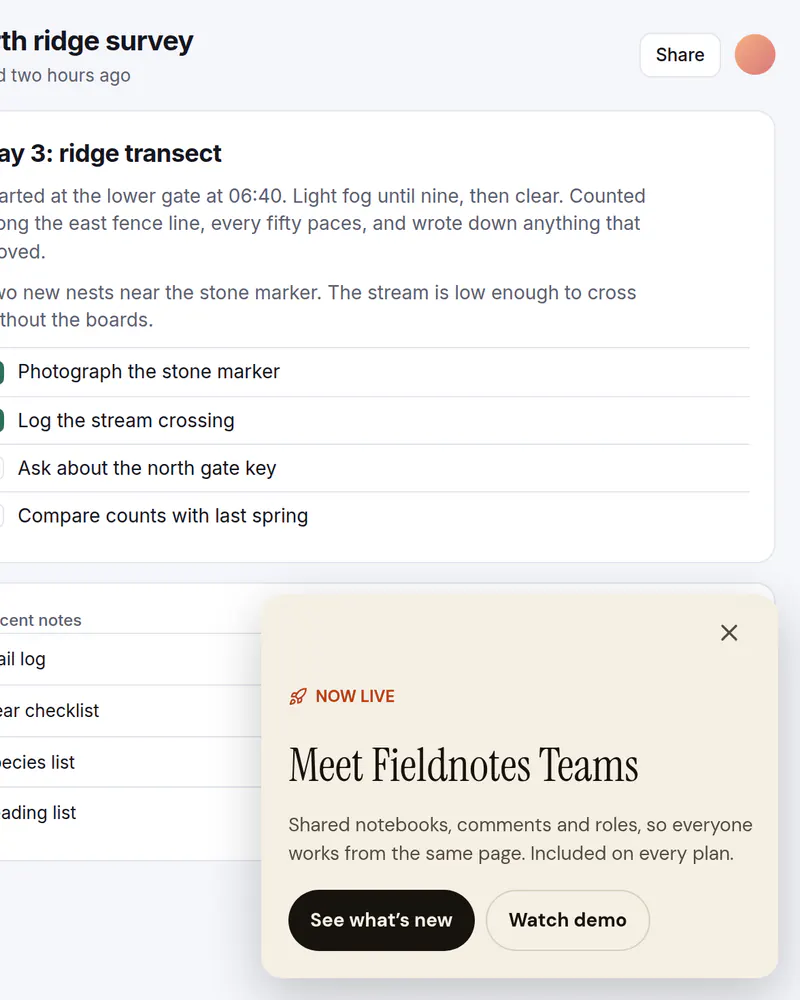
Slide-in
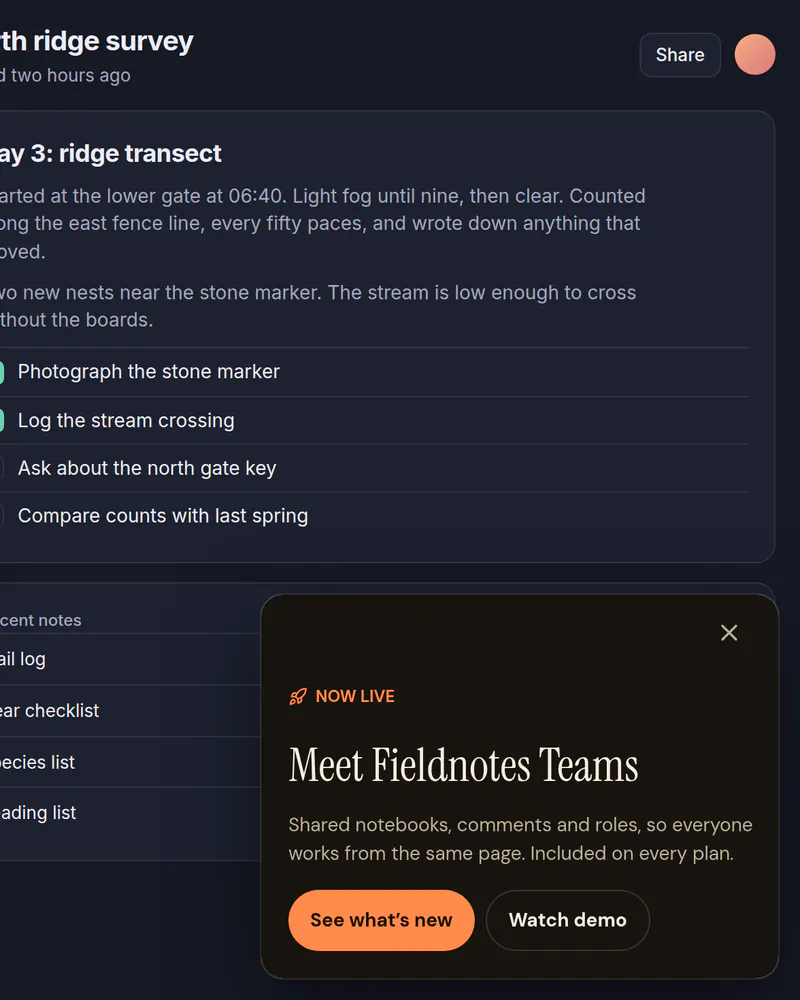
Launch announcement
Tell people about a new feature in a corner card that leaves the page usable.
See how it works
Stop waiting on a release
Pick a template, publish it, add one tag. Free up to 10,000 views a month, no card needed.
Tue
Live
Thu
ReleaseNo release needed