Failed payments: involuntary churn and your screens
Growth without waiting on devExplainer5 min readMiniwall team
When a renewal fails, the screen's job is small: tell the person once, calmly, what happened and what happens next, and give them a button to the page where they update the card. Retrying the charge is somebody else's job. The rest of this post is about where that line sits, because the mistakes we'd expect on this screen come from forgetting it.
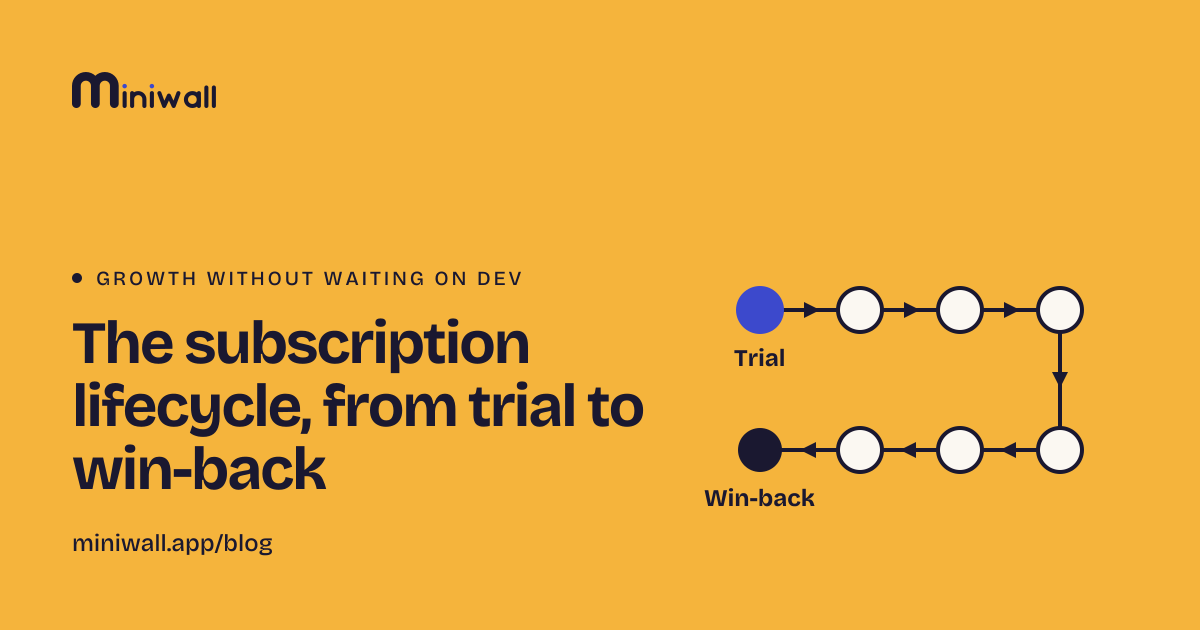
The lifecycle map already lists payment trouble as one of eight stages. This is the longer look at that one stage.
Two ways to lose a subscriber
Someone who cancels has decided something about your product. Someone whose card expired has decided nothing. Apple's StoreKit documentation draws the same line: involuntary churn is when users "do not intend to leave your service but their subscription fails to renew, usually due to billing issues"[1], and because it isn't about satisfaction, it suggests designing an experience that avoids losing them.
That changes what you say. A cancel survey asks why. A person with a dead card has no answer, and asking implies they left. A win-back discount offers money to someone who was happy to keep paying. If you want the cancelling side, cancel survey questions covers it. Keep the two apart in your head and in your code.
The clock isn't yours
Before your screen appears, a payment system is usually already working on the problem, and it sets the timeline. The two store examples we could read today show how different those timelines are, as of 2026-10-28.
Apple's App Store keeps trying to collect for up to 60 days in a billing retry state. You can also turn on a billing grace period, where the subscriber keeps full access while Apple tries. Its length depends on the plan: 3 or 6 days for weekly, 3, 16 or 28 days for monthly and longer[1].
Google Play works in two stages. First a grace period, during which "the user should still have access", then an account hold, where you should block access. By default the hold is 60 days minus the grace period[2].
Two things follow. If you're on a store, your screen is shown inside a process the store already runs, and Play and Apple both say the app may add its own prompt on top[1][2]. And if you bill on the web, your provider has its own retry schedule and settings. We haven't covered those here, so read yours before you write a word on the screen. What you promise on it ("you have until Friday") has to match what the billing system really does.
What the screen can do
Say it plainly. The payment didn't go through, here's what happens to access, here's the button. Our failed payment notice is built that way. State only what your product really does. If access continues for a few days, say so, because during a grace period both stores expect the person to keep their benefits[1][2].
Send them to your billing page. The button reports an action to your code, and your code opens your own billing page or portal. The screen never sees a card number.
Limit how often. A placement can have a frequency limit, such as at most one view per day, on any plan[3]. Without one, the notice follows the person from page to page and starts to feel like an accusation. We'd start at once per visit and loosen only if you see people not acting.
Decide who sees it. Simplest is your own code: it checks your account data and opens the screen only when the payment has failed. If you'd rather set it up on the placement, an audience rule can match on a fact your site passes in, such as a payment status. Those attributes are compared in the browser or app and never sent to Miniwall[3], and audiences need the Pro plan. Either way, don't show it to someone who has already cancelled.
Don't block early. I'd keep the product usable on the first failure. A modal that can't be closed, on day one of a retry, punishes the exact people you're trying to keep. Block, if you block at all, when your own policy says access really changes.
What it can't do
A screen can't know a payment failed. Your backend learns that from your provider, usually through a webhook or a notification, and your code decides to open the screen. Without that signal nothing appears.
It can't charge the card, retry it, or change the schedule. That lives in your payment provider, or in the store.
And it only reaches people who open the product. Google's own guidance for account hold suggests a push notification or an email for users who can reach the content elsewhere[2]. Miniwall sends neither. If part of your base rarely logs in, the most important message to them is an email you send yourself.
What shouldn't be on it
A cancel survey. A discount. Anything about "losing everything". A hidden cancel button, since someone who sees this screen may well want to leave, and making that hard is a different problem.
How to tell if it works
Count failed payments that are fixed before access ends, not clicks on the button. Compare people who saw the notice with people who didn't if your volume allows it. With a few dozen failures a month it won't, and the honest read is "too few to say". Look at them one by one instead.
When this doesn't apply
If the store owns the whole billing relationship and already shows its own prompts, your screen adds one more voice, so keep it short or skip it. If you sell annual invoices to companies, a failed payment is a conversation with an accounts person. And if you have very few subscribers, write to them.
Sources
- Apple, Reducing Involuntary Subscriber Churn (StoreKit documentation) (opens in a new tab)developer.apple.com · accessed
- Android Developers, Subscription lifecycle (Google Play Billing) (opens in a new tab)developer.android.com · accessed