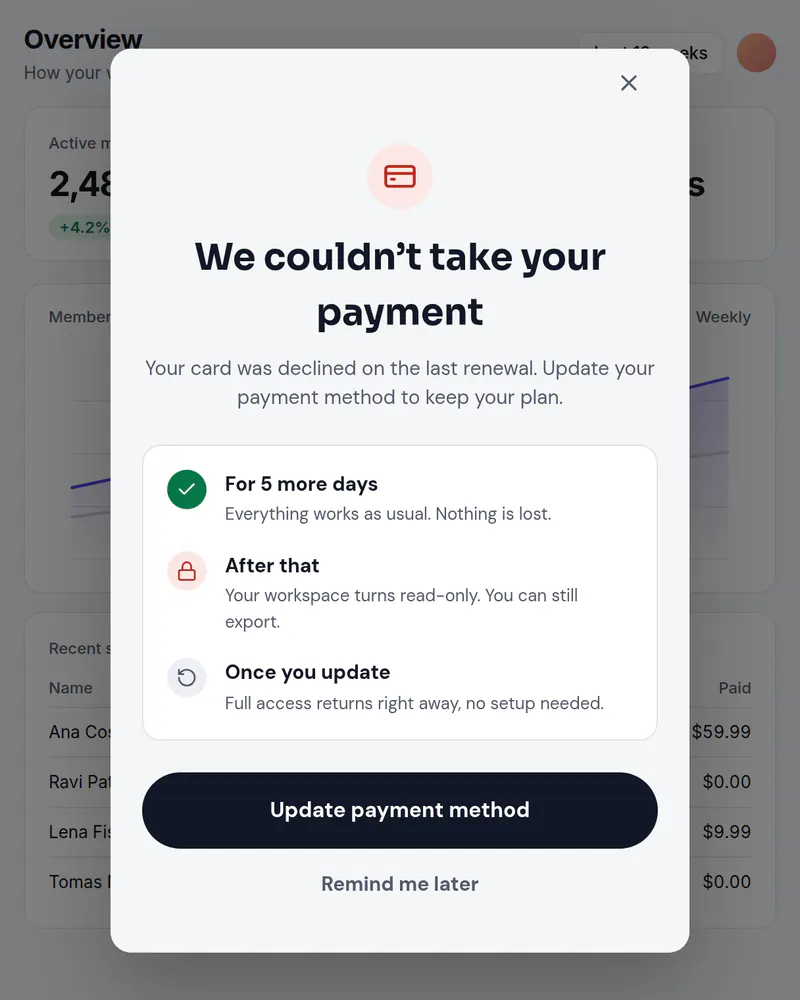
A failed payment notice that tells people what happens next
A declined card is usually an accident. Say so plainly, say how long access lasts, and give one button that takes them to update the card. The screen is yours to edit any day.
- Display
- Popup
- Where
- Centered over the page
- When it shows
- When your code opens it
- Starts from
- Payment Failed template
Try it. This is the real thing.
The phone runs the same open-source Web SDK your site would load, with the template exactly as it ships. Tap a button and see what your code would receive. Prices here are examples; your site passes the real ones.
The button below opens it as a popup over this page, the way it appears on a site.
Tap anything, and scroll inside the phone for the rest. Your site gets the event.
When to use it
- When your billing provider reports a failed renewal and the person next opens the product.
- On a retry that is still within your grace period.
- For the last warning before access changes.
What goes on it
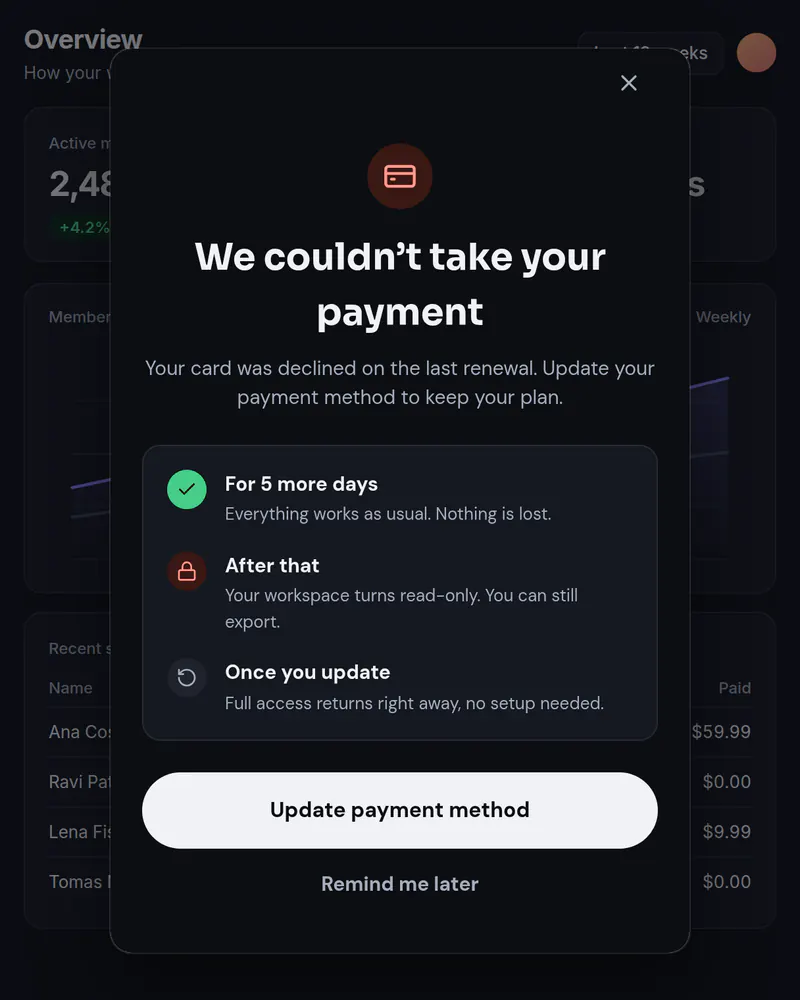
- A calm headline that says the payment did not go through.
- What happens next, in order: access now, access later, once they update.
- An Update payment method button and a Remind me later button.
Set it up in three steps
Start from the Payment Failed template
Change the days and what happens to match your own policy. State only what your product really does.
Give it a placement
Name it something like payment_failed. Your code asks for it when it knows the payment failed.
Send them to your billing page
The button sends update_payment to your code, which opens your own billing page or portal. Miniwall does not handle cards or money, and it cannot tell that a payment failed. Your code tells it, by opening the screen.
The code on your site
Prices and checkout stay in your product. The screen itself comes from Miniwall, so a new version reaches your site without a release.
// account and openBillingPage are your own. Miniwall does not know payment status.
if (account.paymentFailed) {
  await UIKit.presentPaywall({
    paywall: { placement: "payment_failed" },
    onAction: ({ actionId }) => {
      if (actionId === "update_payment") openBillingPage();
    },
  });
}
Good to know
- How does Miniwall know a payment failed?
- It does not. Your backend knows, usually from your billing provider, and your page opens the screen when it should show.
- Can I stop it showing on every page?
- Yes. Every placement can have a limit, like once per visit or once a day, on every plan.
Other moments
Popup
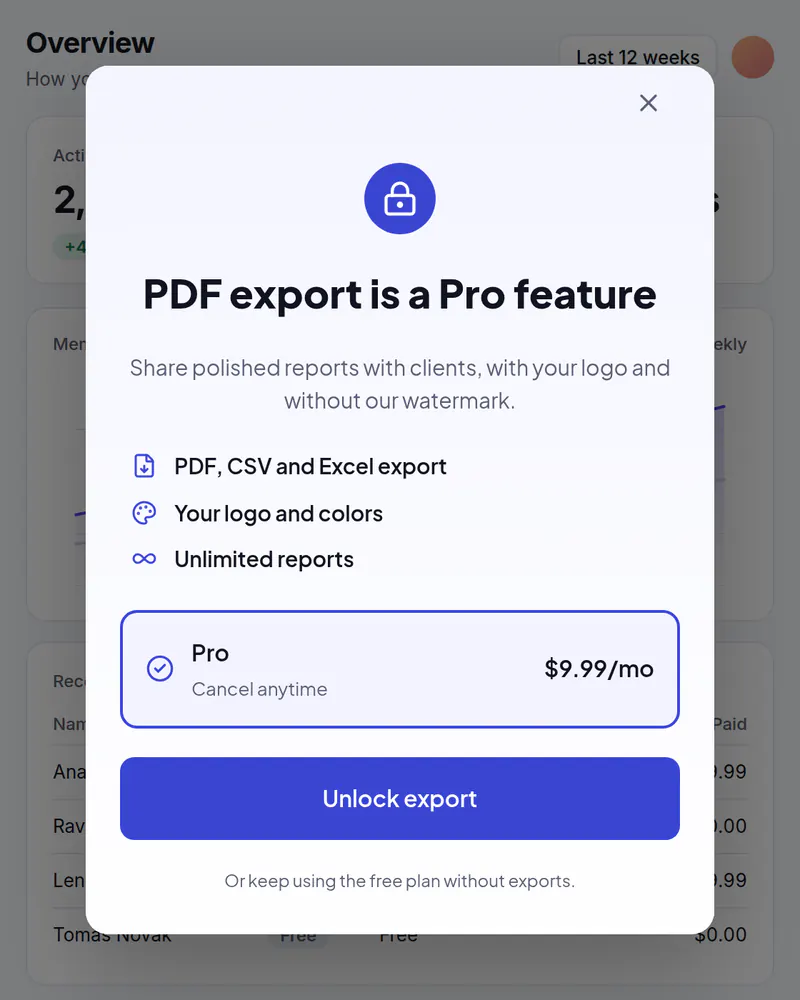
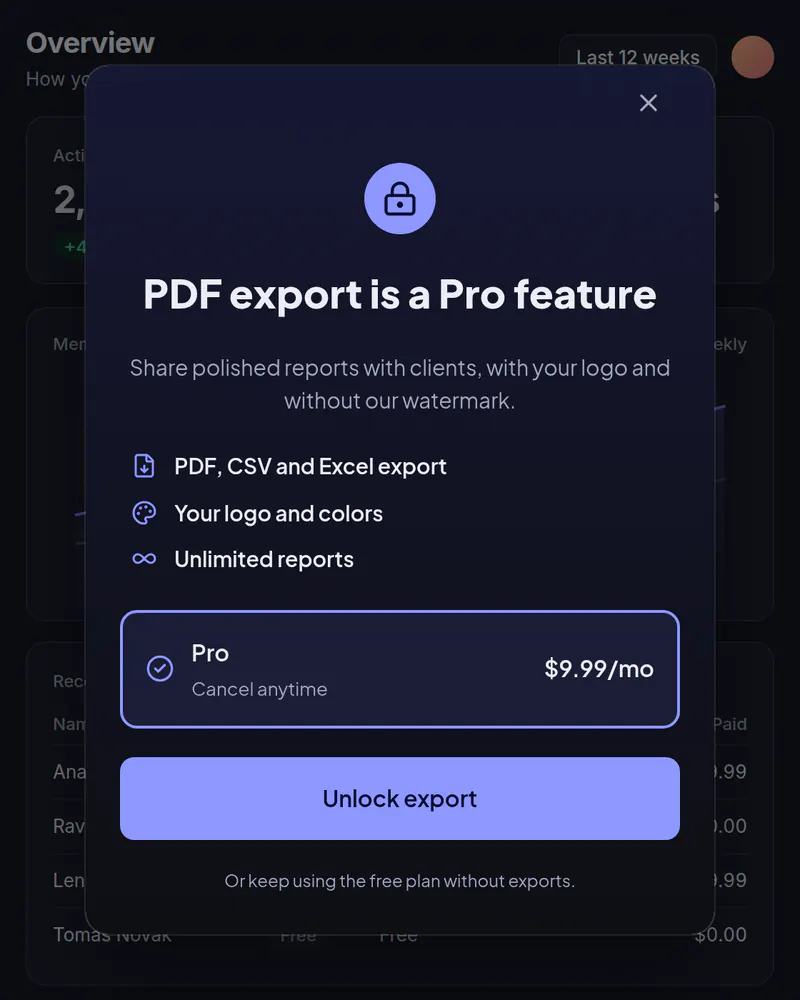
Upgrade popup
Your plans in a popup when someone taps a locked feature or reaches a limit.
See how it works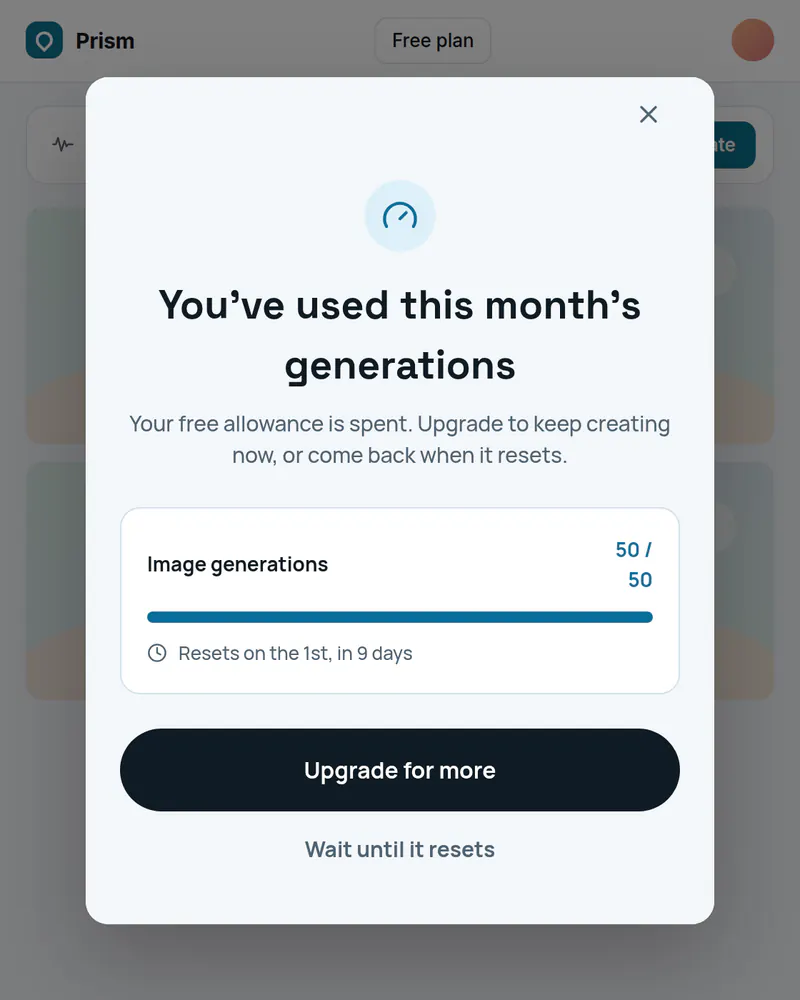
Popup
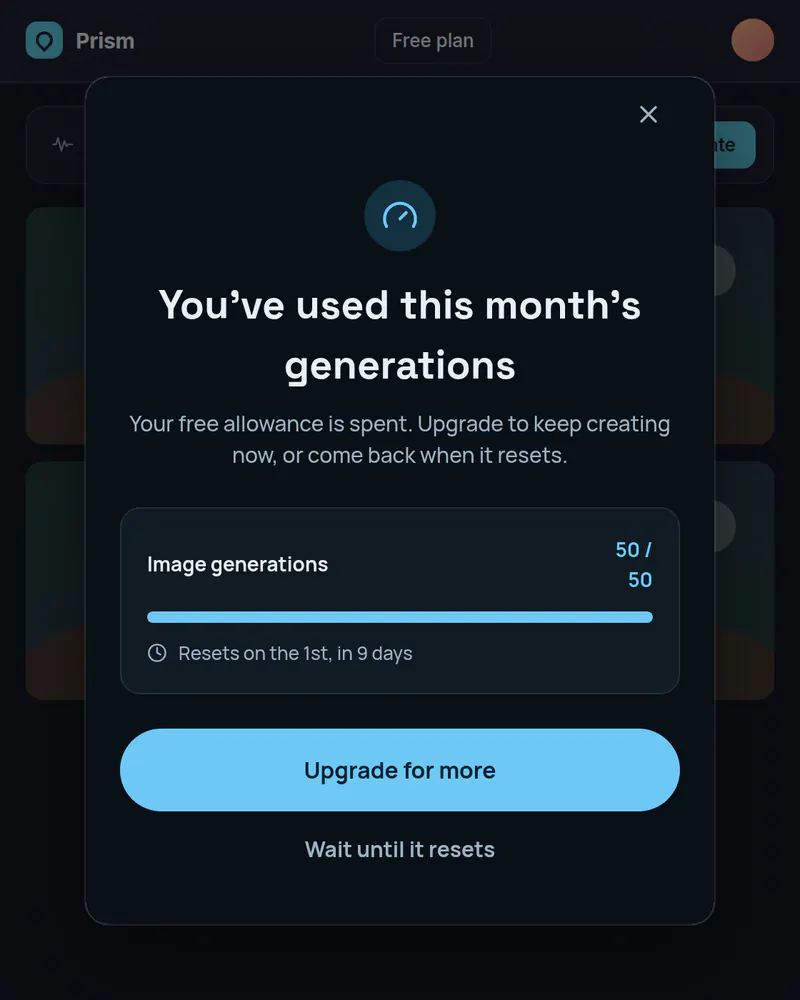
Usage limit popup
Say what ran out and when it resets, then offer an upgrade or a wait.
See how it works
Stop waiting on a release
Pick a template, publish it, add one tag. Free up to 10,000 views a month, no card needed.
Tue
Live
Thu
ReleaseNo release needed