A switch-to-yearly prompt for people who pay monthly
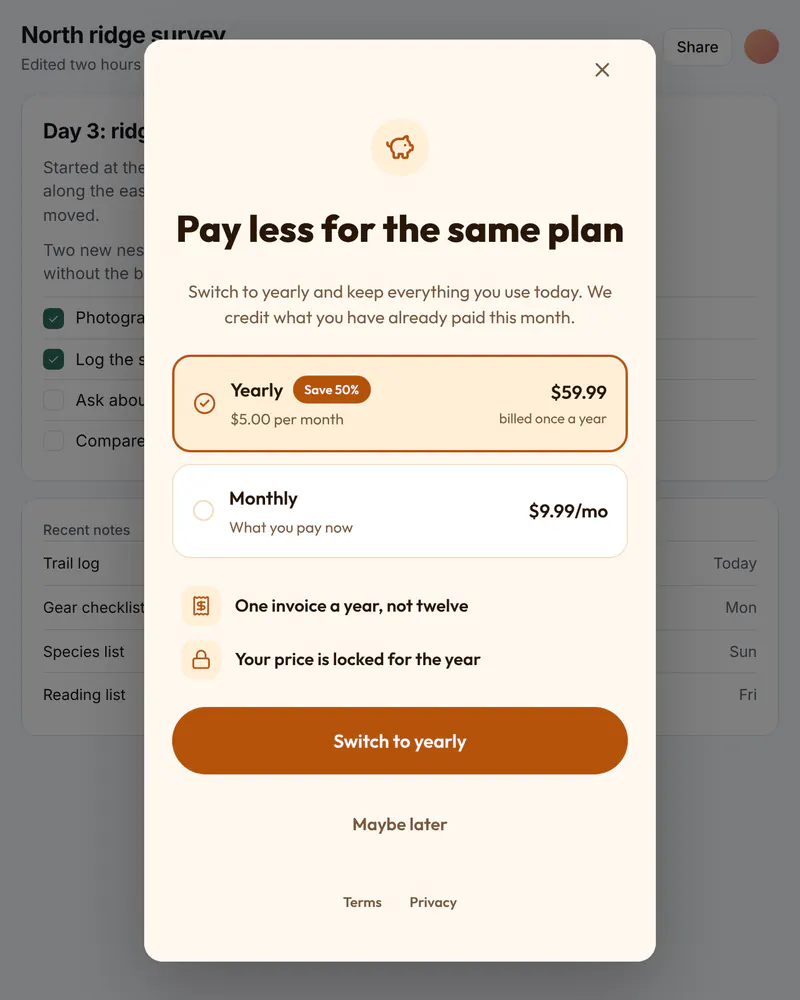
Someone who pays every month already likes the product. A short screen with the yearly price and the saving gives them a reason to switch, and an easy way to stay as they are.
- Display
- Popup
- Where
- Centered over a dimmed page
- When it shows
- When your code opens it
- Starts from
- Switch to Yearly template
Try it. This is the real thing.
The phone runs the same Web SDK your site would load, with the template exactly as it ships. Tap a button and see what your code would receive. Prices here are examples; your site passes the real ones.
The button below opens it as a popup over this page, the way it appears on a site.
Tap anything, and scroll inside the phone for the rest. Your site gets the event.
When to use it
- A few months after someone joins on a monthly plan.
- After a good moment in the product, such as finishing a project.
- Before a monthly price change, to offer the yearly price first.
What goes on it
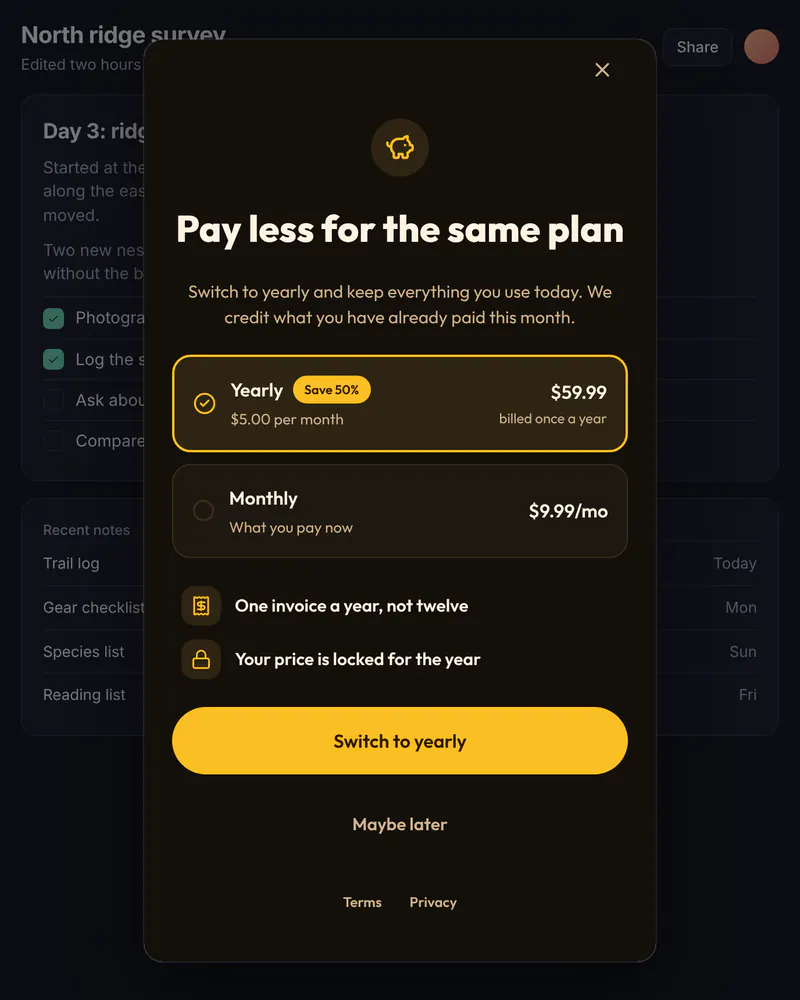
- A headline that names the benefit: pay less for the same plan.
- The yearly plan, with its price per month and the saving.
- A Switch to yearly button and a quiet Maybe later.
Set it up in three steps
Start from the Switch to Yearly template
Edit the words. The yearly price and the saving come from your site, so the screen always matches what you charge.
Give it a placement
Name it something like switch_to_yearly. Your code opens it only for people on a monthly plan, because Miniwall does not know who pays what.
Run your own switch
When someone taps the button, your code gets the plan ID and changes the subscription with your billing provider. Miniwall does not handle payments.
The code on your site
Prices and checkout stay in your product. The screen itself comes from Miniwall, so a new version reaches your site without a release.
// account and changeToYearly are your own.
// Miniwall does not know who pays monthly.
if (account.plan === "monthly") {
  await UIKit.presentPaywall({
    paywall: { placement: "switch_to_yearly" },
    products: {
      monthly: { price: 9.99, currency: "USD", period: "month" },
      annual: { price: 59.99, currency: "USD", period: "year" },
    },
    onPurchase: async ({ packageId }) => changeToYearly(packageId),
  });
}
Good to know
- Where does the saving come from?
- From the prices your site passes in. The screen compares the yearly price with the monthly one you provide, so it never shows a number you do not charge.
- Can I test two versions of the wording?
- Yes. A/B tests are on Indie and up: half of your visitors see one screen, half see the other, and you can see which one led to more purchases.
Other moments
Popup
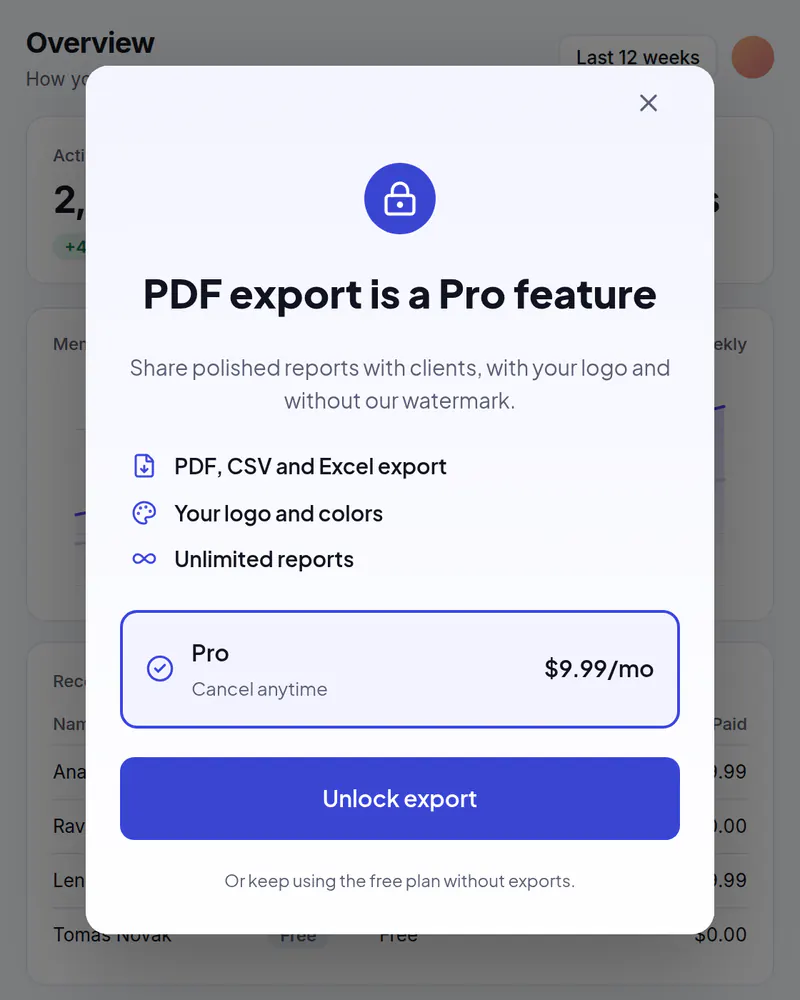
Upgrade popup
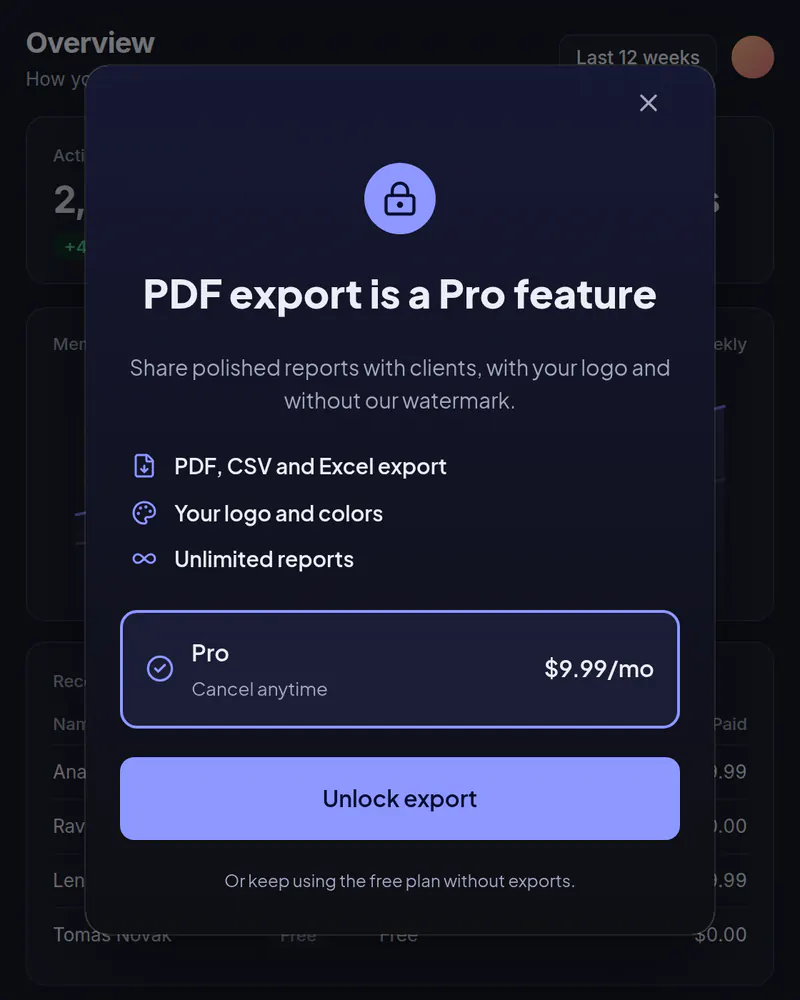
Your plans in a popup when someone taps a locked feature or reaches a limit.
See how it works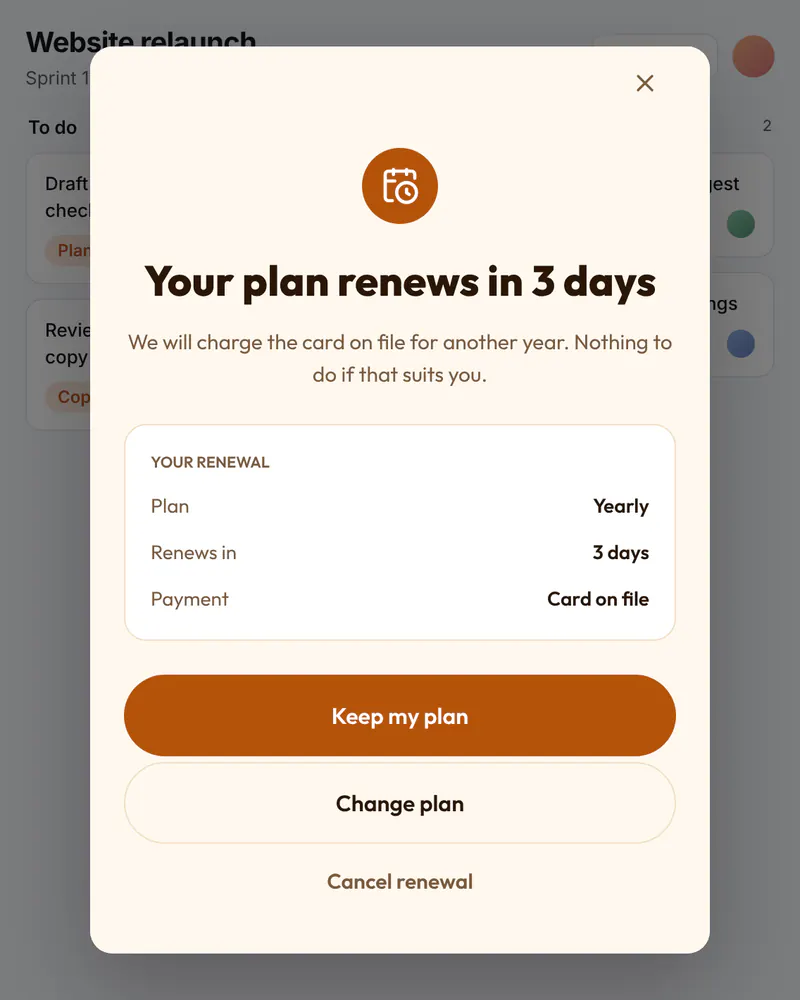
Popup
Renewal reminder
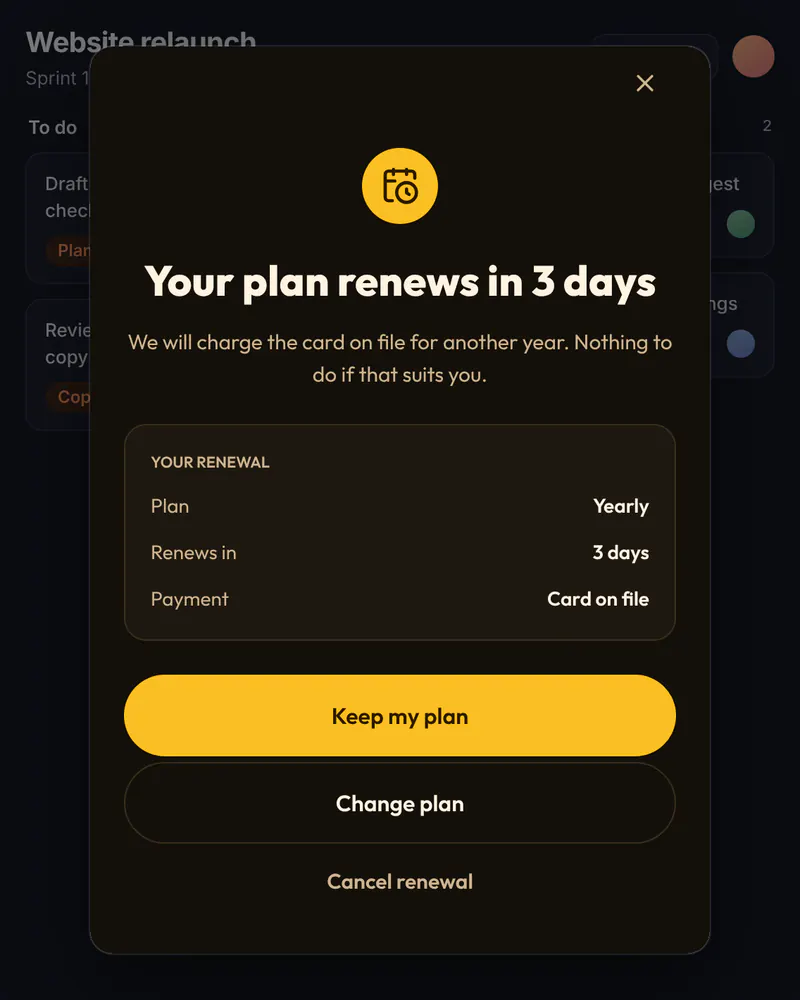
A heads-up before a plan renews, with buttons to keep it, change it or cancel.
See how it works