A rating prompt that asks how it's going before it asks for a review
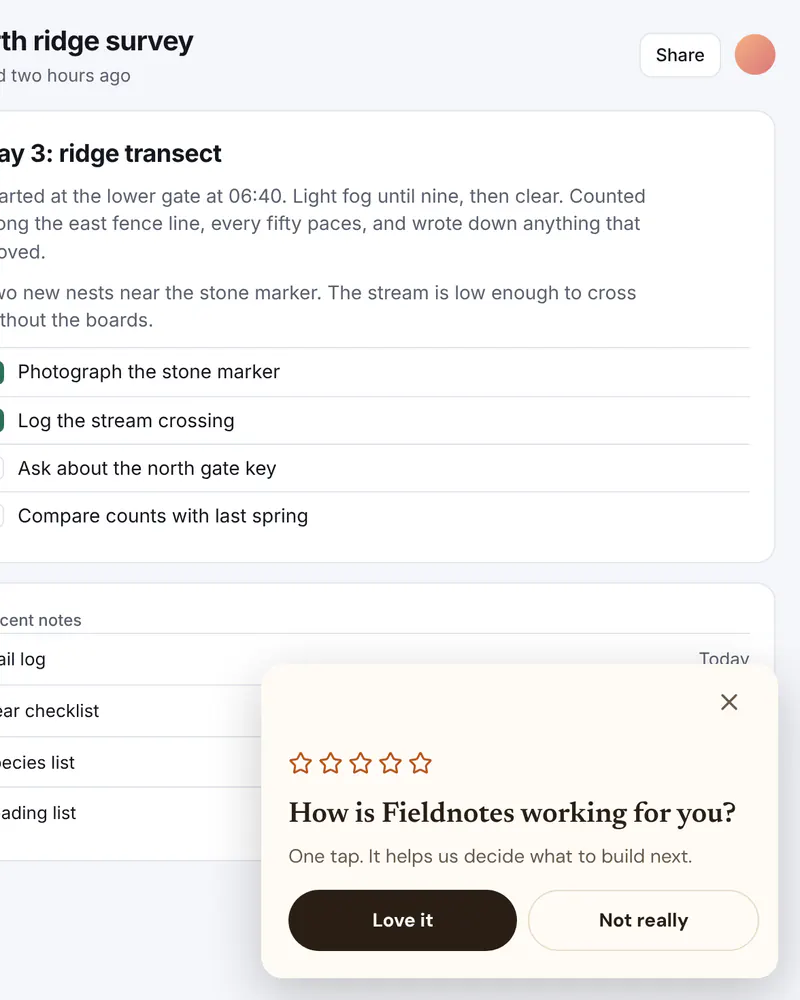
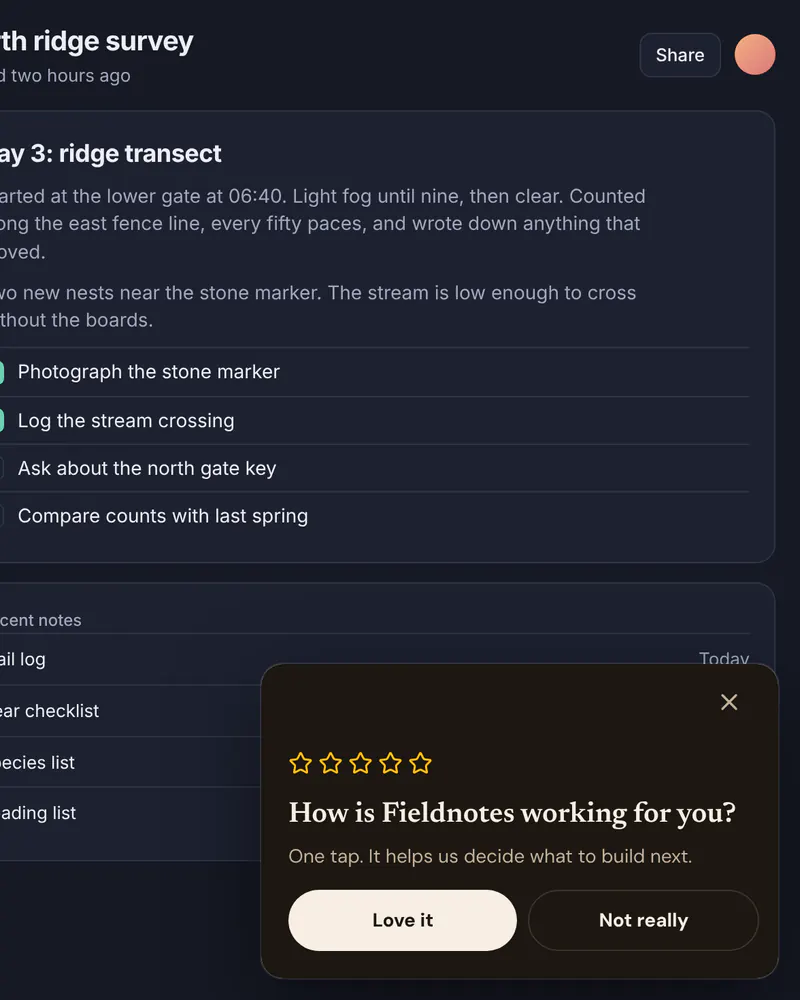
Ask the happy people for a review and give everyone else a way to tell you what is wrong. A small card asks one question first, so the wrong people never get a review request.
- Display
- Slide-in
- Where
- Corner card, or a bottom sheet on phones
- When it shows
- After a delay, or when your code opens it
- Starts from
- Rating Slide-in template
Try it. This is the real thing.
The phone runs the same Web SDK your site would load, with the template exactly as it ships. Tap a button and see what your code would receive. Prices here are examples; your site passes the real ones.
The button below shows it the way it appears on a site: pinned over the page.
Tap anything, and scroll inside the phone for the rest. Your site gets the event.
When to use it
- After someone completes something that worked, like an export or a first project.
- A few days after they join, once they have used the product.
- When you want more honest feedback without an email survey.
What goes on it
- A short question, like How is the product working for you?
- Five stars as a visual cue.
- Two buttons: Love it and Not really.
Set it up in three steps
Start from the Rating Slide-in template
Put your product name in the question. Keep it to one line and two buttons.
Choose how it shows
In Display, pick Slide-in and a corner, then show it after a delay on the pages that fit. Add a limit such as once per visit.
Send each answer somewhere
Love it sends rating_positive, Not really sends rating_negative. Your code opens your review page for one and a feedback form for the other.
The code on your site
Prices and checkout stay in your product. The screen itself comes from Miniwall, so a new version reaches your site without a release.
UIKit.configure({ apiKey: "pk_..." });

// openReviewPage and openFeedbackForm are your own functions.
UIKit.startAutoPlacements({
  onAction: ({ actionId }) => {
    if (actionId === "rating_positive") openReviewPage();
    if (actionId === "rating_negative") openFeedbackForm();
  },
});
Good to know
- Does Miniwall collect the reviews?
- No. It shows the card and tells your code which button was pressed. The review itself happens on your own page or on the store you choose.
- Will it keep appearing after someone answers?
- That is up to the limit you set. New automatic placements start at once per session, and you can change it in Targeting.
Other moments
Slide-in
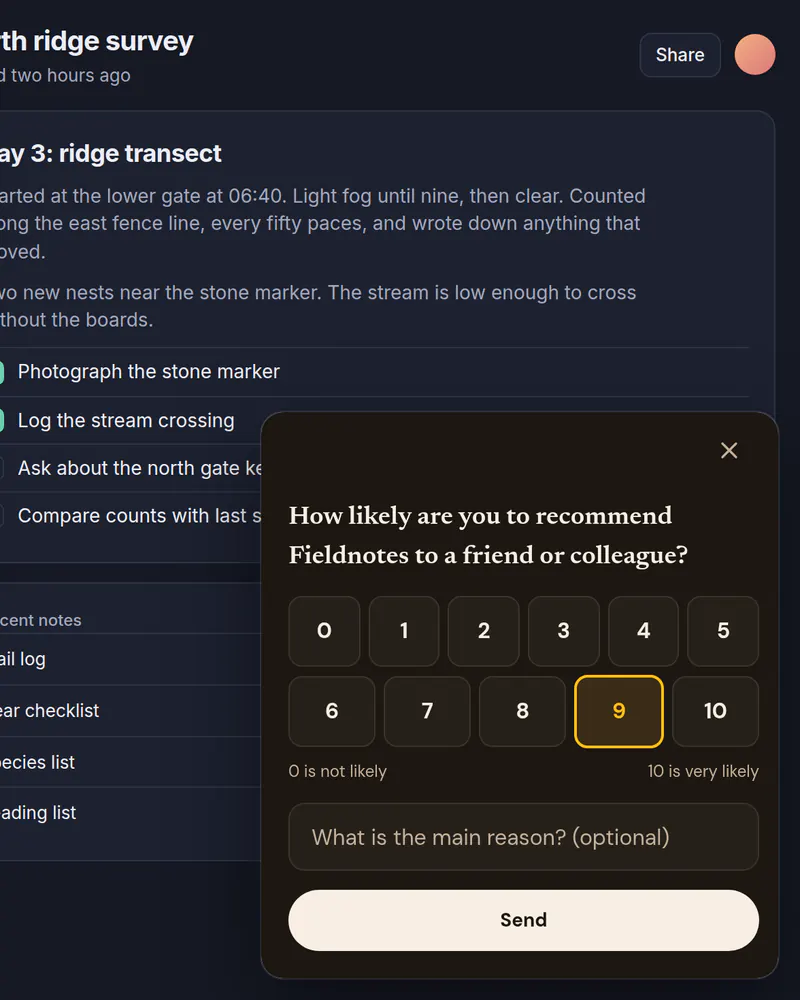
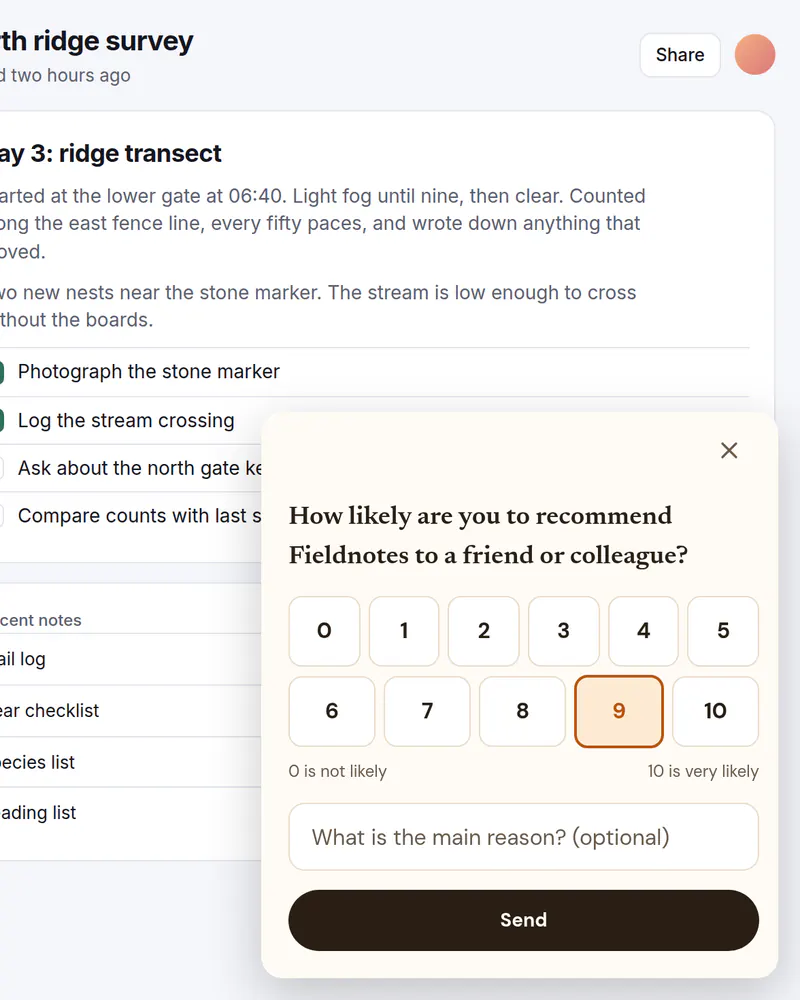
NPS survey
The 0 to 10 recommend question in a corner card, with an optional reason.
See how it works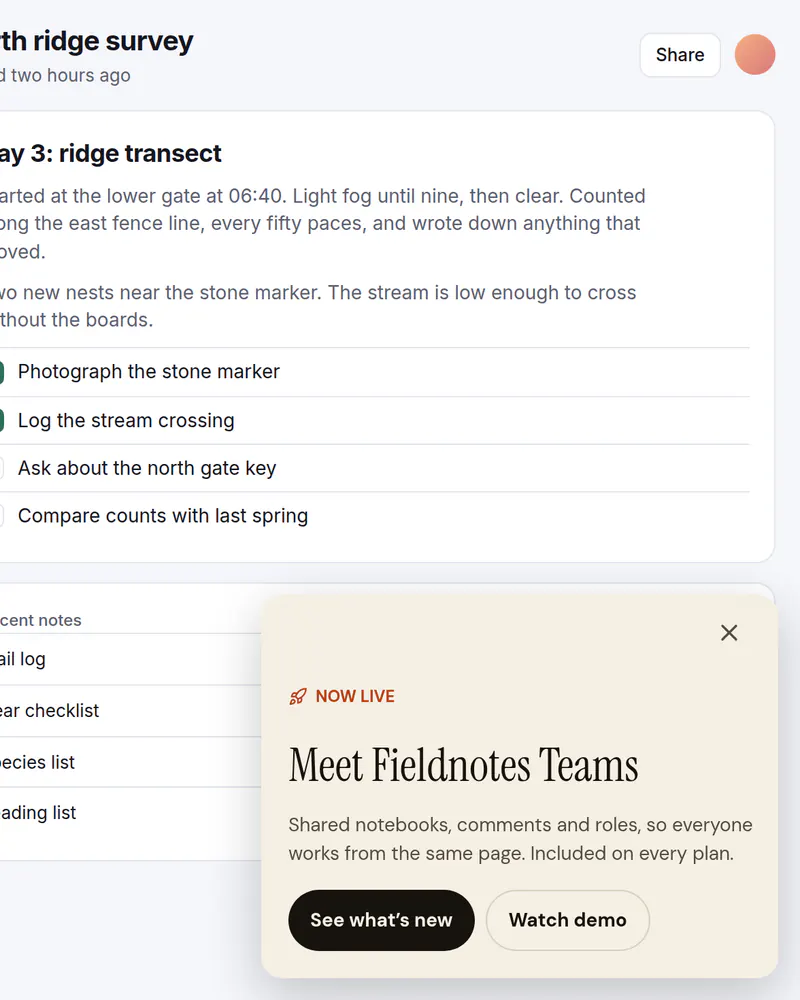
Slide-in
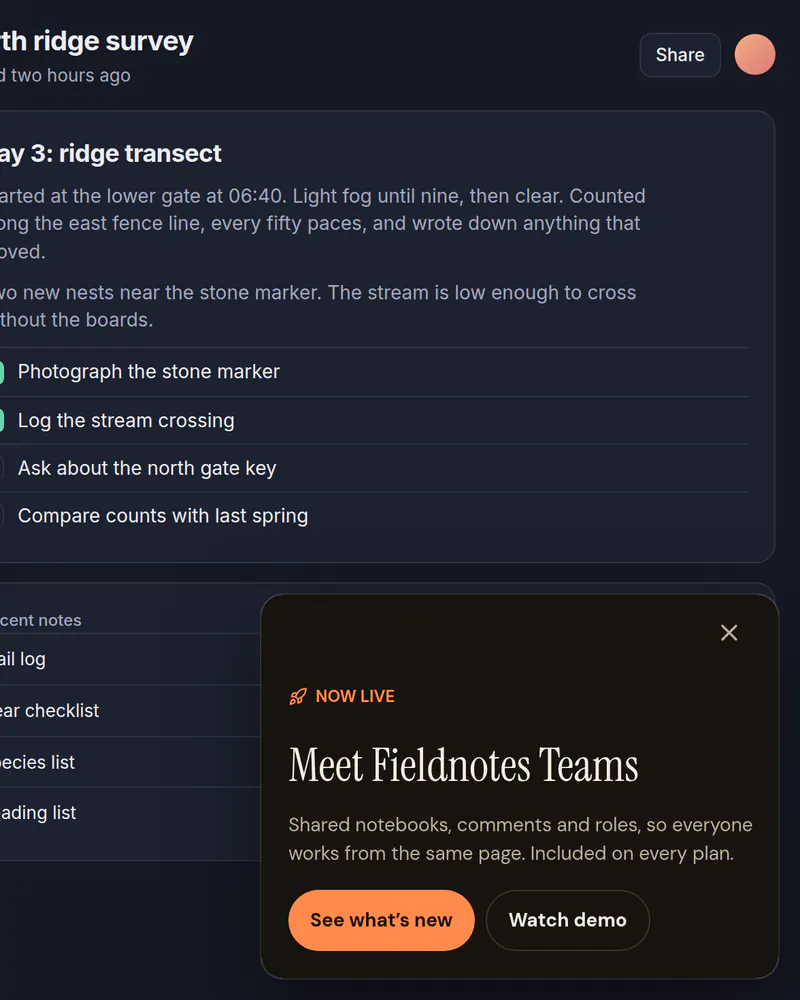
Launch announcement
Tell people about a new feature in a corner card that leaves the page usable.
See how it works