An exit-intent offer for people about to leave your pricing page
When the pointer leaves through the top of the window, there is one last chance to say something useful. One offer, one code, one button. Change the words or the deal any day, without shipping code.
- Display
- Popup
- Where
- Centered over a dimmed page
- When it shows
- When the pointer leaves through the top of the window
- Starts from
- Exit-intent Offer template
Try it. This is the real thing.
The phone runs the same Web SDK your site would load, with the template exactly as it ships. Tap a button and see what your code would receive. Prices here are examples; your site passes the real ones.
The button below opens it as a popup over this page, the way it appears on a site.
Tap anything, and scroll inside the phone for the rest. Your site gets the event.
When to use it
- On your pricing page, where someone has looked at the plans and is about to close the tab.
- In a checkout step people often abandon.
- When you run a standing offer and want it seen once, at the right time.
What goes on it
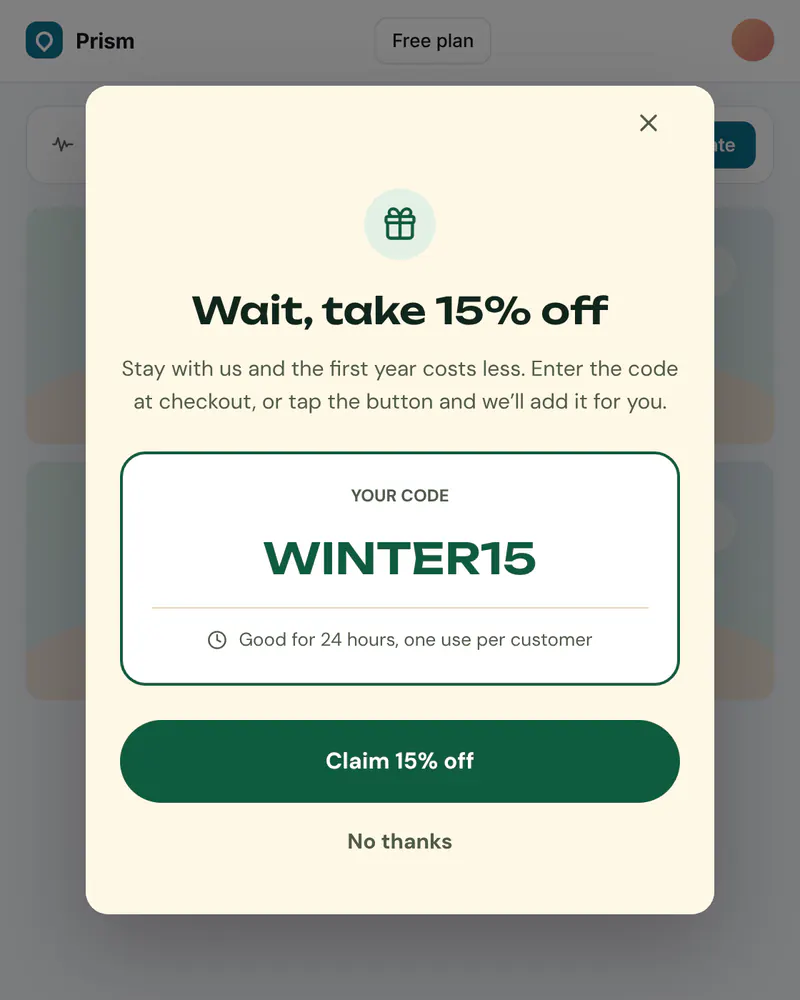
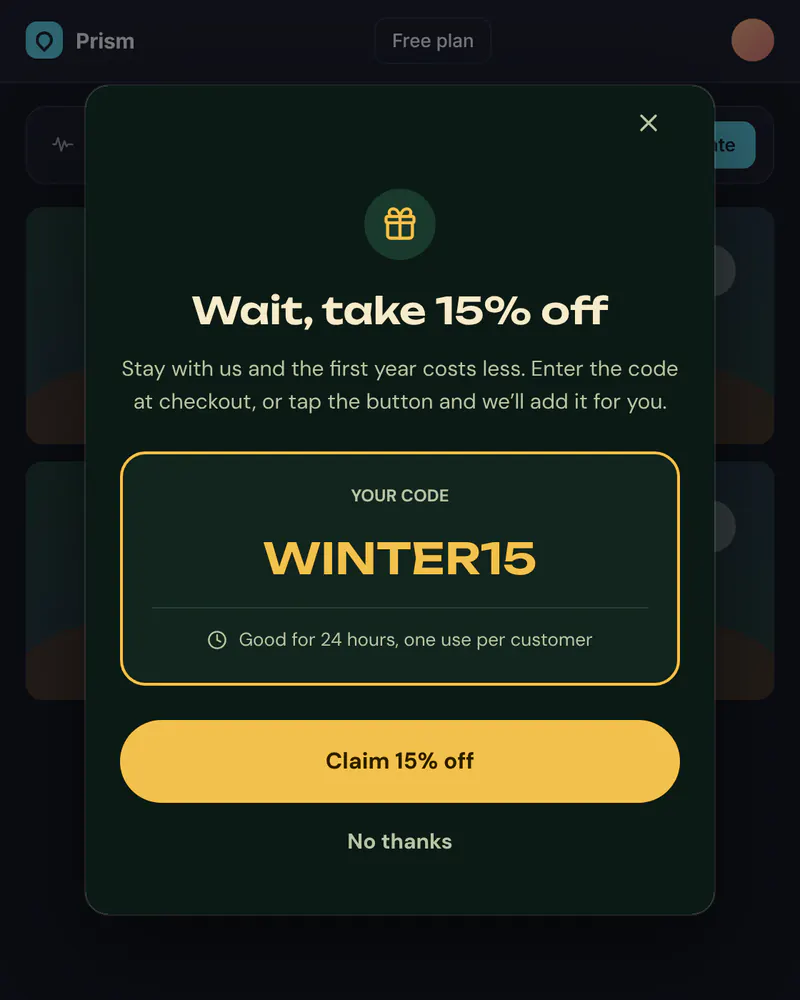
- A short headline that names the offer.
- The code, in a box that is easy to copy.
- How long it lasts, in plain words.
- A button that claims it, and a quiet No thanks.
Set it up in three steps
Start from the Exit-intent Offer template
Change the code and the terms to match a deal you really run. State only what your checkout does.
Choose the trigger
In Display, pick Popup, then set the trigger to Exit intent and list the pages, like /pricing. Add a limit such as once per session so nobody sees it twice.
Handle the button
The button sends claim_offer to your code, which applies the code or opens your checkout. Miniwall does not handle money. Exit intent works with a mouse. It never fires on a phone or a tablet.
The code on your site
Prices and checkout stay in your product. The screen itself comes from Miniwall, so a new version reaches your site without a release.
UIKit.configure({ apiKey: "pk_..." });

// The placement shows itself by the rule you set in Display.
// applyOfferCode is your own function.
UIKit.startAutoPlacements({
  onAction: ({ actionId }) => {
    if (actionId === "claim_offer") applyOfferCode();
  },
});
Good to know
- Does it work on a phone?
- No. Exit intent needs a pointer leaving the window, so it never fires on touch-only devices. For phones, use a delay or a scroll trigger instead.
- Will it show to the same person again and again?
- Only as often as the limit you set. New automatic placements start at once per session, and you can change it in Targeting.
Other moments
Banner
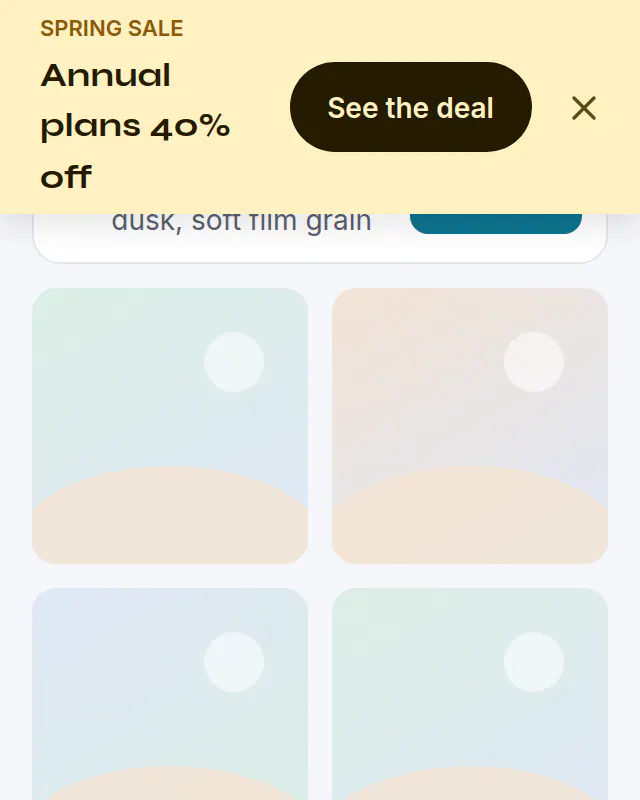
Sale banner
A bar across the top of your site for a sale. Schedule it and it ends on its own.
See how it works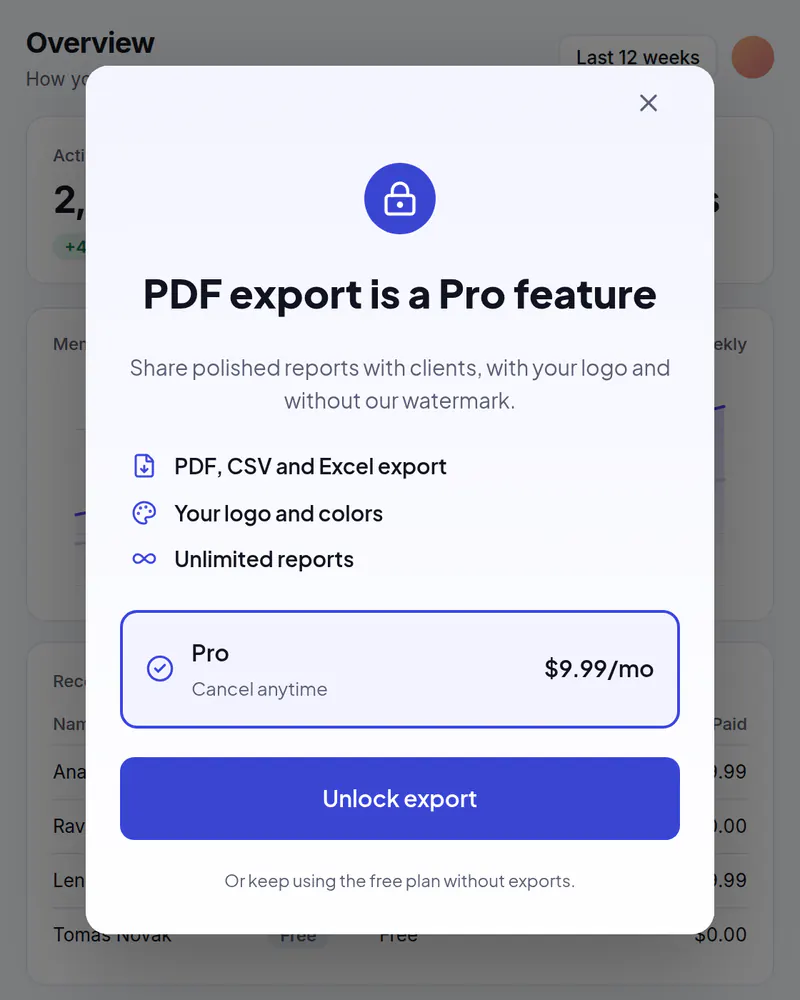
Popup
Upgrade popup
Your plans in a popup when someone taps a locked feature or reaches a limit.
See how it works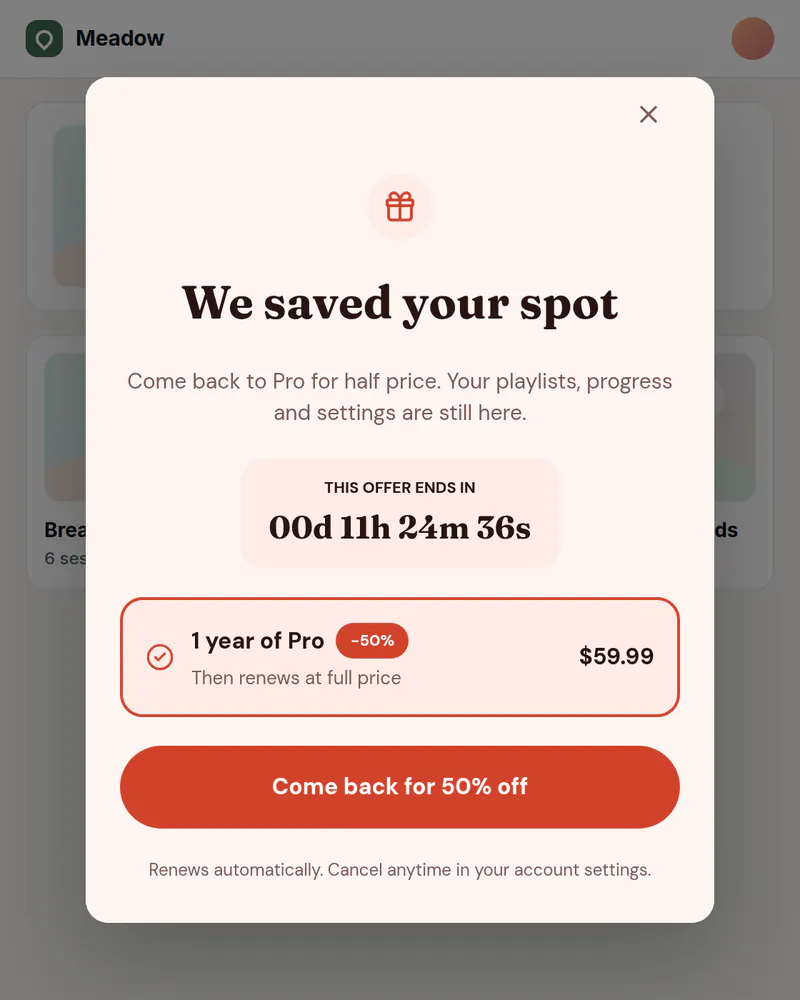
Banner or popup
Win-back offer
Welcome back people who cancelled, with an offer for the right visitors.
See how it works