
Server-driven UI: a field guide for app teams
A working map of server-driven UI for app teams: when to use it for a screen, a region or not at all, then how to build, secure, test and run it.
Topic
How server-driven UI works, where it pays off and where it hurts: schemas, rendering, versioning and caching, explained without the hype.
7 posts
A working map of server-driven UI for app teams: when to use it for a screen, a region or not at all, then how to build, secure, test and run it.
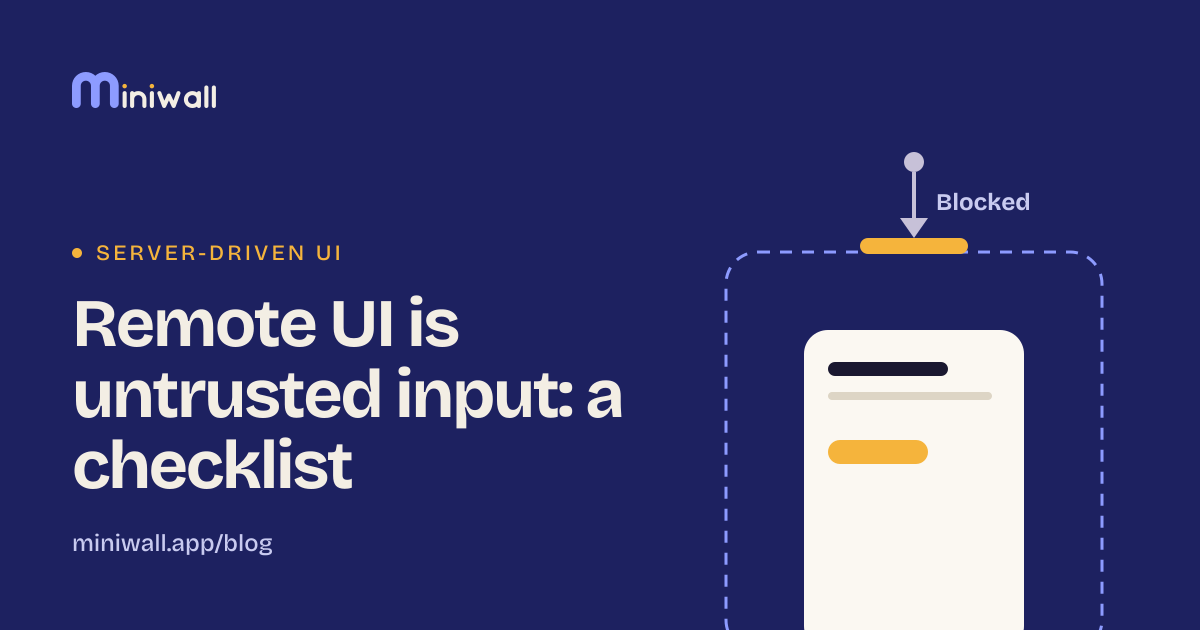
A screen your server describes is input your app didn't write. Seven checks for links, text, fonts, size and keys, plus questions for a security review.
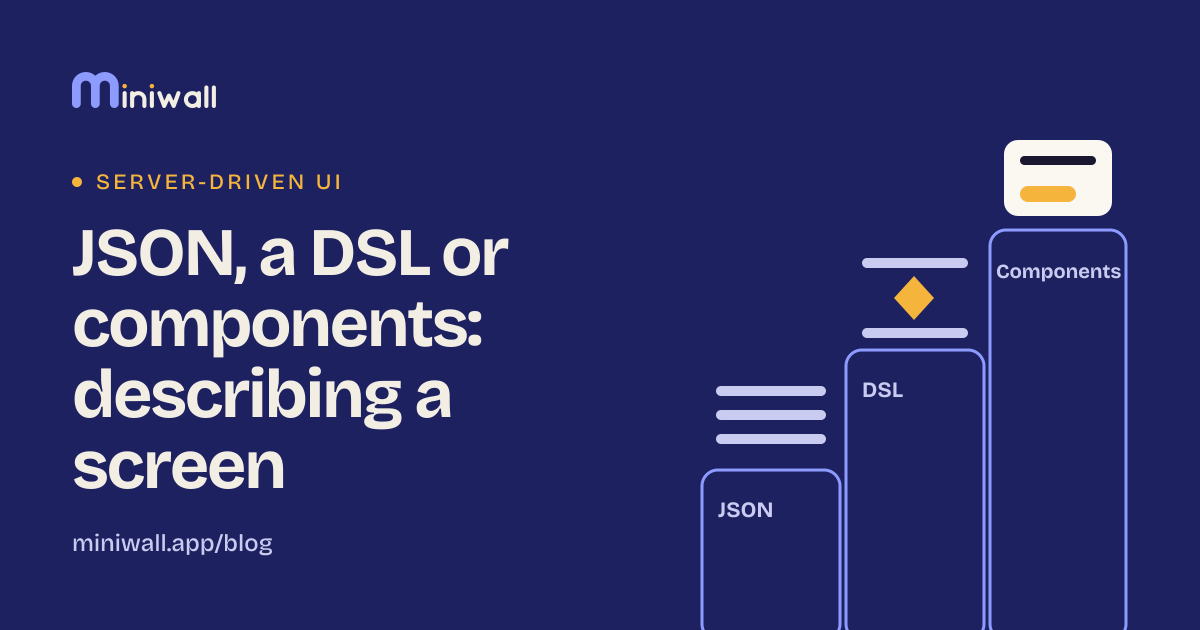
Three ways to describe a screen from a server: plain JSON, a small language with logic, or fixed components. What each costs and when each wins.
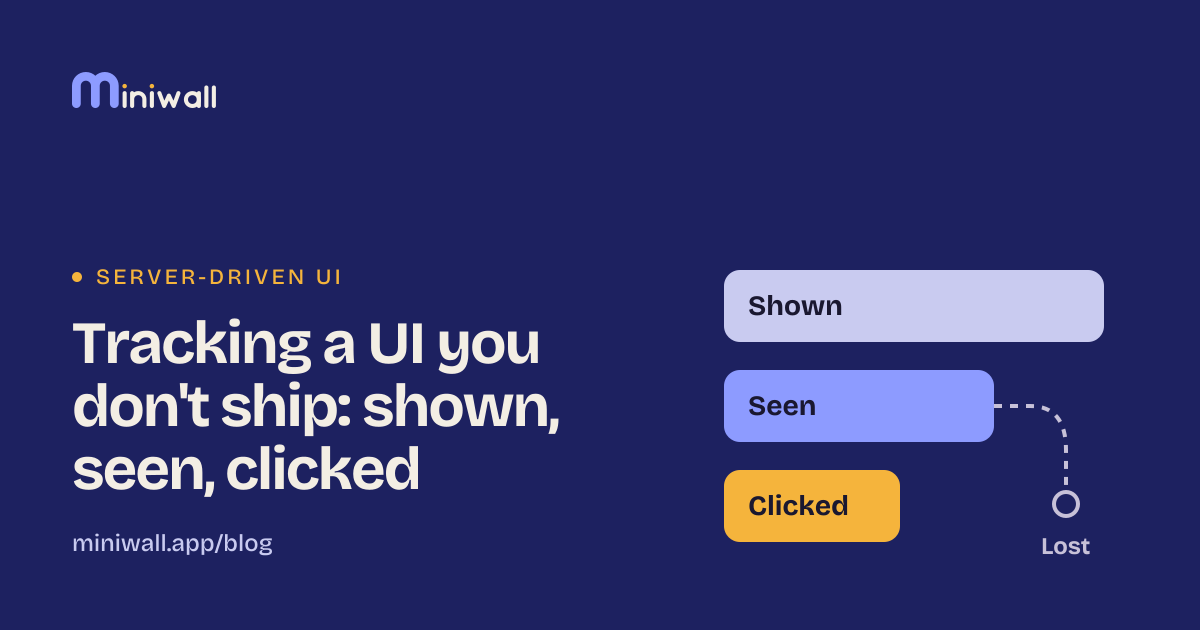
When a server draws the screen, your app can't assume what was shown. How shown, seen and clicked differ, and where events get lost.
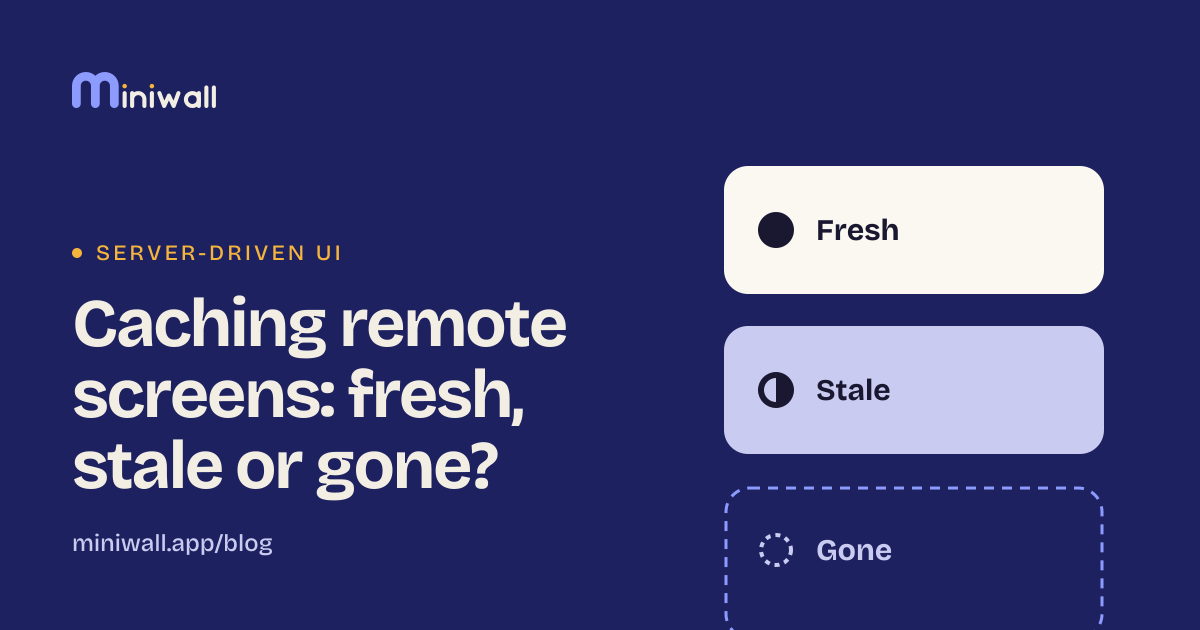
A screen you downloaded is fresh, stale but usable, or gone. How to show it fast, refresh it behind the scenes, and what to do when the network fails.
A working map of server-driven UI for app teams: when to use it for a screen, a region or not at all, then how to build, secure, test and run it.
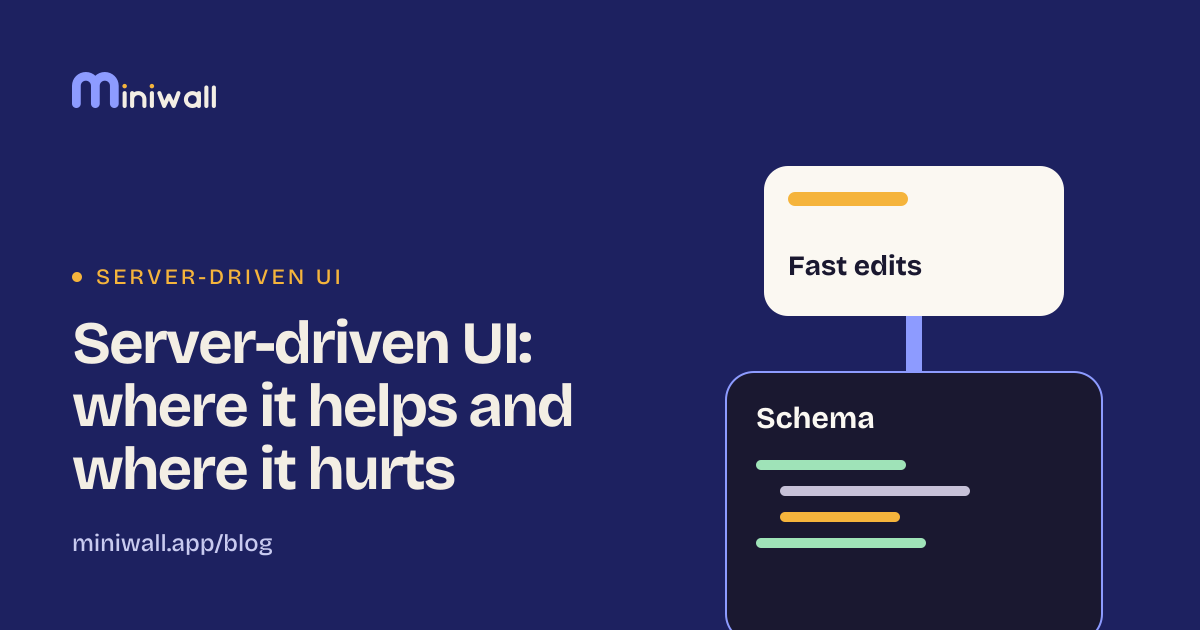
Server-driven UI speeds up changes and adds a schema to maintain. Where it pays off, where it hurts, and when plain native code is the better call.
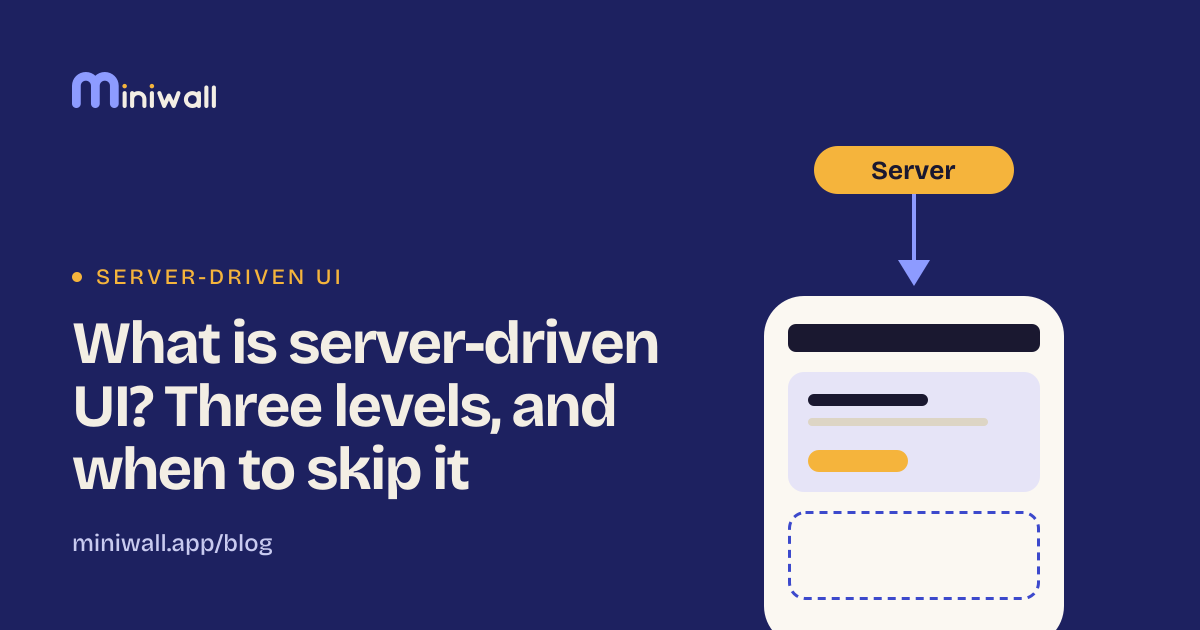
Server-driven UI means the backend describes a screen and the app only draws it. What it is, the three levels of it, and when to skip it.